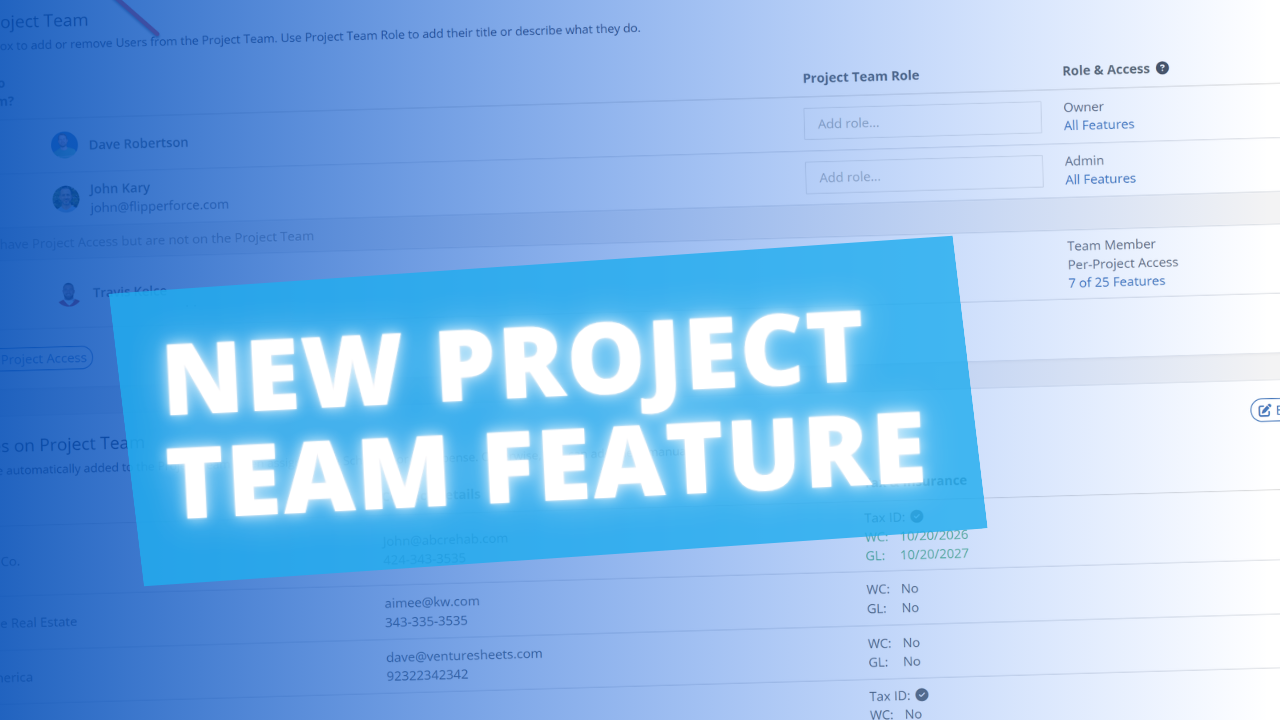
The Project Team module shows you exactly who is actively working on each project — your internal team members, assigned contractors, and linked vendor companies — all in one place with their contact details, roles, and project involvement automatically tracked.
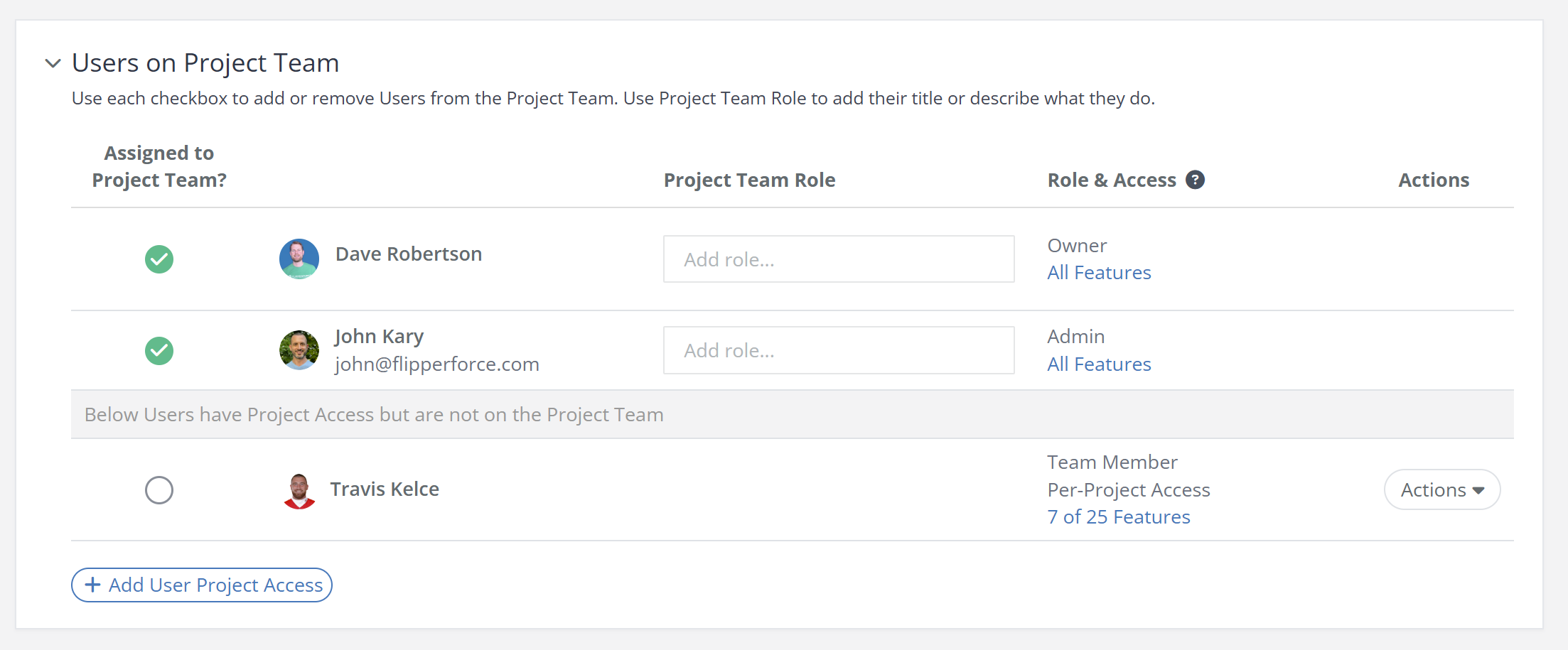
Project Team automatically builds itself based on workspace activity. When someone logs an expense, gets assigned a task, or posts a project update, they're added to the Project Team without any manual setup. It distinguishes between active team members and users who simply have workspace access.
Access the Project Team tab from within any project. Review the current team roster and their assigned roles. Contact team members directly from their profile. See which contractors and vendors are associated with the project, including their company details and total paid to date.
Knowing who is responsible for what — and being able to reach them instantly — is critical for keeping renovations on schedule. The Project Team module eliminates the need to dig through contracts or phone lists to find contact information, and gives you a clear picture of who is active on each project at any given moment.