Task Manager

Learn How To Manage Your Daily Tasks and To-Dos using the Task Manager.

FlipperForce Field is now available!

How it Works

The Task Manager is your project's to-do system — a flexible, assignable task list that tracks everything from minor punch list items to major project milestones. It keeps your team organized and ensures nothing falls through the cracks.

What it does

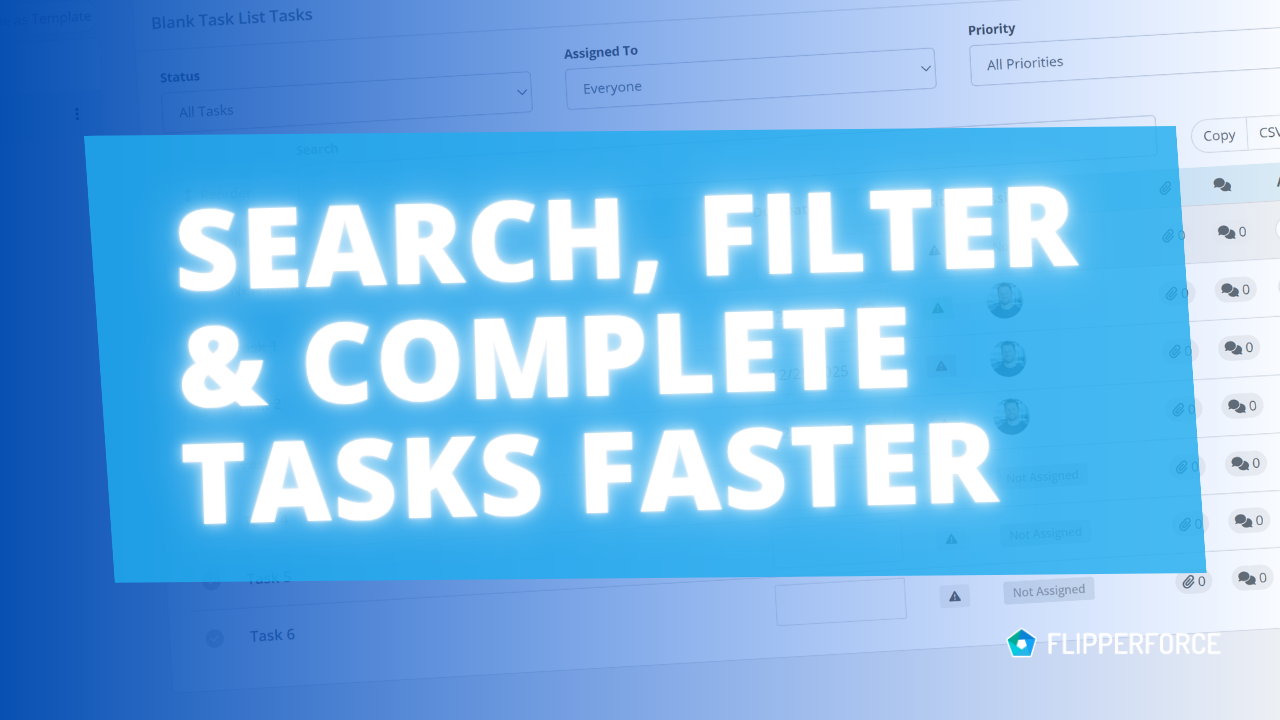
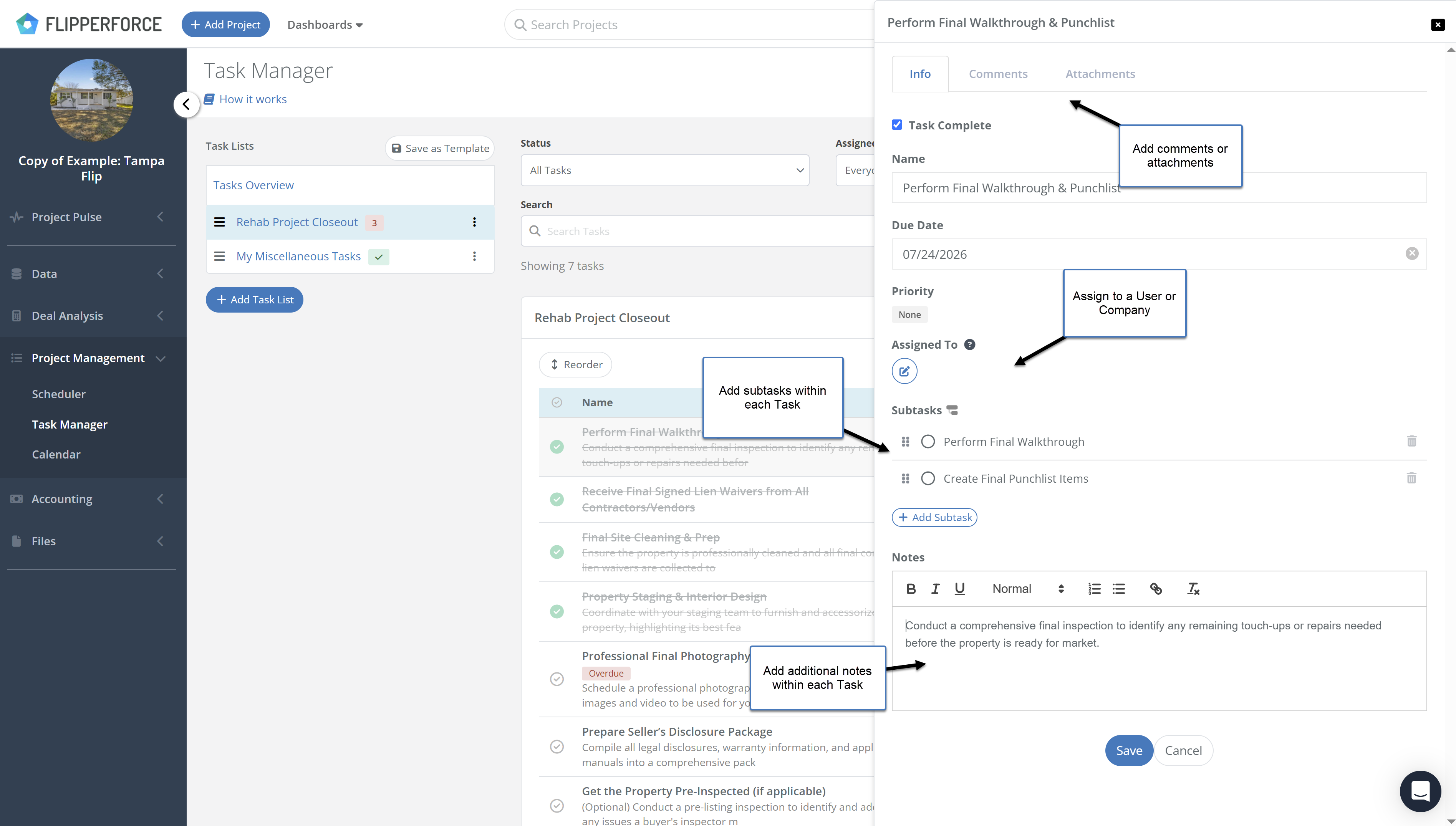
The Task Manager allows you to create tasks, assign them to team members, set due dates, and track completion status. Tasks can be organized into lists, tagged by category, and filtered by assignee or priority. Completed tasks are logged automatically to your Activity Log.

How to use it

Navigate to the Task Manager from within any project. Create task lists to organize work by phase or category. Add tasks with titles, descriptions, assignees, and due dates. Team members can check off tasks as they complete them, and you'll receive notifications when tasks are finished. Use the Workspace Tasks view to see all tasks across every project in one place.

Why it matters

Renovation projects have hundreds of moving parts. Without a structured task management system, critical items get forgotten, follow-ups fall through the cracks, and accountability becomes impossible to enforce. The Task Manager gives every team member a clear daily to-do list — so your projects move forward consistently and on schedule.
Videos

Case Studies

Deep dives into real world real estate examples.
No items found.
Videos

Software Feature Tutorials and Tips

Have Questions?  Ask DaveBot:

Get immediate, feature-specific answers without digging through articles. DaveBot is here 24/7 to provide detailed explanations, troubleshooting tips, and guidance on all FlipperForce tools.
Chat with DaveBot (Be Nice, I'm in Beta)!
Product Updates

Latest Updates

New Task Template Editor!

New Task Template Editor!

Easily edit existing task templates and add subtasks directly from your workspace settings.

New Task Manager Subtasks

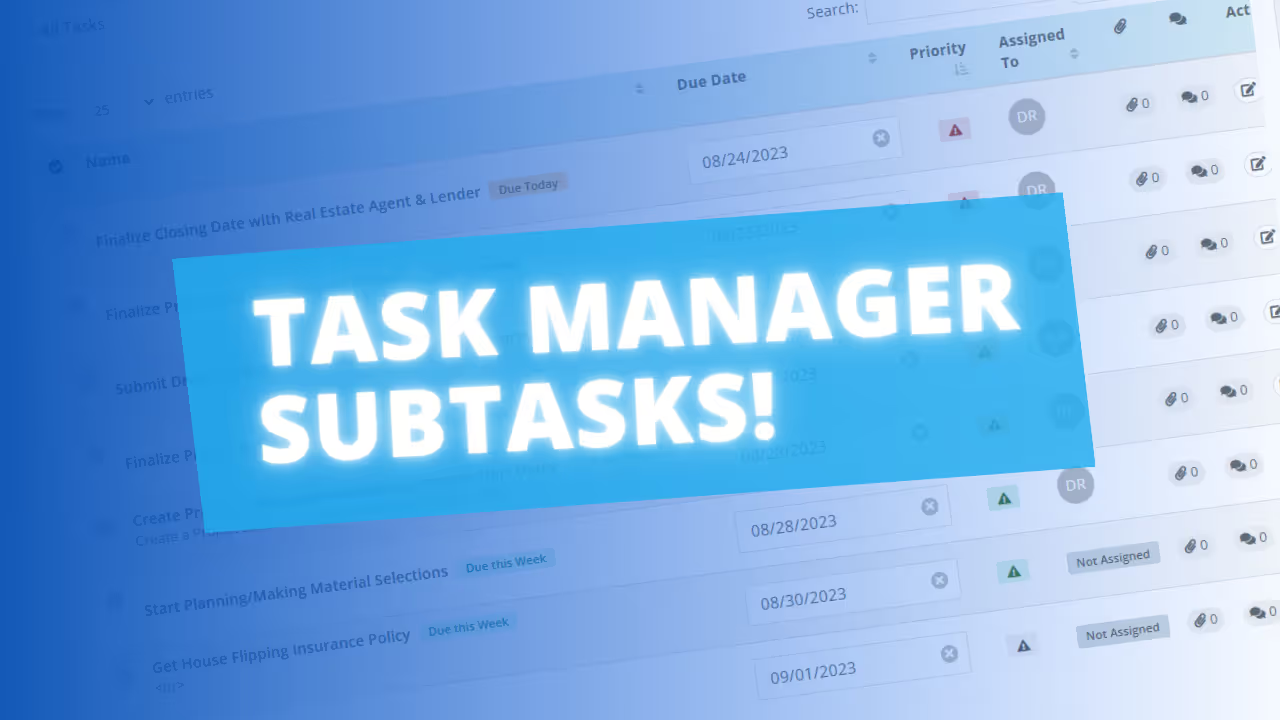
Learn how our new Subtask feature helps you declutter your Task manager.

Drag-and-Drop Task Reordering!

We released a highly-requested update that allows you to easily drag-and-drop and reorder Tasks.

Workspace Tasks: Centralized Task Management Across Projects

Our new Workspace Tasks feature brings all your project tasks into one central hub, eliminating the need to jump between projects.

Improved Daily and Weekly Digest Emails!

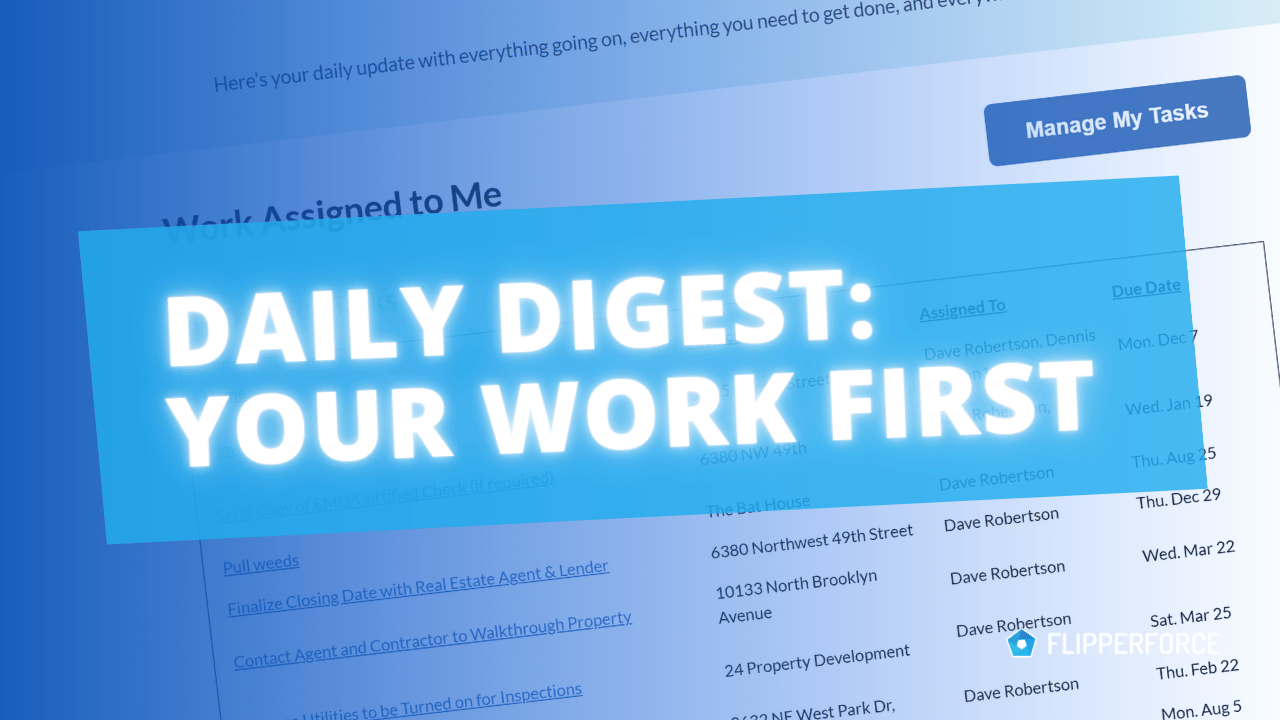
We've made significant improvements to the Daily and Weekly Digest emails to provide the clarity and organization you need to stay on top of your Tasks, Schedules, and Events.

Calendar View Modals Get a Makeover!

Schedule and Task modals in the Calendar view now feature a "Project Header" to clearly indicate the associated project, enhancing clarity when managing multiple projects.