The AI Bulk Expense Importer eliminates the most tedious part of project accounting — manual expense entry. Instead of typing in dozens of transactions one by one, you simply upload your raw financial data and let AI handle the heavy lifting.
The AI Bulk Expense Importer accepts raw data files — bank statements, contractor invoices, credit card exports — and uses AI to parse, categorize, and import your expenses directly into the Expense Tracker. No formatting required before uploading.
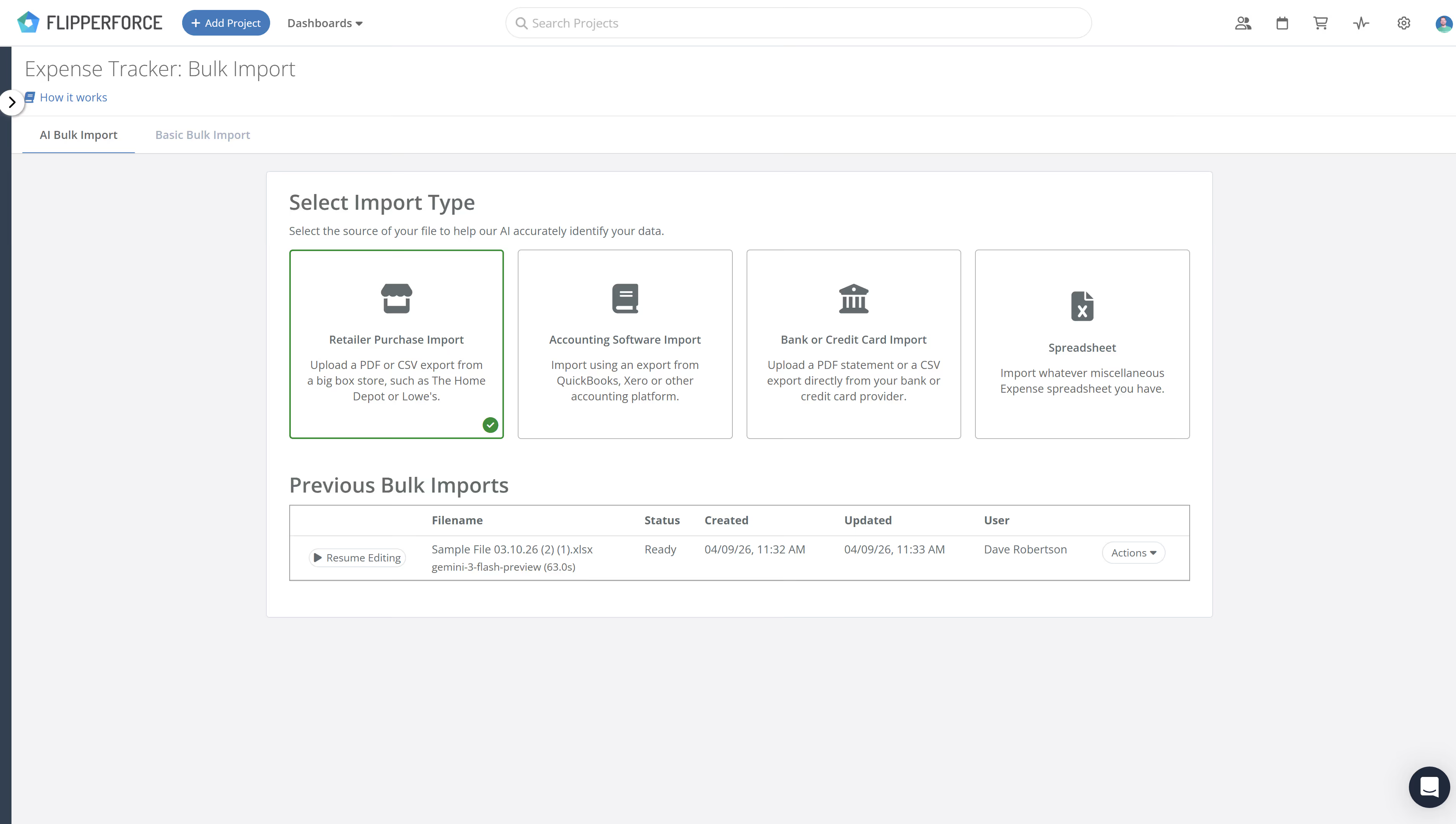
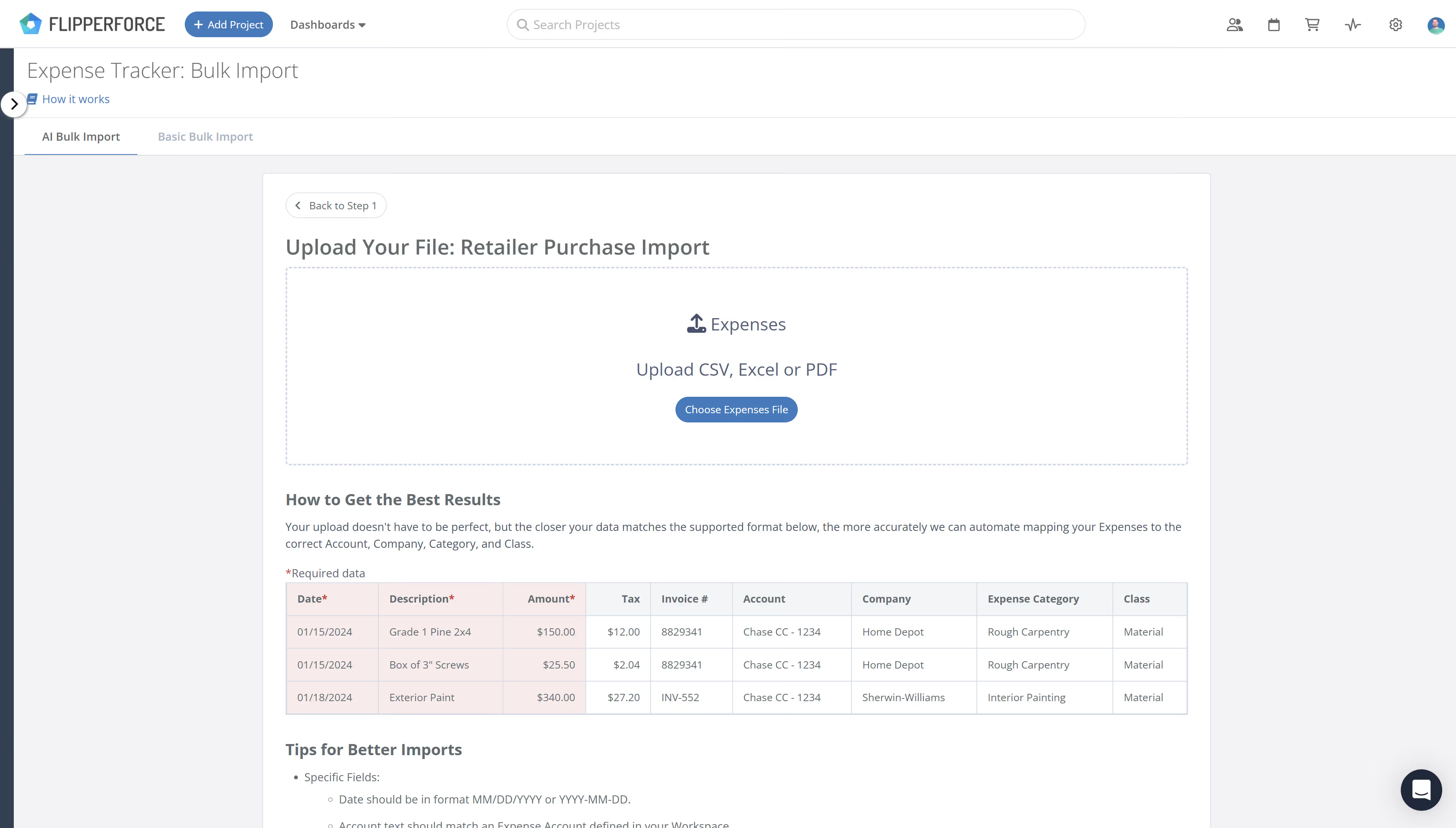
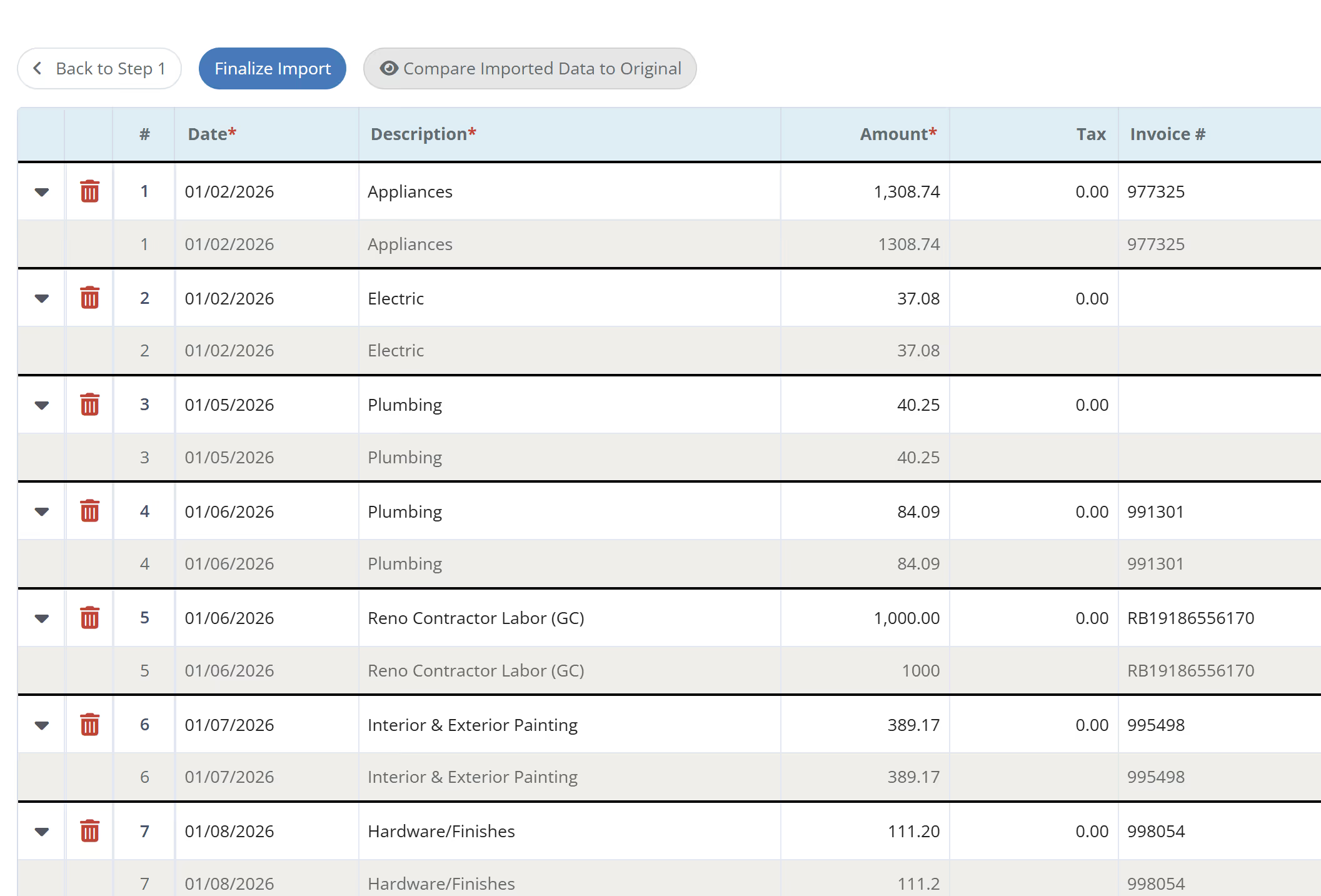
Navigate to your Expense Tracker and select the "Bulk Import" option. Choose your file type (CSV, PDF, or bank export), upload your raw data, and review the AI-parsed results in a side-by-side comparison view before confirming the import. Approve, adjust, or reject individual line items before they're committed to your records.
House flippers deal with hundreds of transactions per project. Manual entry is slow, error-prone, and pulls you away from the deals that actually grow your business. The AI Bulk Expense Importer gives you accurate books in minutes instead of hours — so your accounting stays current without the grind.