Scheduler

Learn How to Create a Project Schedule for your Rehab Projects using our Project Scheduler Tool.

FlipperForce Field is now available!

How it Works

The Scheduler is FlipperForce's Gantt chart-based construction scheduling tool. It allows you to build a full project timeline, assign tasks to contractors and team members, track dependencies between work phases, and monitor progress against your original schedule.

What it does

The Scheduler lets you create a detailed renovation schedule with tasks organized by phase, assigned to specific contractors or team members, and laid out on an interactive Gantt chart. Set start and end dates, link task dependencies, and track completion status as work progresses.

How to use it

Navigate to the Scheduler from within any active project. Create a new schedule by adding phases and tasks. Assign each task to a contractor from your Companies & Contacts. Set durations and dependencies between tasks. Monitor the Gantt chart throughout the renovation and mark tasks complete as work is finished. Tasks automatically sync to the Calendar for a full timeline view.

Why it matters

Every extra day a renovation takes costs you money in holding costs — mortgage, insurance, taxes, and utilities. A well-built schedule keeps contractors accountable, surfaces timeline conflicts before they cause delays, and gives you a clear target for when the property will be ready to list. The Scheduler is the difference between a renovation that closes on time and one that runs months over.
Highlights
Videos

Case Studies

Deep dives into real world real estate examples.
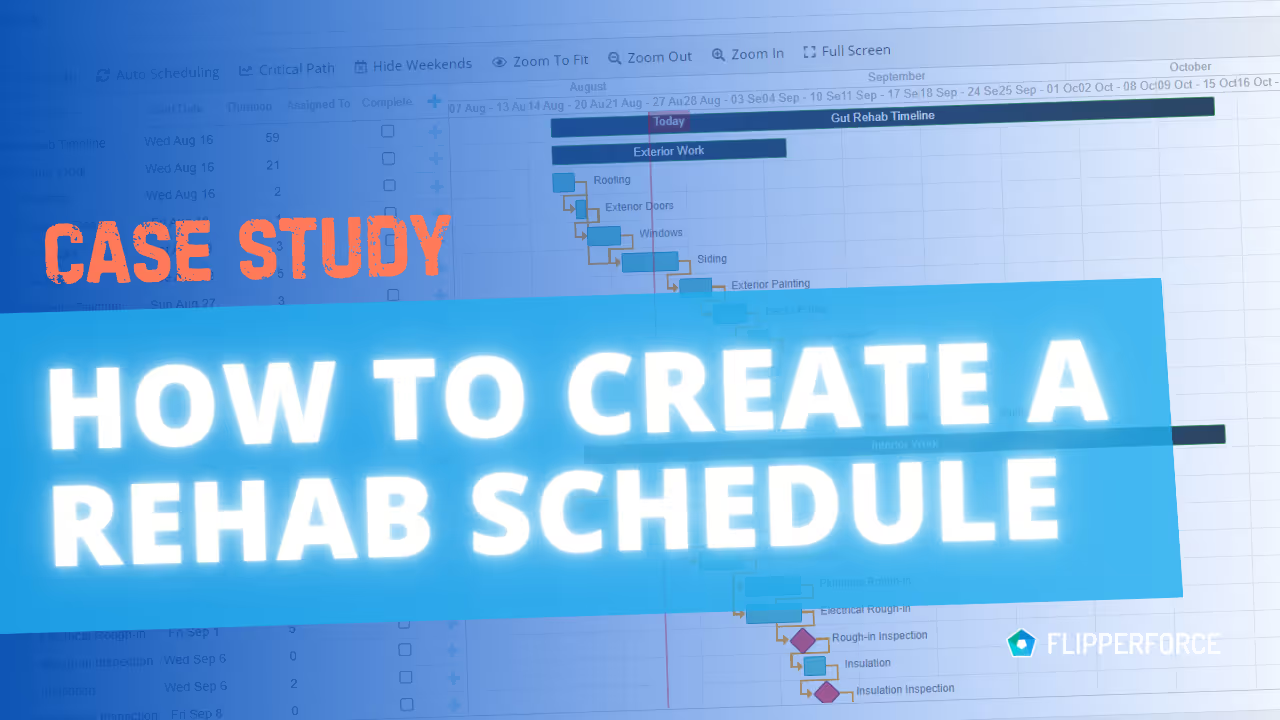
CASE STUDY: How to Create a Schedule for a Rehab Project
Case Study

CASE STUDY: How to Create a Schedule for a Rehab Project

In this Case Study I take a deep dive into the process of creating a project schedule for a rehab project.
Videos

Software Feature Tutorials and Tips

Product Updates

Latest Updates

August 27, 2026
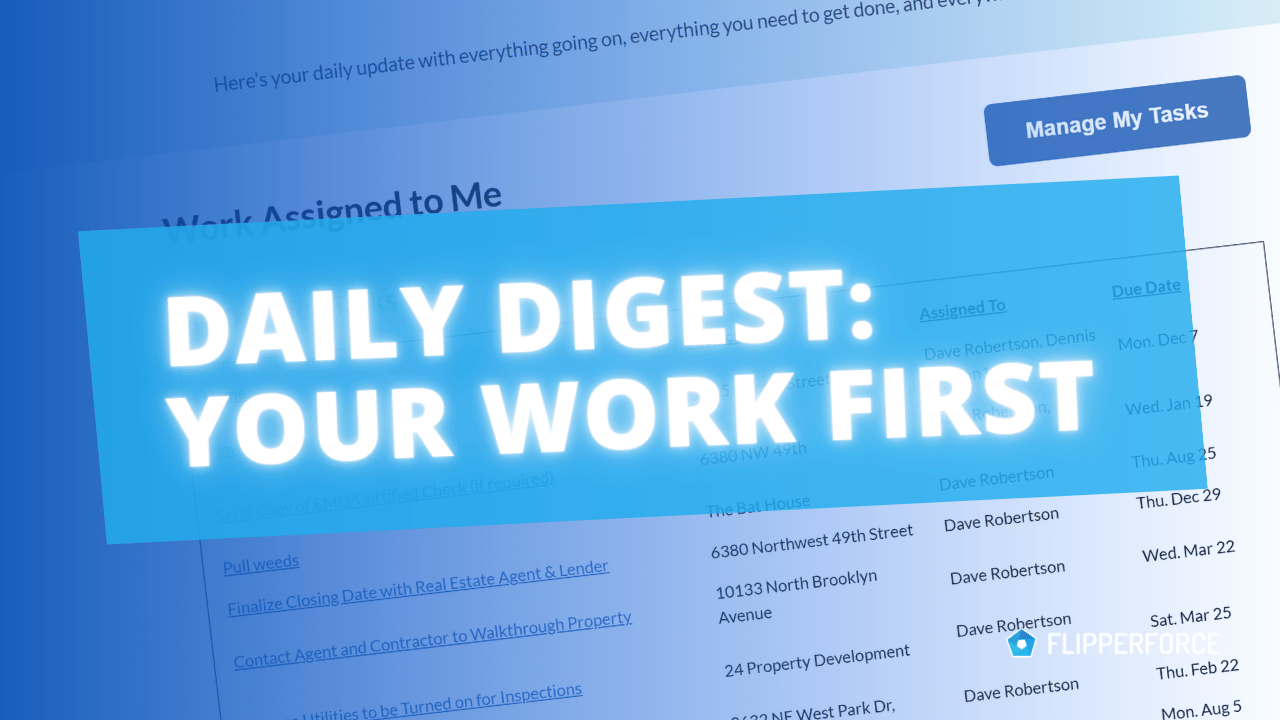
Your Work, Front and Center in the Daily and Weekly Digest
Improved

Your Work, Front and Center in the Daily and Weekly Digest

The Daily and Weekly Digest emails summarize tasks, schedules, and events across your projects. Both now lead with a Work Assigned to Me section, so you see your own overdue, due today, and upcoming work before everything else in the workspace.
Read post
July 24, 2026
Override Auto Scheduling with New Date Lock Feature
Improved

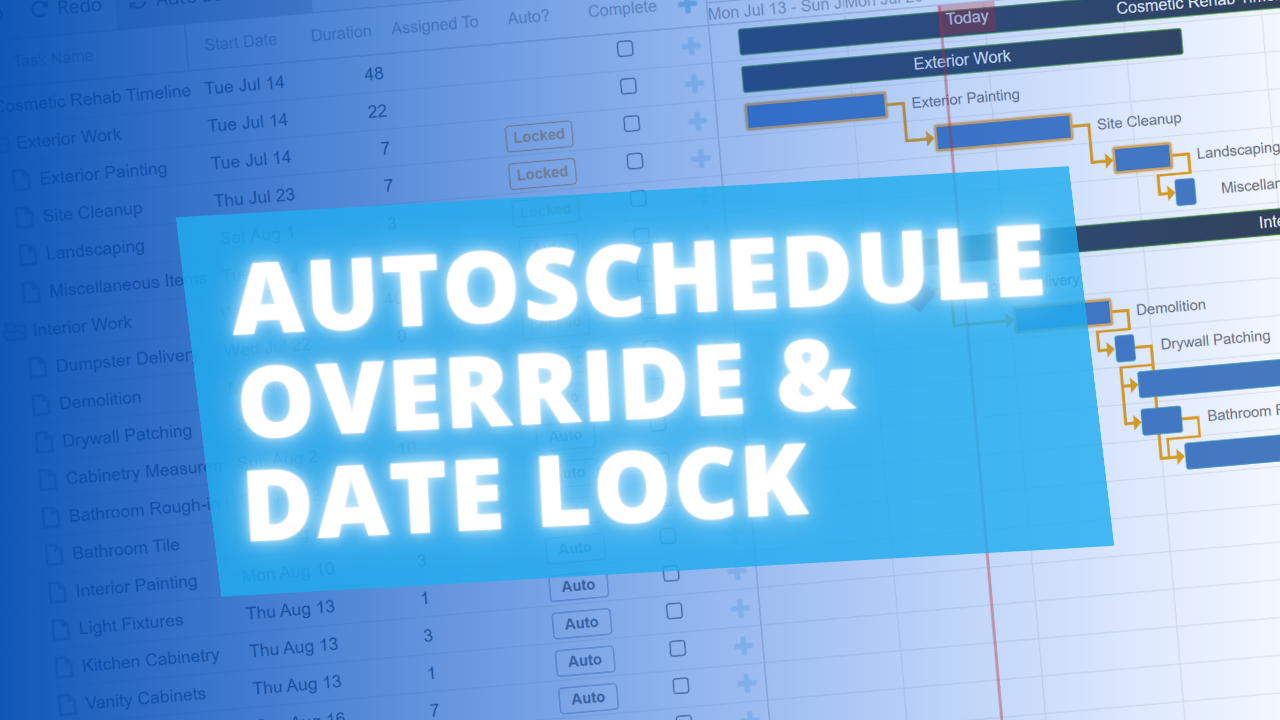
Override Auto Scheduling with New Date Lock Feature

You can now lock any task in the Scheduler to a specific start date, overriding Auto Scheduling for that task. It's perfect for pinning tasks to dates your contractors have committed to, while the rest of your schedule keeps rescheduling automatically around it.
Read post
September 19, 2024
Improved Daily and Weekly Digest Emails!
New Feature

Improved Daily and Weekly Digest Emails!

We've made significant improvements to the Daily and Weekly Digest emails to provide the clarity and organization you need to stay on top of your Tasks, Schedules, and Events.
Read post
August 16, 2024
Calendar View Modals Get a Makeover!
Improved

Calendar View Modals Get a Makeover!

Schedule and Task modals in the Calendar view now feature a "Project Header" to clearly indicate the associated project, enhancing clarity when managing multiple projects.
Read post
January 21, 2021
New Schedule Lag and Lead Options
New Feature

New Schedule Lag and Lead Options

Now you can build Lag and Lead Times into your project schedule dependencies for tasks that need a delay or a head start.
Read post

Chat with DaveBot:
Your Instant FlipperForce Expert

Get immediate, feature-specific answers without digging through articles. DaveBot is here 24/7 to provide detailed explanations, troubleshooting tips, and guidance on all FlipperForce tools.
Chat with DaveBot (Be Nice, I'm in Beta)!