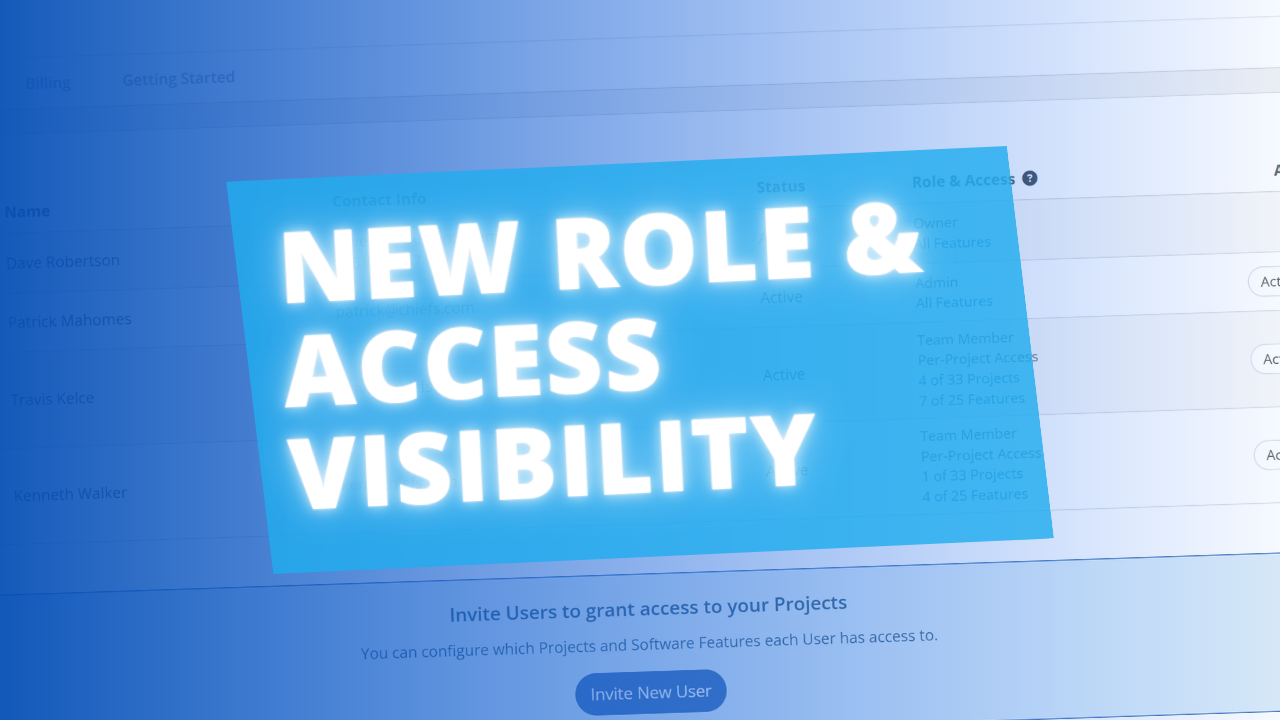
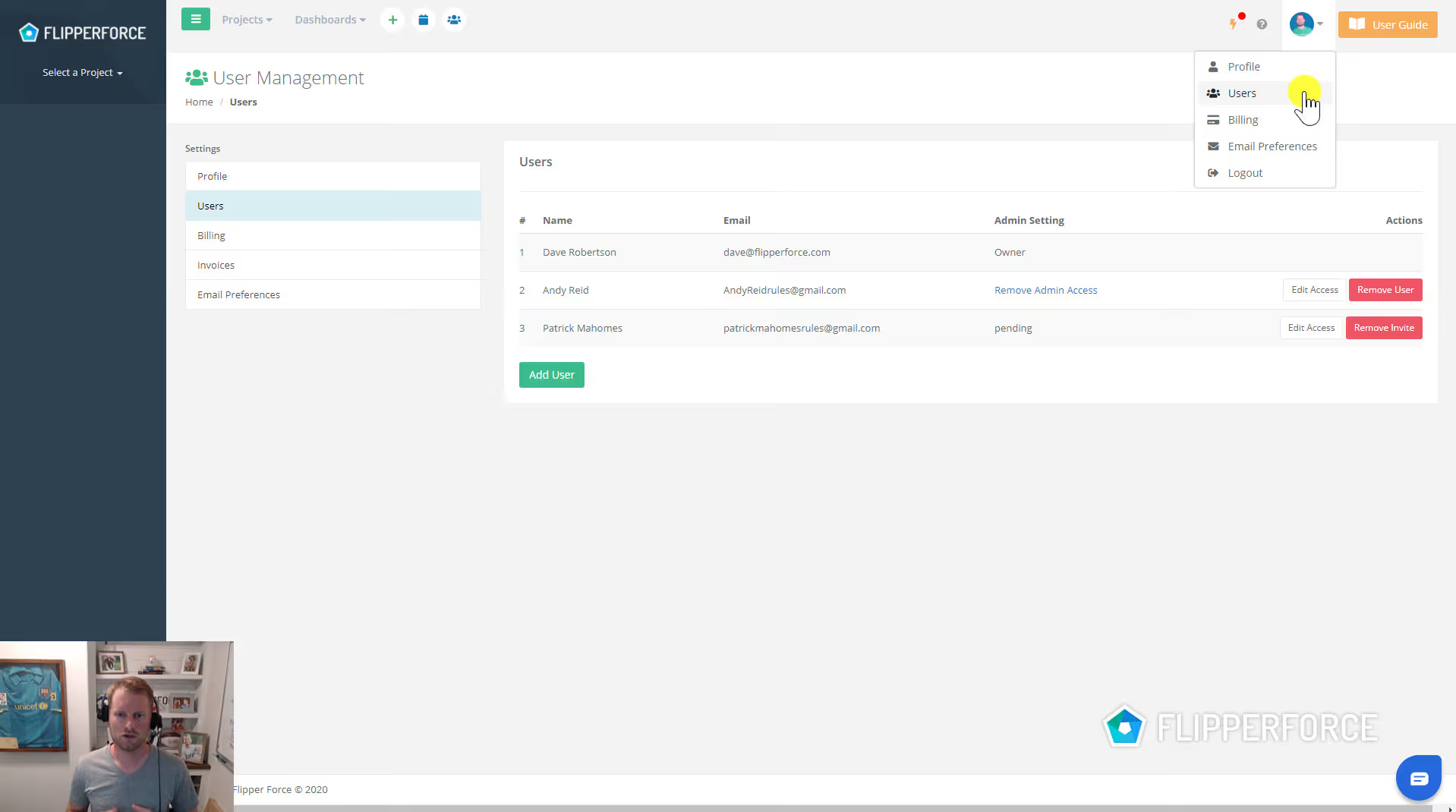
User Management allows workspace administrators to invite team members, assign permission levels, and control who has access to which features and projects within your FlipperForce account.
User Management lets you add new team members by email invitation, assign them a role (Admin, Member, or limited access), and manage their workspace permissions. It's your central control panel for who can see and do what inside your FlipperForce account.
Navigate to Settings and open the User Management section. Invite new team members by entering their email address and selecting their role. Manage existing users by editing their permissions or removing their access as team composition changes. Assign users to specific projects or give them global workspace access depending on their role in your business.
As your real estate operation grows and you bring on team members, partners, or investors, controlling who has access to your financial data and project details becomes critical. User Management gives you the security controls to grow your team confidently — without compromising the privacy or integrity of your workspace data.