Task Manager

Learn How To Manage Your Daily Tasks and To-Dos using the Task Manager.

FlipperForce Field is now available!

How it Works

The Task Manager is your project's to-do system — a flexible, assignable task list that tracks everything from minor punch list items to major project milestones. It keeps your team organized and ensures nothing falls through the cracks.

What it does

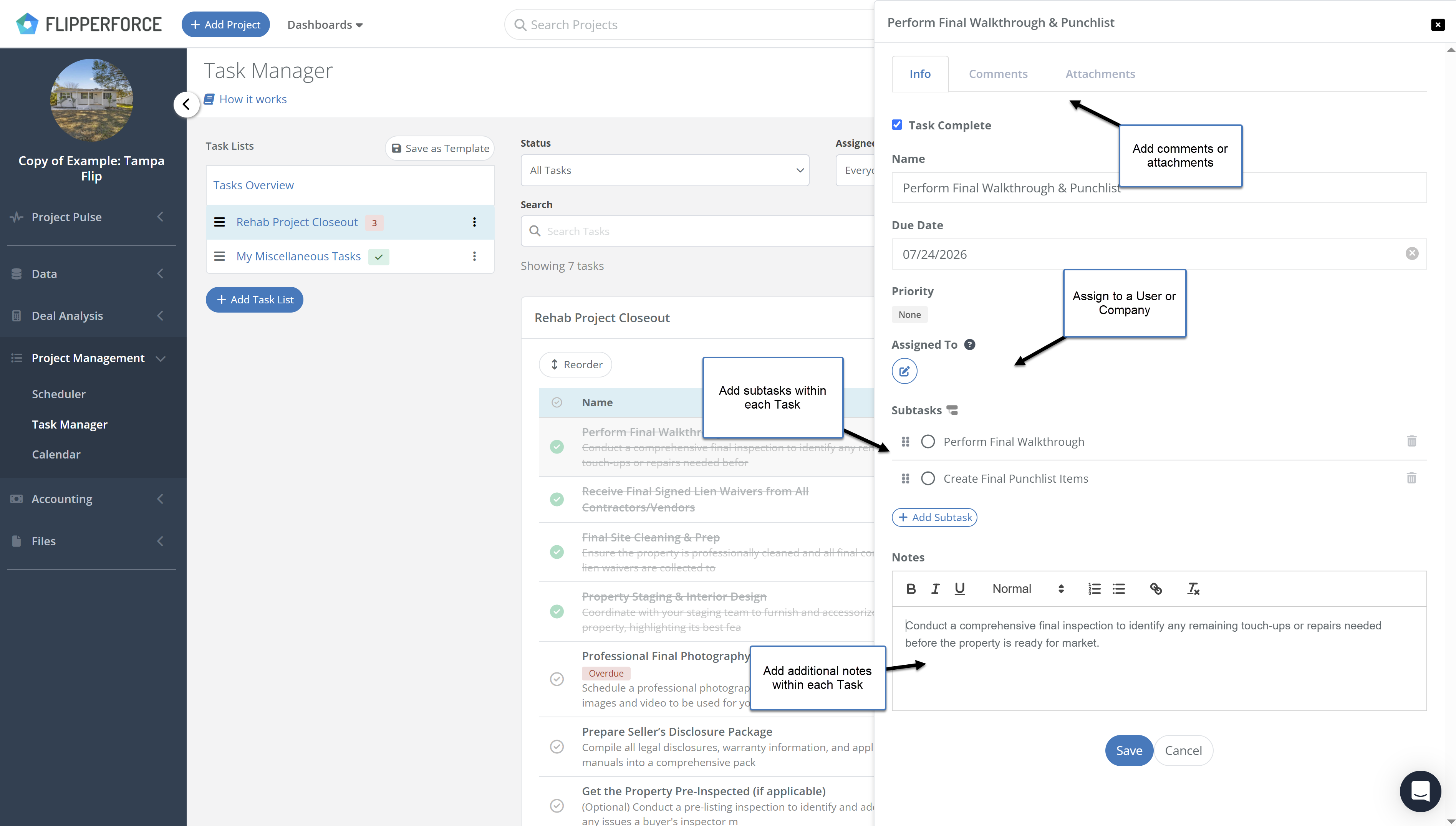
The Task Manager allows you to create tasks, assign them to team members, set due dates, and track completion status. Tasks can be organized into lists, tagged by category, and filtered by assignee or priority. Completed tasks are logged automatically to your Activity Log.

How to use it

Navigate to the Task Manager from within any project. Create task lists to organize work by phase or category. Add tasks with titles, descriptions, assignees, and due dates. Team members can check off tasks as they complete them, and you'll receive notifications when tasks are finished. Use the Workspace Tasks view to see all tasks across every project in one place.

Why it matters

Renovation projects have hundreds of moving parts. Without a structured task management system, critical items get forgotten, follow-ups fall through the cracks, and accountability becomes impossible to enforce. The Task Manager gives every team member a clear daily to-do list — so your projects move forward consistently and on schedule.
Videos

Software Feature Tutorials and Tips

Product Updates

Latest Updates

November 2, 2026
Manage Your Tasks from Claude, Grok, and Other AI Agents with the New Tasks API
New Feature

Manage Your Tasks from Claude, Grok, and Other AI Agents with the New Tasks API

FlipperForce's Public API now includes Tasks. Create, update, and delete tasks and subtasks from Claude, Grok, or any outside system without logging into the web app.
Read post
October 27, 2026
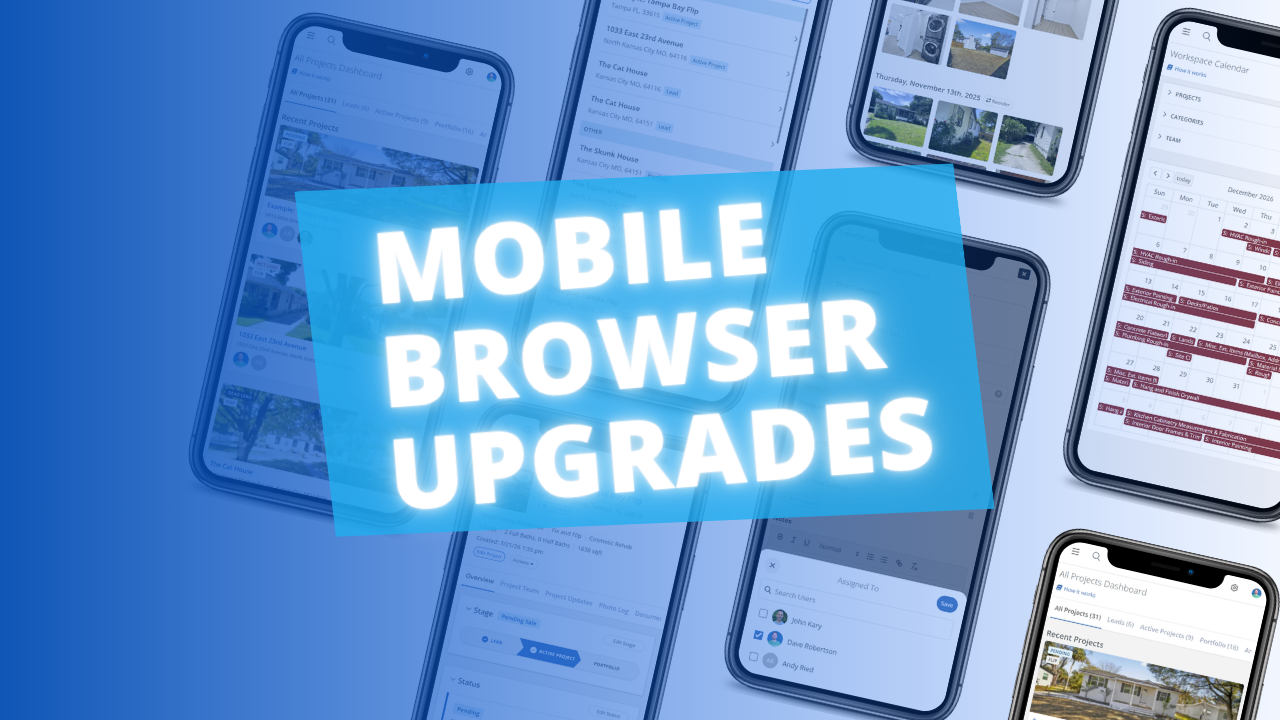
A Better FlipperForce Experience in Your Phone's Browser
Improved

A Better FlipperForce Experience in Your Phone's Browser

The FlipperForce web app is now much easier to use in your phone's browser. Date pickers, menus, the Scheduler, the Task Manager and the Photo Log have all been reworked to fit a small screen and work well with your phone's keyboard.
Read post
October 14, 2026
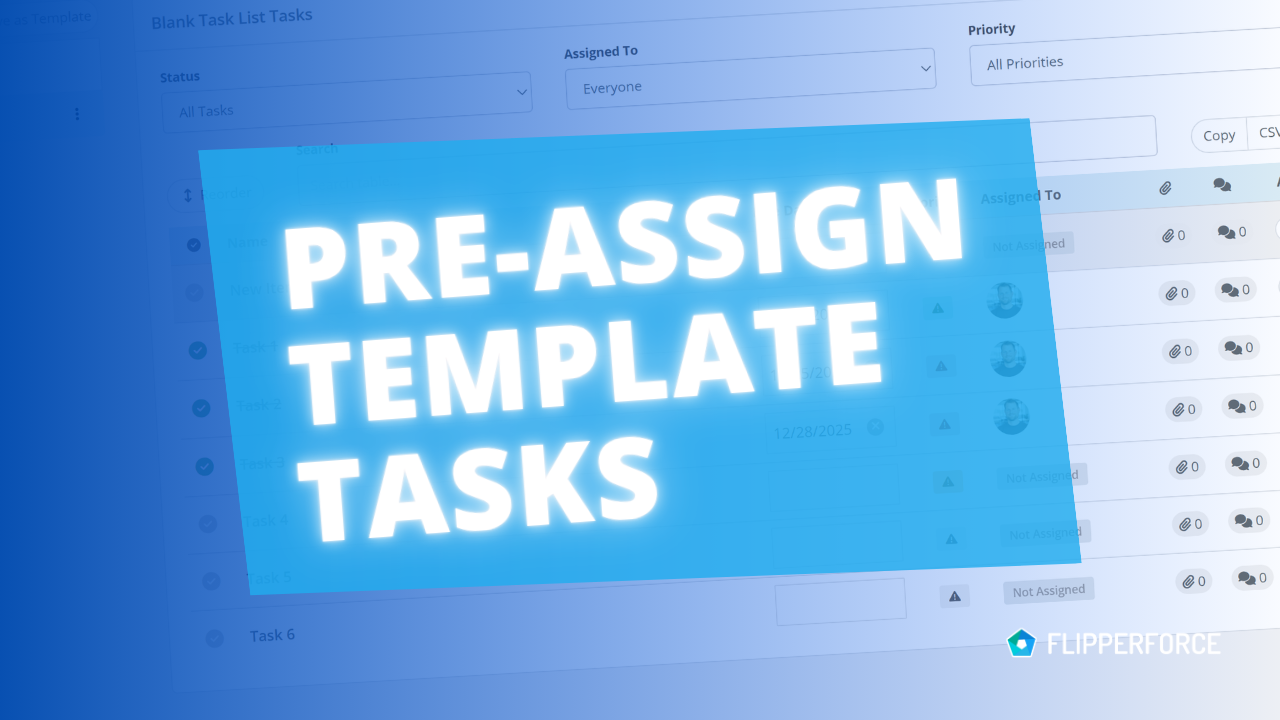
Pre-Assign Team Members in Your Task Templates
Improved

Pre-Assign Team Members in Your Task Templates

You can now pre-assign team members to the tasks in your Task Templates. Every time you load that template into a project, each task is already assigned to the right person.
Read post
October 12, 2026
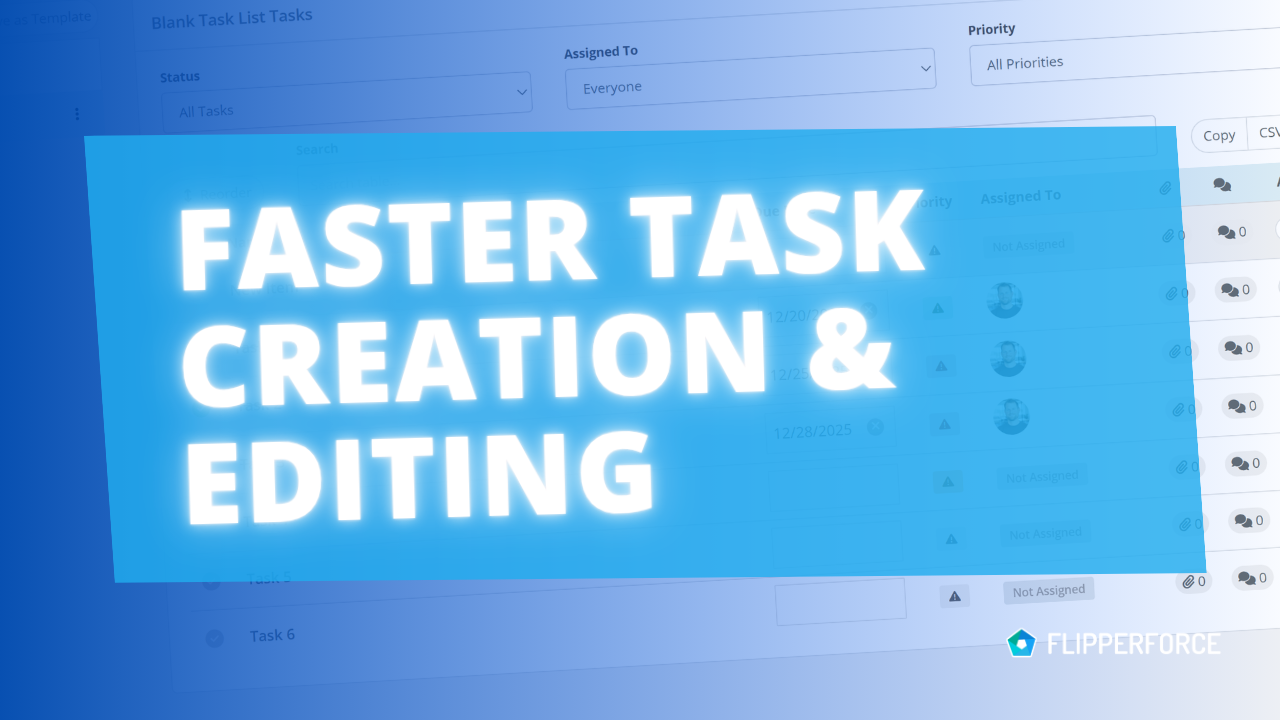
Add Tasks Faster with Inline Entry and Auto-Save
Improved

Add Tasks Faster with Inline Entry and Auto-Save

Building a task list in the Task Manager is now much faster. You can add tasks inline, one after another, and every change saves automatically.
Read post
August 27, 2026
Your Work, Front and Center in the Daily and Weekly Digest
Improved

Your Work, Front and Center in the Daily and Weekly Digest

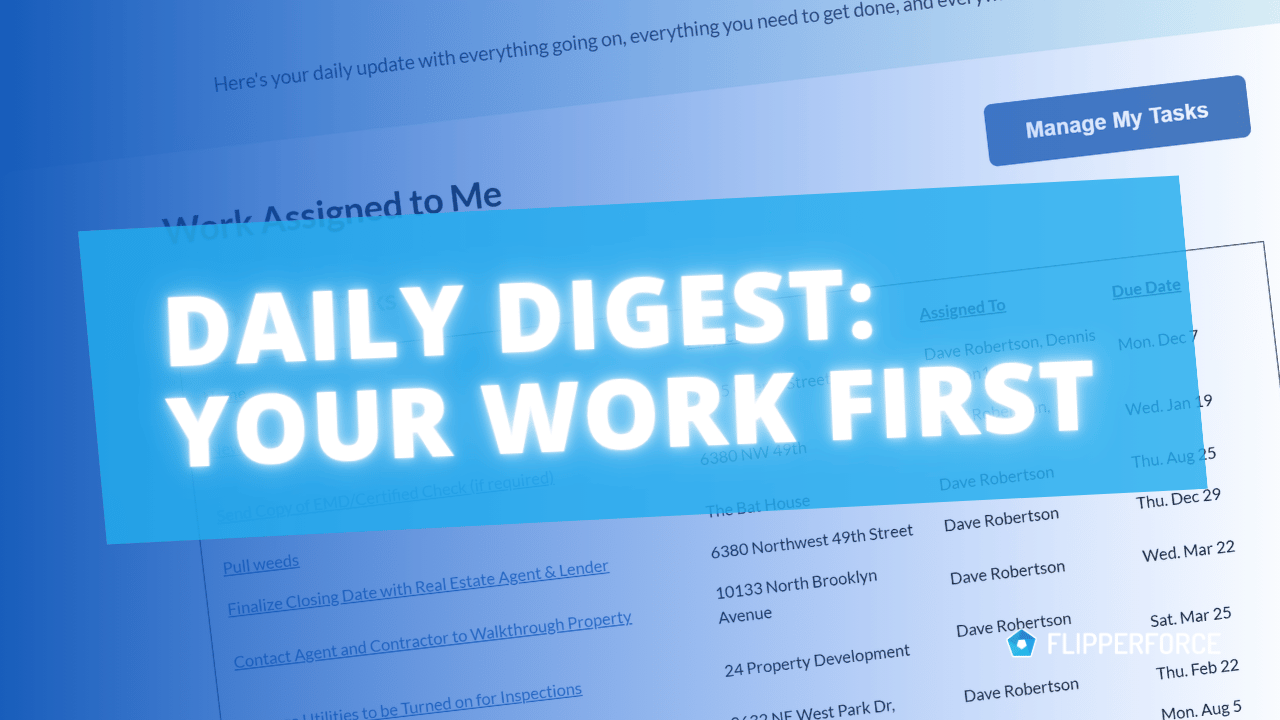
The Daily and Weekly Digest emails summarize tasks, schedules, and events across your projects. Both now lead with a Work Assigned to Me section, so you see your own overdue, due today, and upcoming work before everything else in the workspace.
Read post

Chat with DaveBot:
Your Instant FlipperForce Expert

Get immediate, feature-specific answers without digging through articles. DaveBot is here 24/7 to provide detailed explanations, troubleshooting tips, and guidance on all FlipperForce tools.
Chat with DaveBot (Be Nice, I'm in Beta)!