


The Task Manager is your project's to-do system — a flexible, assignable task list that tracks everything from minor punch list items to major project milestones. It keeps your team organized and ensures nothing falls through the cracks.
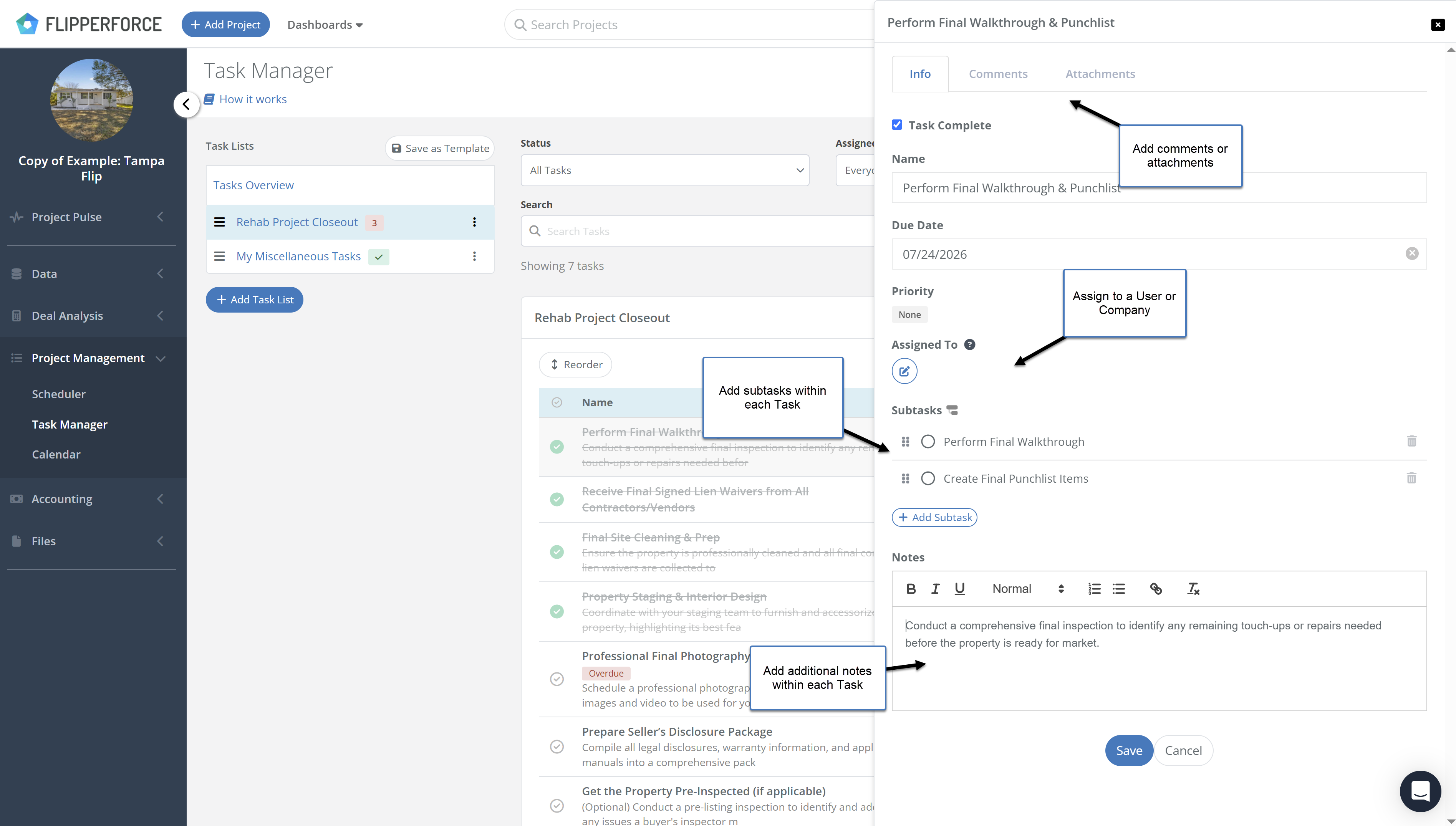
The Task Manager allows you to create tasks, assign them to team members, set due dates, and track completion status. Tasks can be organized into lists, tagged by category, and filtered by assignee or priority. Completed tasks are logged automatically to your Activity Log.
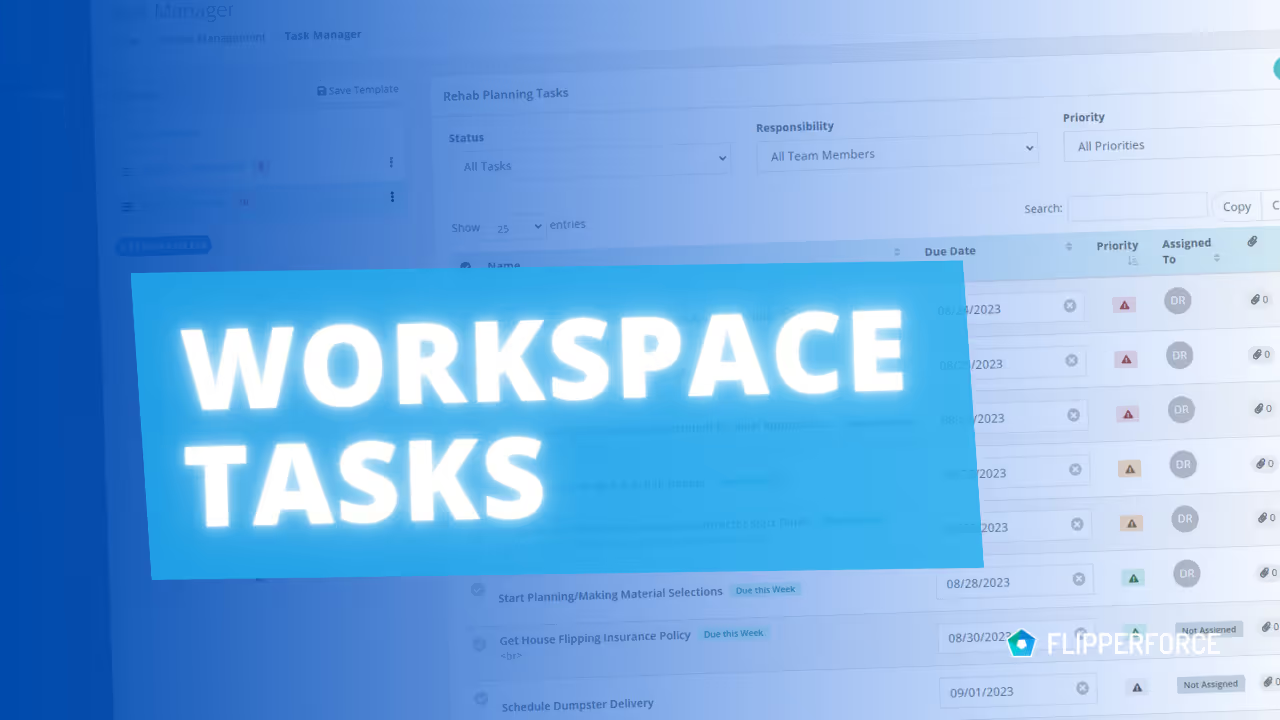
Navigate to the Task Manager from within any project. Create task lists to organize work by phase or category. Add tasks with titles, descriptions, assignees, and due dates. Team members can check off tasks as they complete them, and you'll receive notifications when tasks are finished. Use the Workspace Tasks view to see all tasks across every project in one place.
Renovation projects have hundreds of moving parts. Without a structured task management system, critical items get forgotten, follow-ups fall through the cracks, and accountability becomes impossible to enforce. The Task Manager gives every team member a clear daily to-do list — so your projects move forward consistently and on schedule.

.avif)