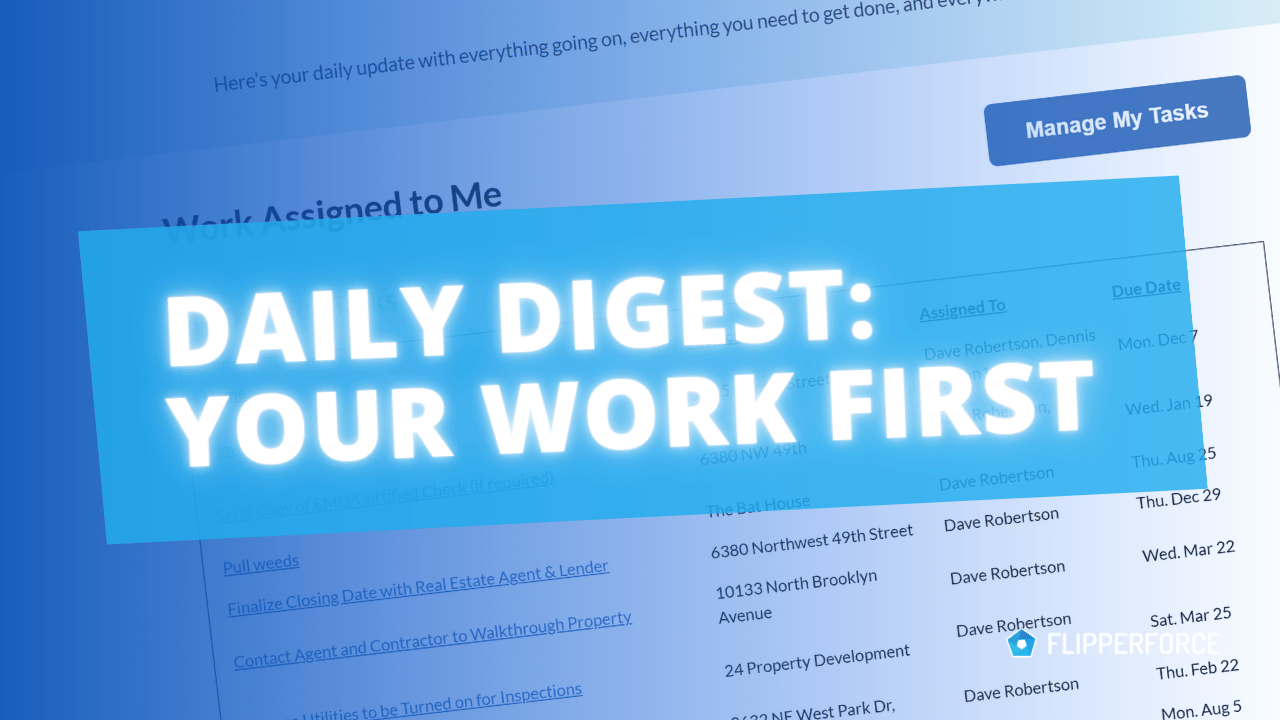
FlipperForce sends a Daily Digest every morning and a Weekly Digest every Sunday night, summarizing the tasks, schedule items, and events across all of your projects. Both emails now lead with the work assigned to you.
Before, every task in the workspace showed up in one combined list. If you had a few team members across a few active projects, finding your own work meant reading the entire email. There was no Assigned To column, so there was no way to tell whose task was whose.
This came directly from a customer who wanted a more focused daily update for his guys in the field. A superintendent checking his phone at 7am does not need to read through the bookkeeper's task list to find out he has a rough-in inspection at 10.
What's New
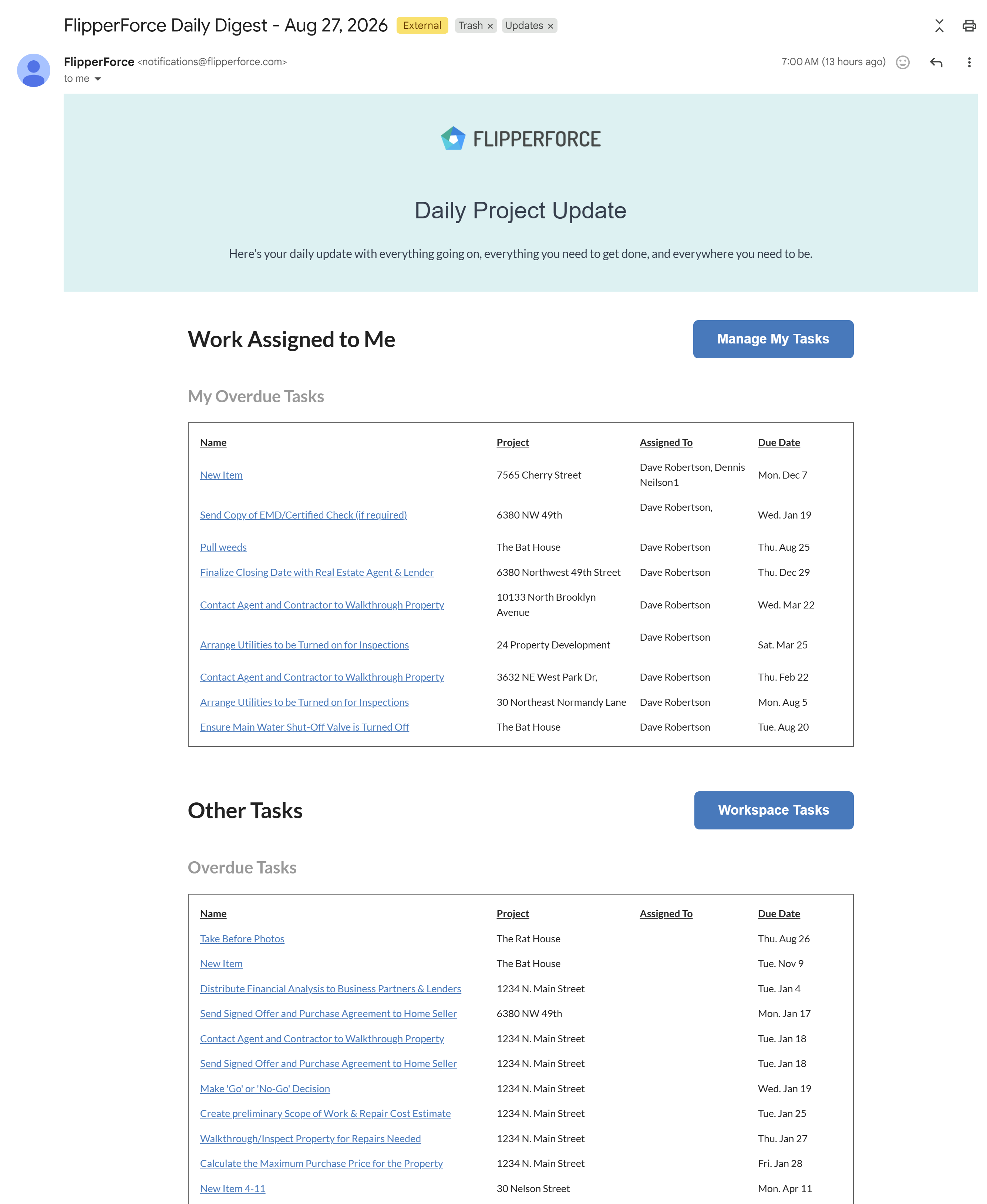
Work Assigned to Me sits at the top of both emails. Your overdue tasks, your tasks due today, and your schedule tasks are all in one place.
Upcoming Work Assigned to Me gives you the look ahead for your own tasks and schedule items.
Other Tasks moved to the bottom. This covers tasks assigned to other team members and any tasks that are still unassigned, so you keep visibility across the project without it burying your own work.
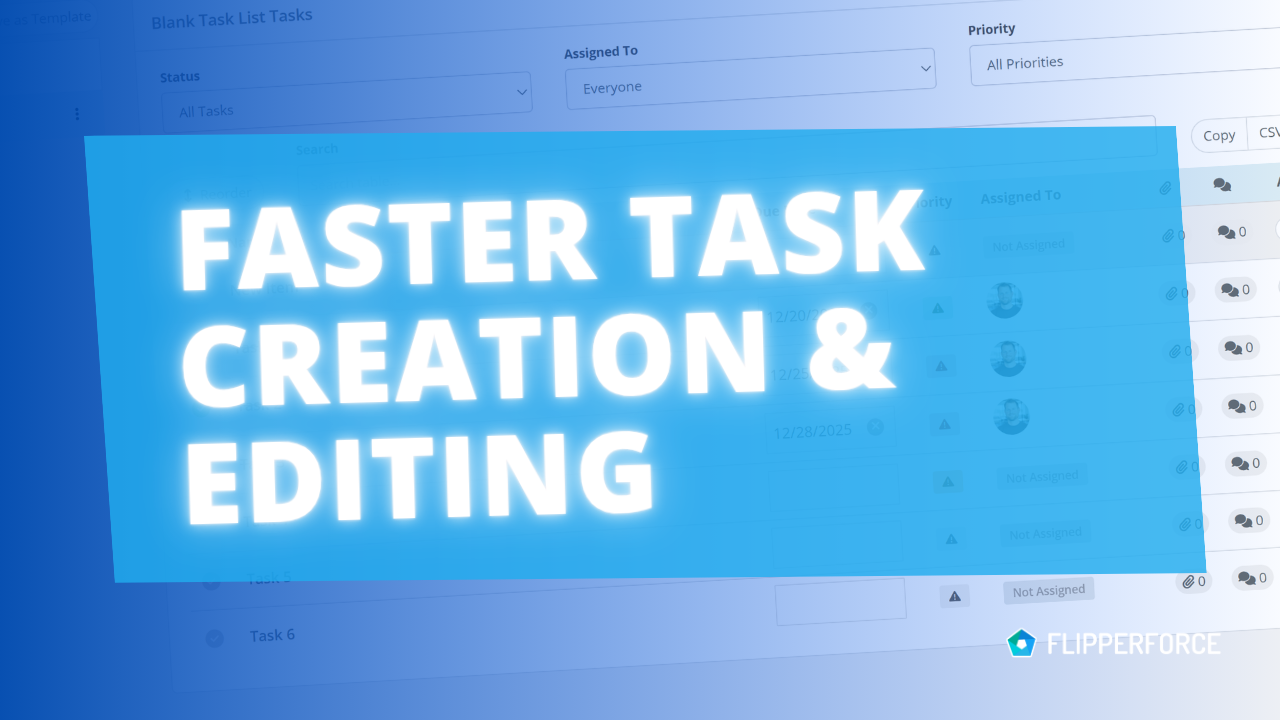
An Assigned To column was added to the task tables so you can see who owns what at a glance.
Manage My Tasks and Workspace Tasks buttons take you straight into the app from the email.
Daily vs. Weekly
Both digests got the same treatment, but they answer different questions.
Daily Digest arrives every morning around 7am. It focuses on what is overdue and what is due today.
Weekly Digest arrives Sunday night. It looks ahead at everything that needs to get done in the coming work week.
How You Could Use This
Field superintendents and PMs - Open the email in the truck and see exactly what you own today before you get on site.
Workspace owners - Use the top section as your own punch list, then scan Other Tasks to catch work slipping on someone else's plate.
Solo flippers - Overdue, due today, and the week ahead are now three separate lists instead of one pile.
Sunday planning - Use the Weekly Digest to line up contractors and material orders before the week starts.
No setup required. Your next digest will use the new format.
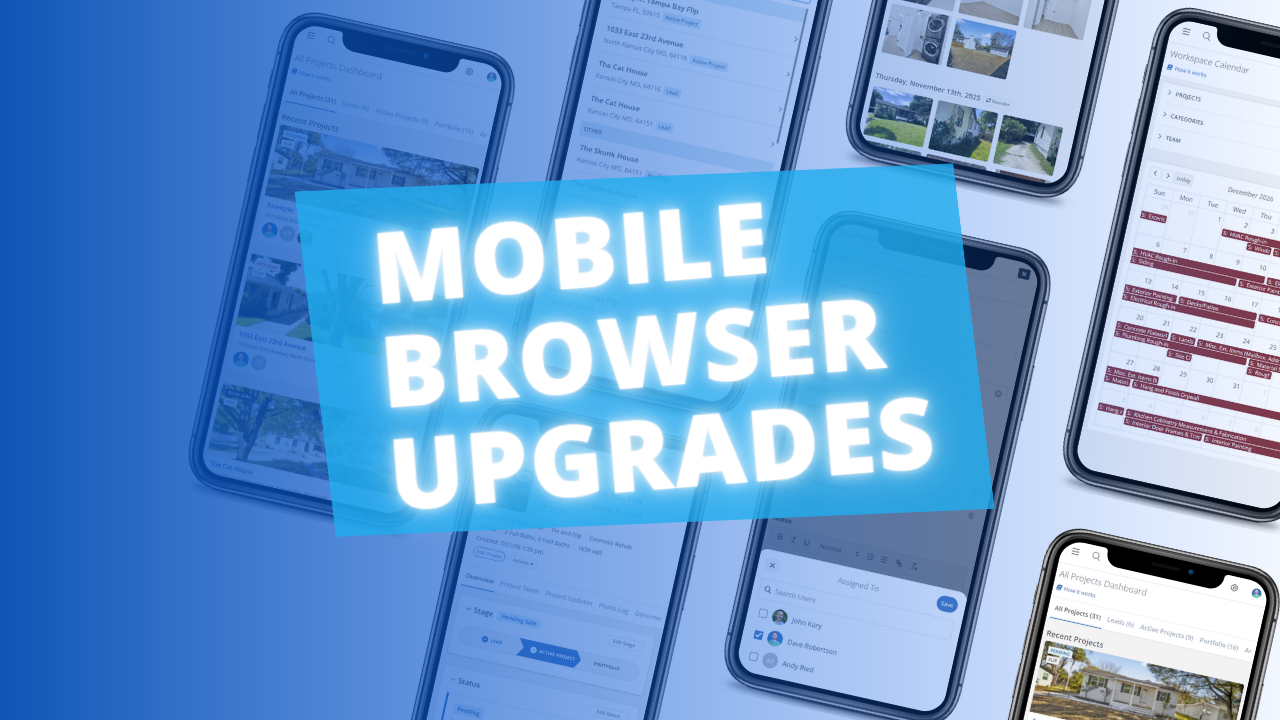
The FlipperForce web app is now much easier to use in your phone's browser. Date pickers, menus, the Scheduler, the Task Manager and the Photo Log have all been reworked to fit a small screen and work well with your phone's keyboard.
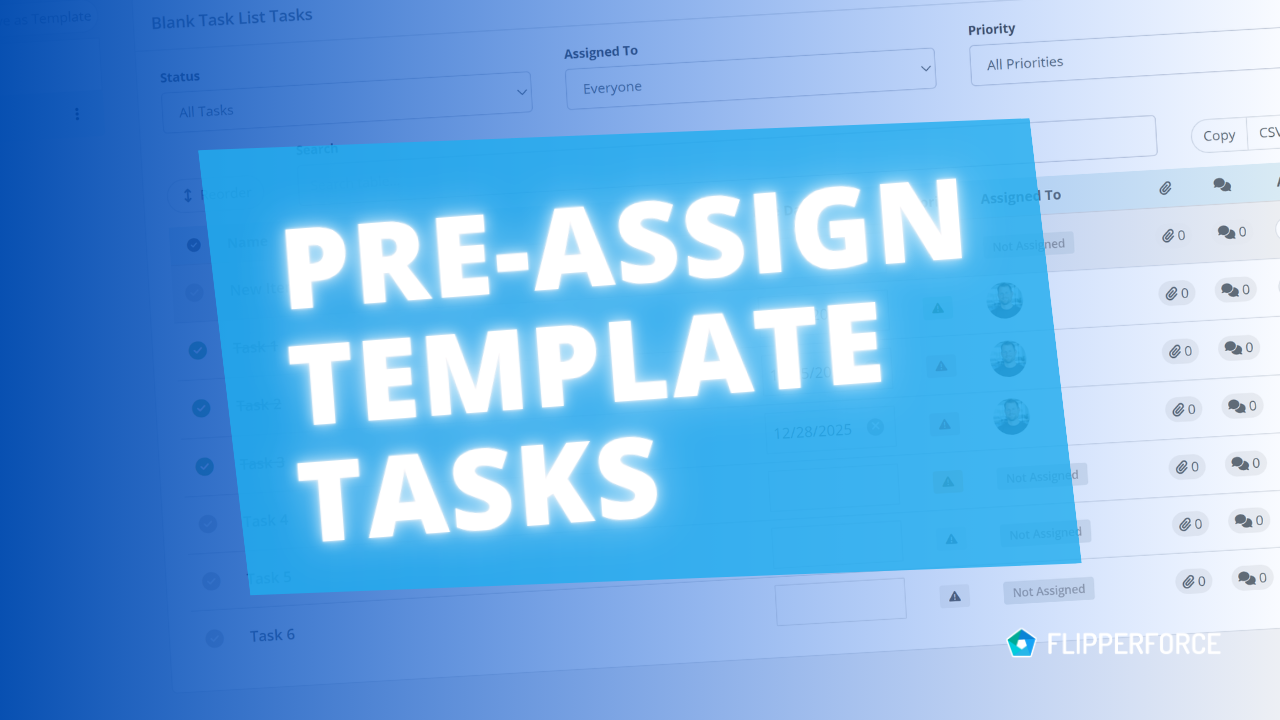
You can now pre-assign team members to the tasks in your Task Templates. Every time you load that template into a project, each task is already assigned to the right person.
The FlipperForce Field mobile app now uploads photos and receipts faster and more reliably on iOS and Android. A new My Recent Uploads inbox lets you track progress, retry failed items, and run multiple upload batches at once.
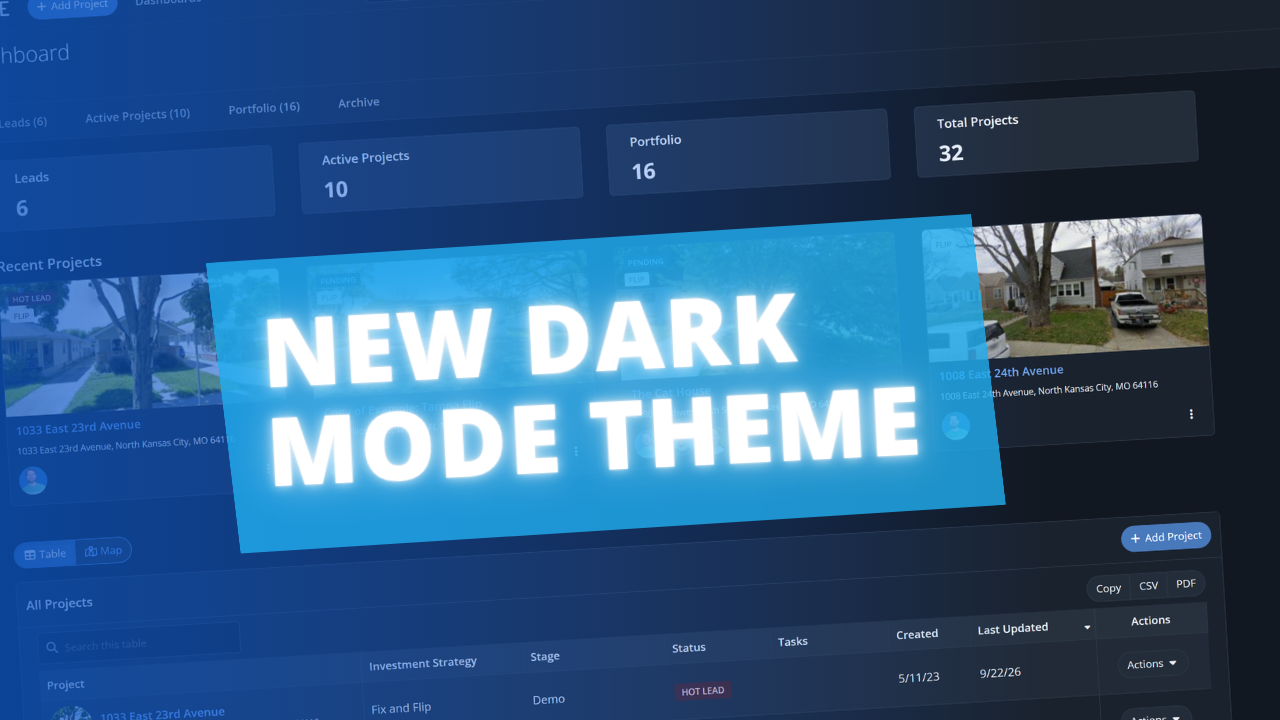
FlipperForce now has a full dark theme across the web app and the FlipperForce Field mobile app. Choose Light, Dark, or System to match how and where you work.