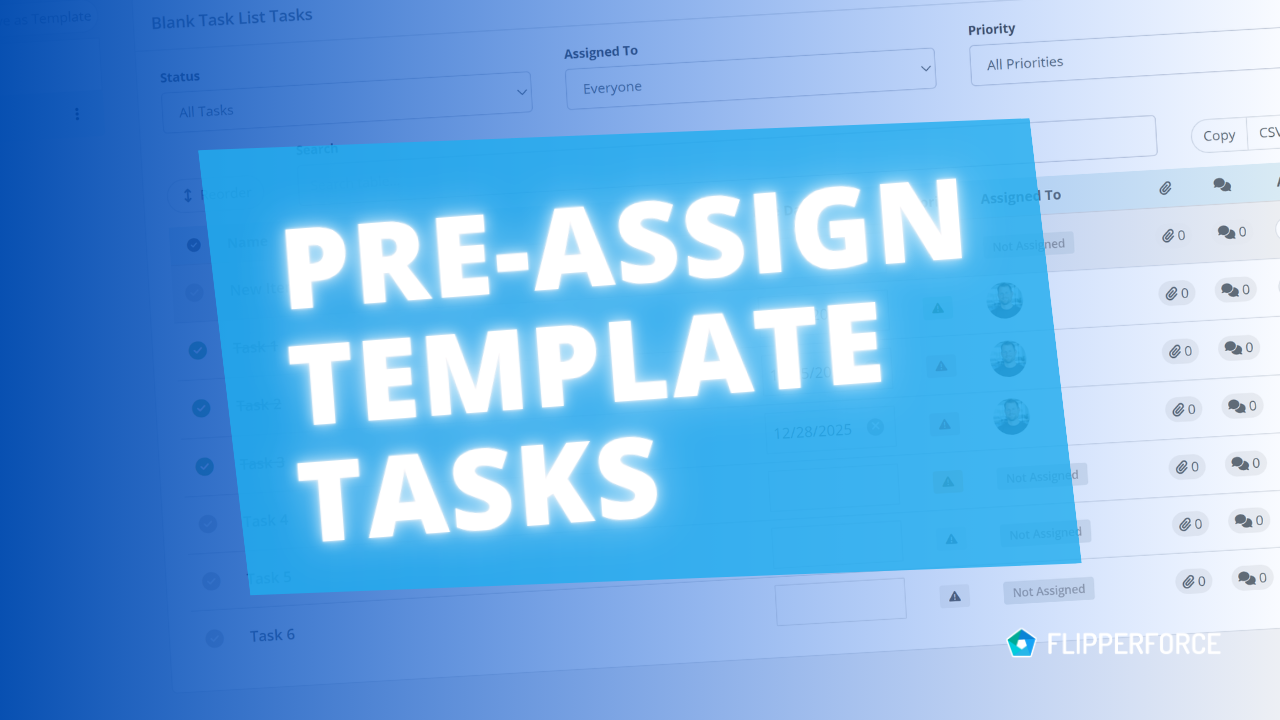
You can now pre-assign team members to the tasks in your Task Templates. Set the person responsible for each task one time in the template. Every time you load that template into a project, each task is already assigned to the right person, so you don’t have to assign tasks by hand. When the same people are always responsible for the same tasks, this saves a lot of manual setup on every project.

This came directly from Business plan customers who run every project off the same templates.

What’s New

  • ‍Assigned To field is now supported in the Task Template editor. Choose the Team Member responsible for each task right in the template.
  • ‍Tasks load in already assigned to Team Members. When you load the template into a project, each task is assigned to the person you picked, and that person gets the usual assignment email.
  • ‍Saving a template keeps the assignees. When you use Save as Template on a project’s task list, the people assigned in that project are saved in the template too.

How to Set It Up

  • Go to Workspace Settings and click Task Templates.
  • Open an existing Task template and click into the Assigned To field on any task.
  • Select the Team Member and save.

Don’t have a template yet? Build a task list in any project and click Save as Template. Anyone assigned in that list is saved with the template.

How You Could Use This

Most flips follow the same steps every time. Task Templates let you build those steps once as a reusable checklist and load the whole list into any new project in one click. Build a template for each phase of your flip, pre-assign the Team Members, and every new deal starts with the right tasks on the right desks.

  • ‍Acquisitions - Title, inspection, and insurance tasks go straight to your acquisitions lead.
  • ‍Rehab kickoff - Utilities, lockbox, and contractor walkthroughs go to your project manager.
  • ‍Closeout - Receipt reconciliation and the final profit statement go to your bookkeeper.

Templates without assignees work exactly as before.
Our blog

Other Recent Blog Posts

October 12, 2026
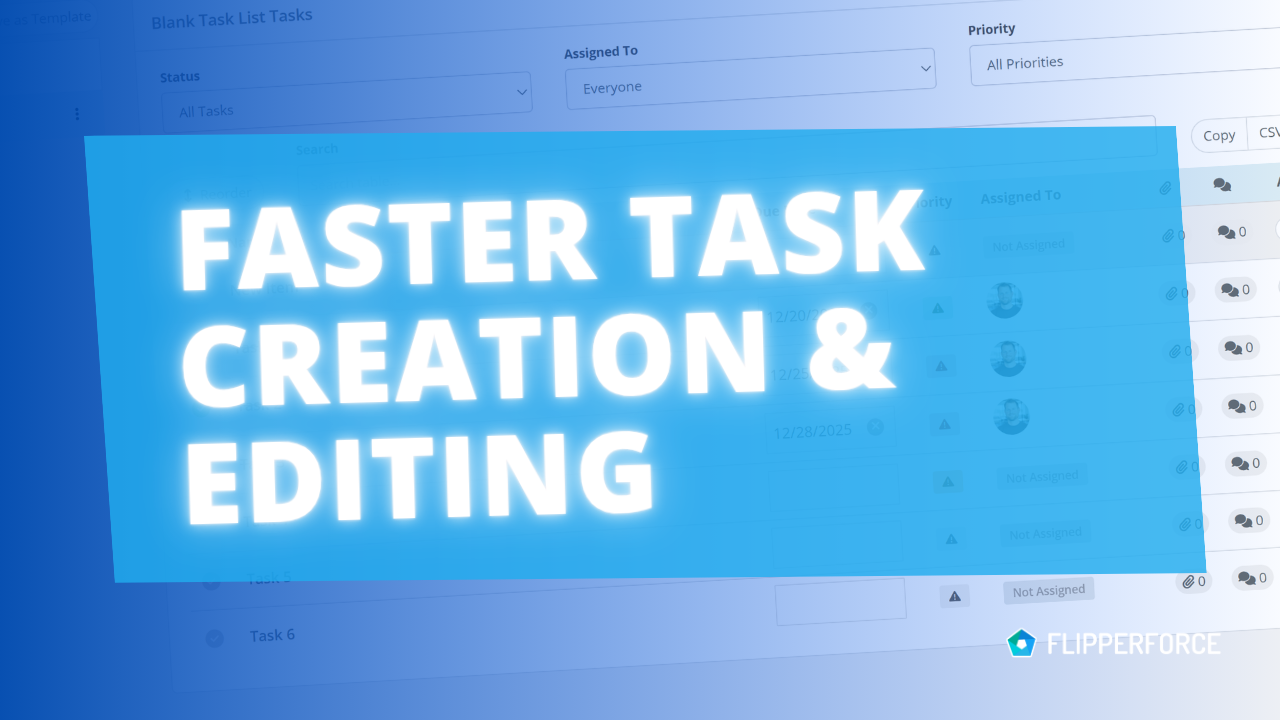
Add Tasks Faster with Inline Entry and Auto-Save
Improved

Add Tasks Faster with Inline Entry and Auto-Save

Building a task list in the Task Manager is now much faster. You can add tasks inline, one after another, and every change saves automatically.
Read post
September 22, 2026
Faster, More Reliable Photo and Receipt Uploads in the Mobile App
Improved

Faster, More Reliable Photo and Receipt Uploads in the Mobile App

The FlipperForce Field mobile app now uploads photos and receipts faster and more reliably on iOS and Android. A new My Recent Uploads inbox lets you track progress, retry failed items, and run multiple upload batches at once.
Read post
September 22, 2026
Dark Mode Is Here on Web and Mobile
New Feature

Dark Mode Is Here on Web and Mobile

FlipperForce now has a full dark theme across the web app and the FlipperForce Field mobile app. Choose Light, Dark, or System to match how and where you work.
Read post
August 27, 2026
Your Work, Front and Center in the Daily and Weekly Digest
Improved

Your Work, Front and Center in the Daily and Weekly Digest

The Daily and Weekly Digest emails summarize tasks, schedules, and events across your projects. Both now lead with a Work Assigned to Me section, so you see your own overdue, due today, and upcoming work before everything else in the workspace.
Read post
August 24, 2026
AI Receipt Analyzer Now Supports Word Documents
Improved

AI Receipt Analyzer Now Supports Word Documents

The AI Receipt Analyzer now accepts .doc and .docx files. Upload a Word invoice from a contractor or vendor straight into your receipts and analyze it without converting it to a PDF first.
Read post

Ready to Take Action?

Sign up for a free trial and join over 3,000 house flippers and real estate investors that have taken their business to the next level!