FlipperForce's Public API now includes Tasks. You can create, update, delete, and complete tasks and subtasks from an outside system without logging into the web app. That covers task names, descriptions, notes, assignees, and due dates.
Until now, the Task Manager could only be updated by hand inside FlipperForce. If your to-do list started somewhere else, like a walkthrough, an estimate, or a text from your crew, someone had to retype it into the Task Manager. That double entry is where tasks get missed.
The Tasks API helps teams automate the tedious parts of task management. Connect an AI agent like Claude or Grok to FlipperForce and it can build task lists, assign tasks, and report on what's done and what's still open. Your team spends less time keeping the Task Manager up to date and more time running projects.
What's New
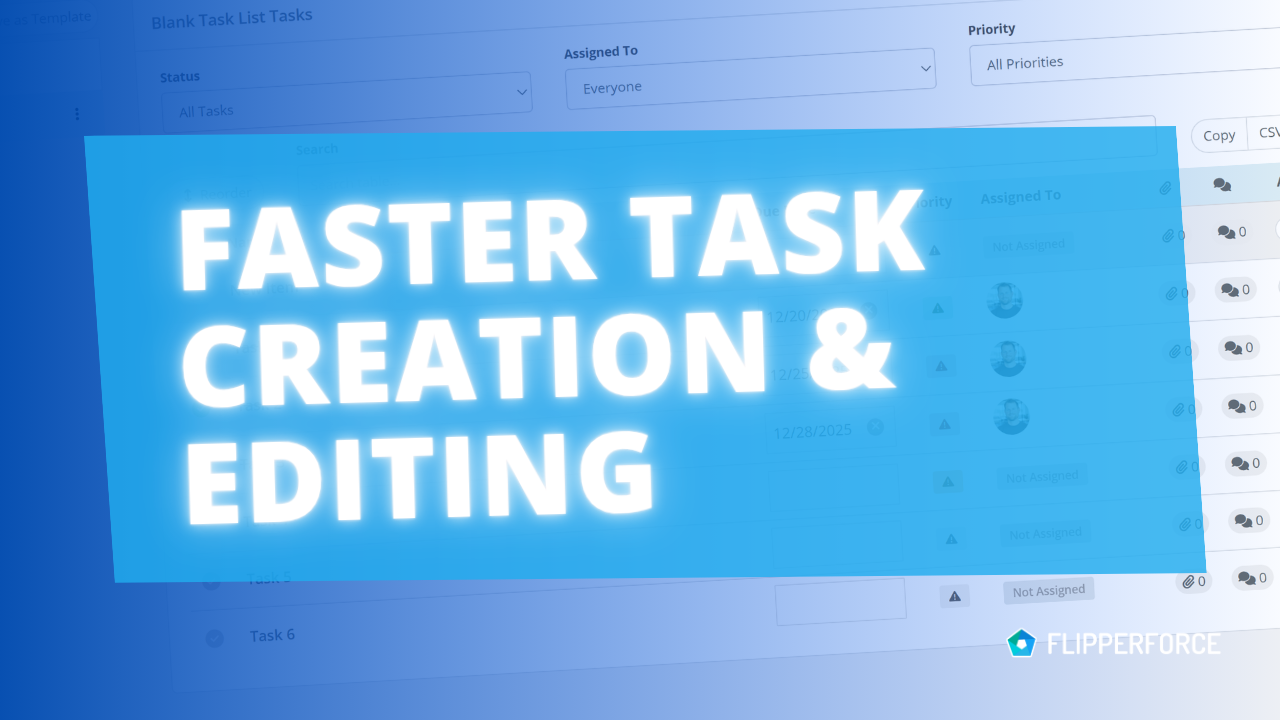
- Create, update, and delete tasks in any project through the API
- Create, update, and delete subtasks
- Edit task names, descriptions, and notes
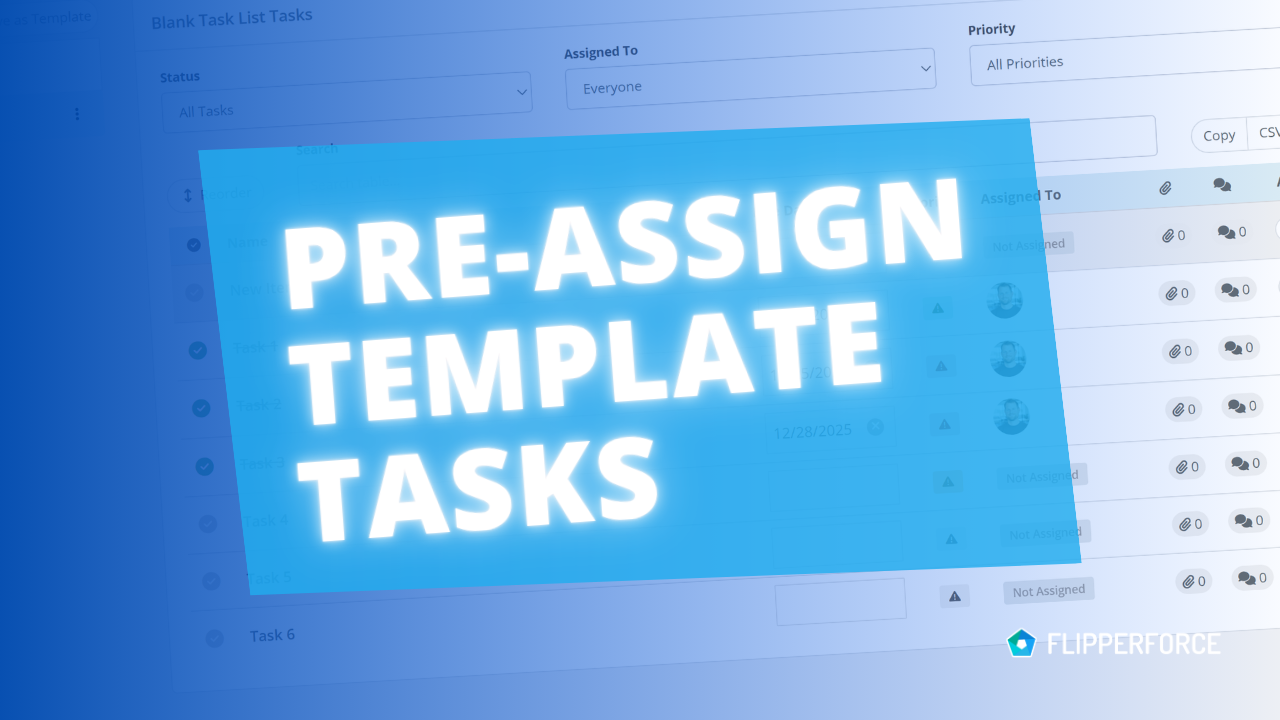
- Assign tasks to users on your FlipperForce account
- Set and change due dates
- Connect AI agents like Claude and Grok to manage tasks by conversation
How You Could Use This
- Build a punch list during a walkthrough - Walk the property and tell Claude what you see. "Patch drywall in the hall bath, replace the kitchen cabinet hinges, touch up trim in bedroom 2." Claude creates each item as a task in that project's Task Manager.
- Turn your scope of work into a task list - Upload your estimate report or scope of work spreadsheet to Claude and ask it to create a task for each line item, with subtasks where a line item has several steps. Your scope of work is tracked in the Task Manager from day one.
- Assign work without opening the app - Tell Claude to assign all the tile tasks to your project manager and set them due Friday. The assignees and due dates update in FlipperForce.
- Let your field crew report in - Set up a Grok bot your crew can message from the job site. When they finish a task or hit a problem, the bot updates the task and its notes in FlipperForce.
- Keep other systems in sync - Connect FlipperForce to the other tools you run your business on, so tasks created there show up in your Task Manager.
Getting Started
The Tasks API is part of the FlipperForce Public API. See the full list of task endpoints in the API documentation.
Need an API key? Request one here by filling out the form on the Public API page in your FlipperForce account. Once you have your key, follow the setup steps on our AI Agents page to connect Claude or Grok.