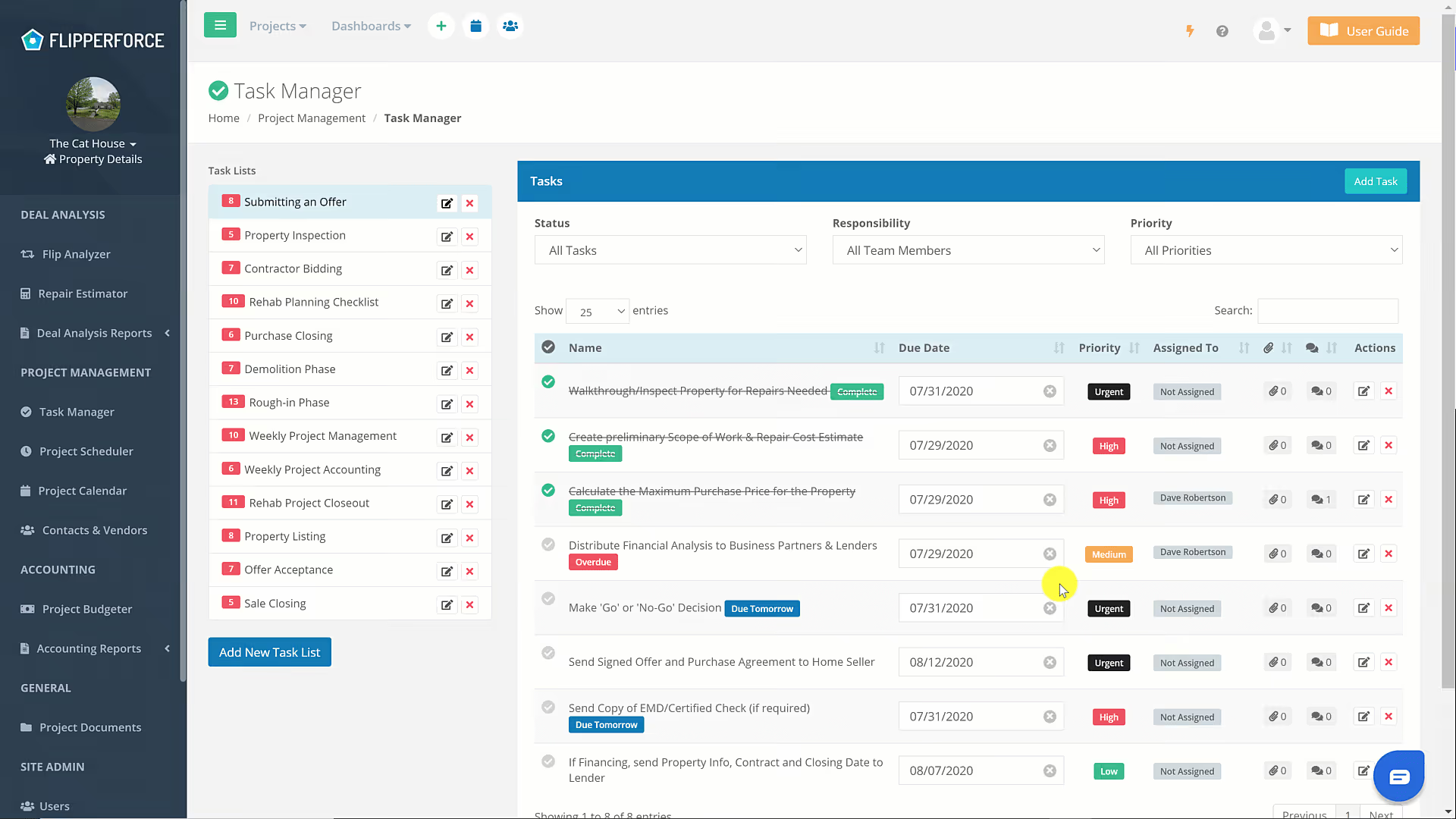
If you have a bunch of tasks in your task list you can use our sort, filter & search functionality to quickly sort and search your task data. You can filter by Status, by Team Member, by Priority,
If you have a bunch of tasks in your task list you can use our sort, filter & search functionality to quickly sort and search your task data.
You can filter by Status, by Team Member, by Priority,
Or you can sort any of the columns on the data alphabetically or alphanumerically.
Get immediate, feature-specific answers without digging through articles. DaveBot is here 24/7 to provide detailed explanations, troubleshooting tips, and guidance on all FlipperForce tools.