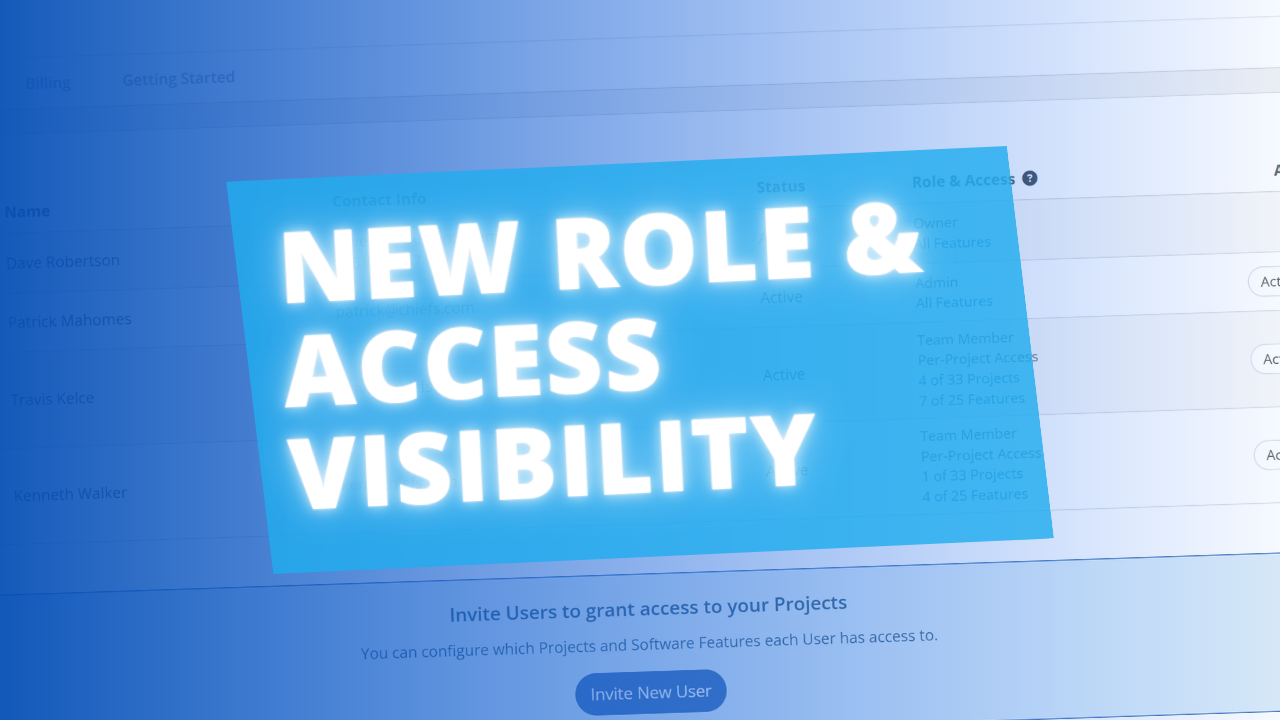
The User Management page now includes a Role & Access column, giving workspace owners and admins a quick at-a-glance summary of each user's project and feature access without having to dig into individual settings.
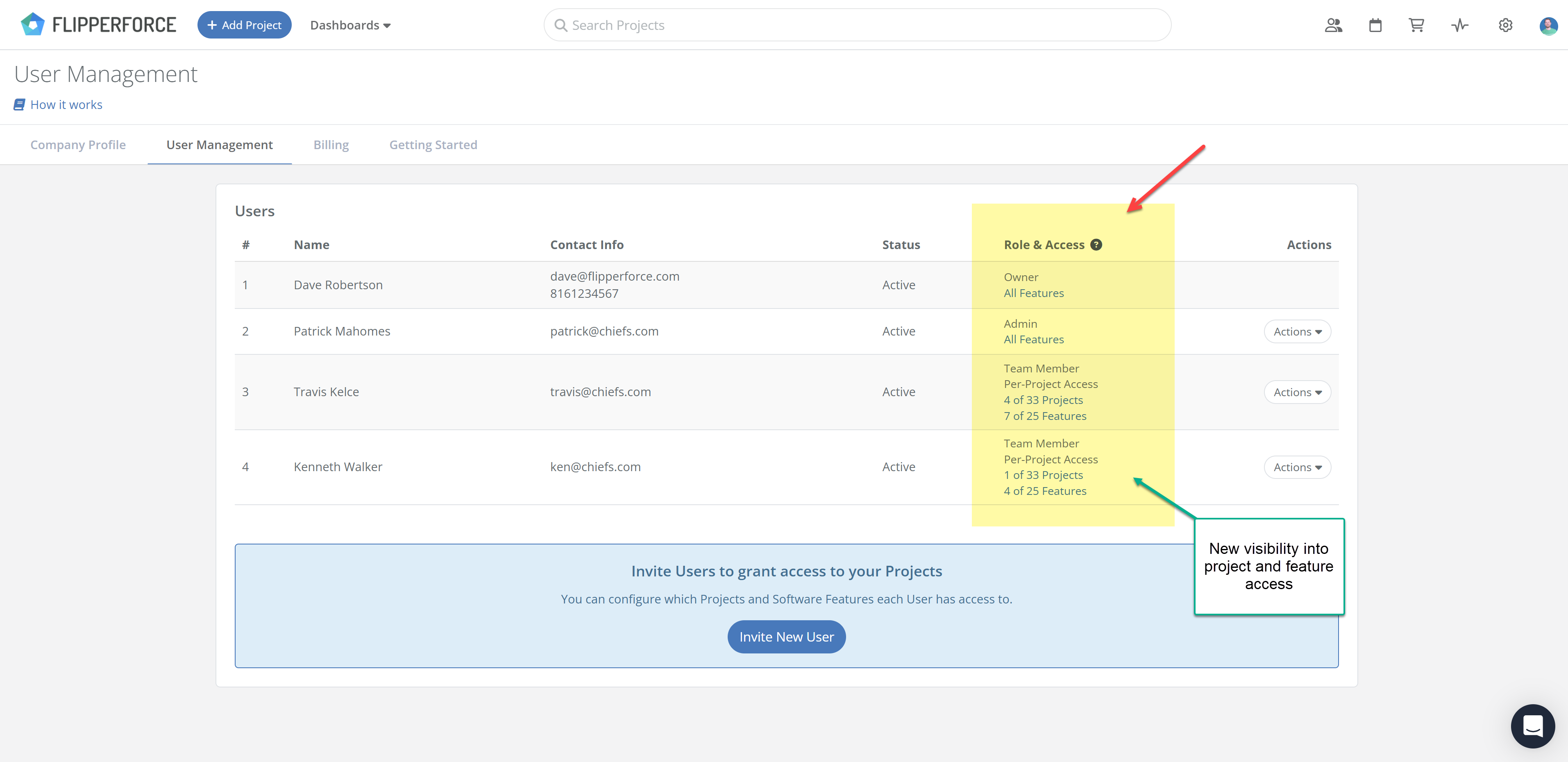
Workspaces on the Teams or Business plan can invite team members and control exactly what projects and features they can see and work on. Limit your bookkeeper to accounting features only, or give a contractor access to a single specific project. The new column makes it easy to confirm those permissions are set up correctly, right from the main User Management table.
What's new:
To manage user permissions, head to Settings > User Management.