
The Role & Access column appears on the User Management page and gives you an at-a-glance summary of what each user can reach in your workspace.
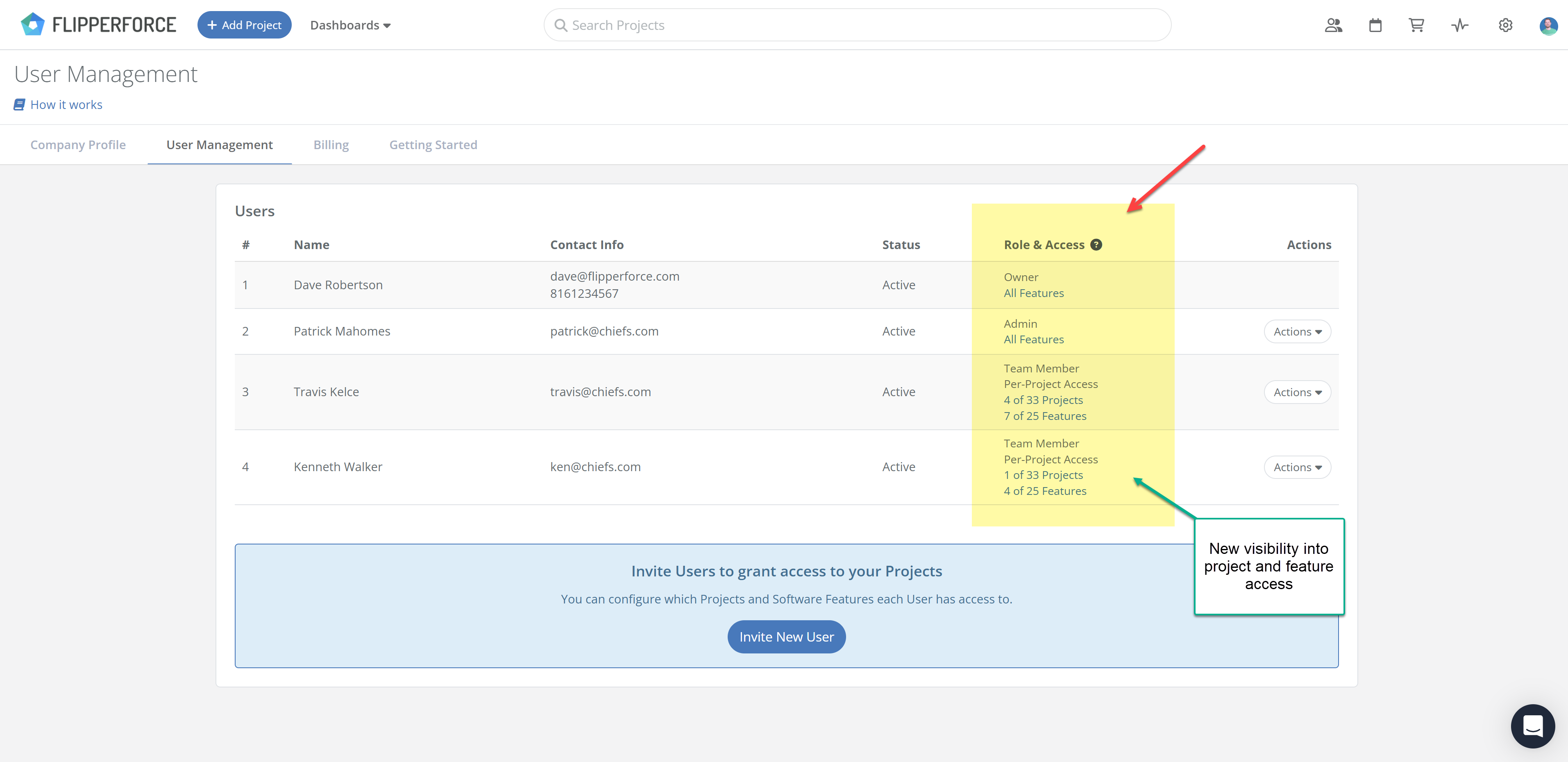
Each user's row displays three things:
Owners and Admins have access to everything, so there is nothing to restrict for those roles. The counts matter most for Team Members, whose access you set project by project and feature by feature.
Checking a user's permissions used to mean opening their settings one user at a time. Now you can scan the whole table and confirm your team is set up the way you intended.
Go to Settings and open User Management. To change what someone can reach, click Actions next to their name and edit their project or feature access.
Note: User Management and access control are only available on Teams and Business plans.
