


Receipts in FlipperForce Field lets you capture and upload job site receipts instantly from your phone — so expense documentation happens in the field, right when the transaction occurs, not days later when details get fuzzy.
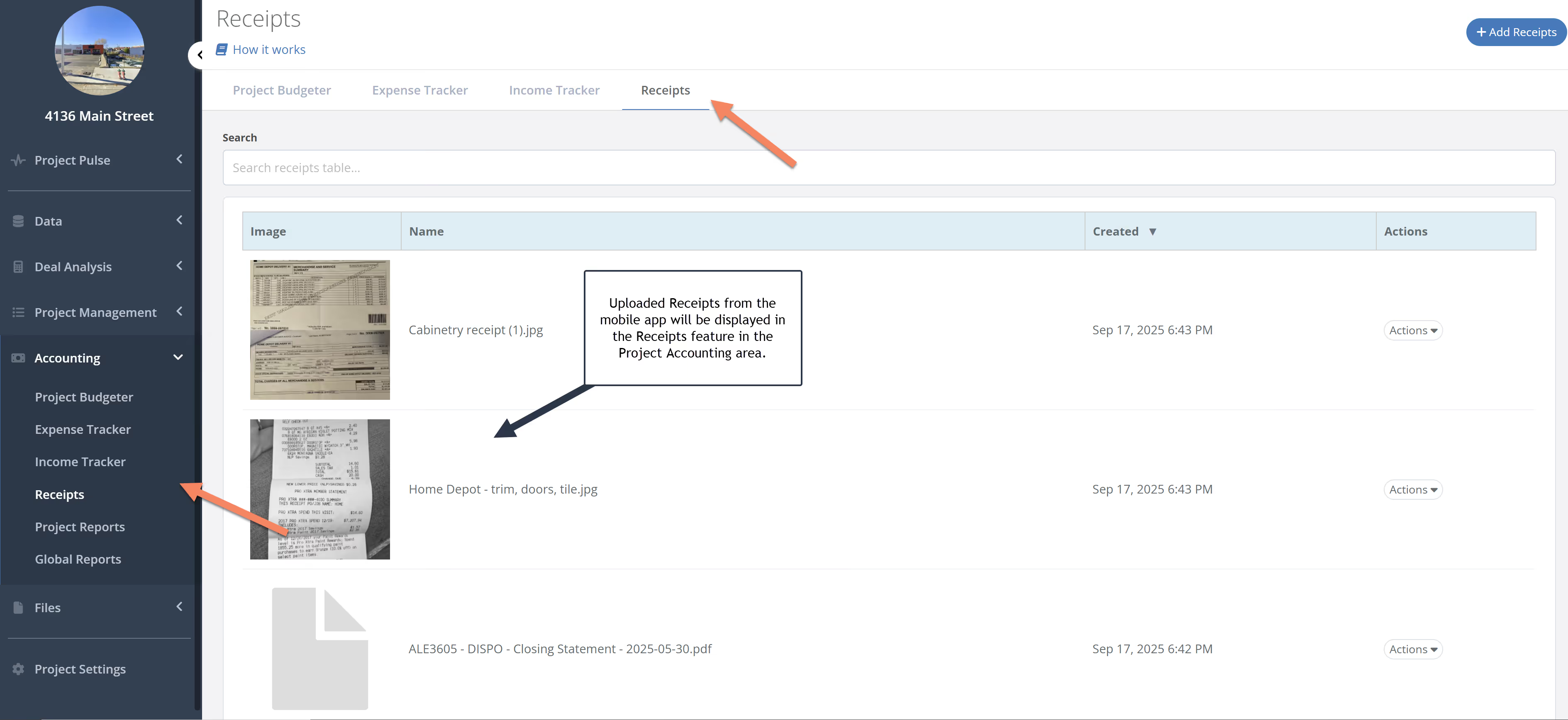
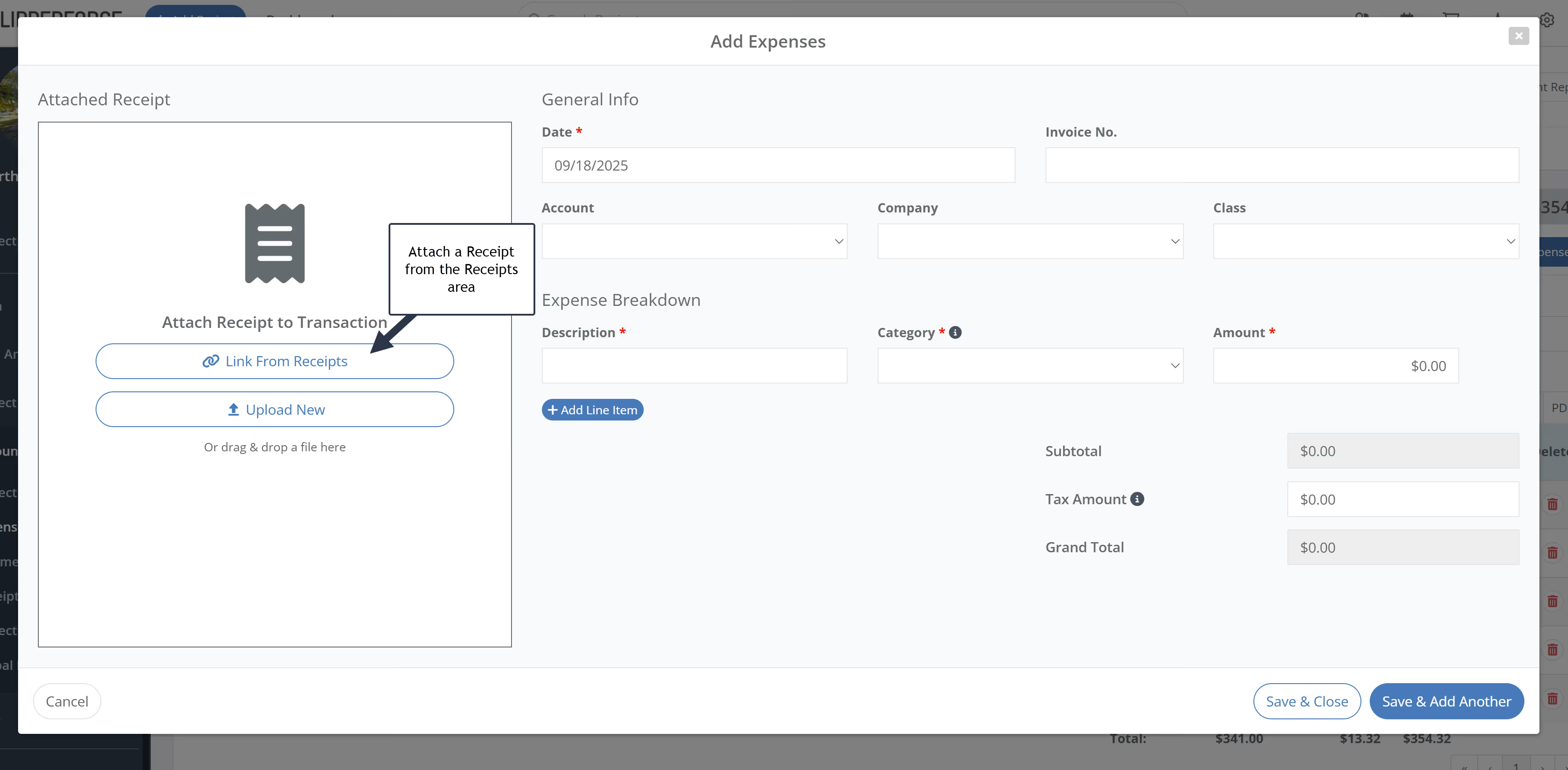
Using the FlipperForce Field mobile app, you can photograph receipts on-site and upload them directly to your project's Receipt Inbox. Once uploaded, receipts are available in the web app for review and linking to expense entries in the Expense Tracker.
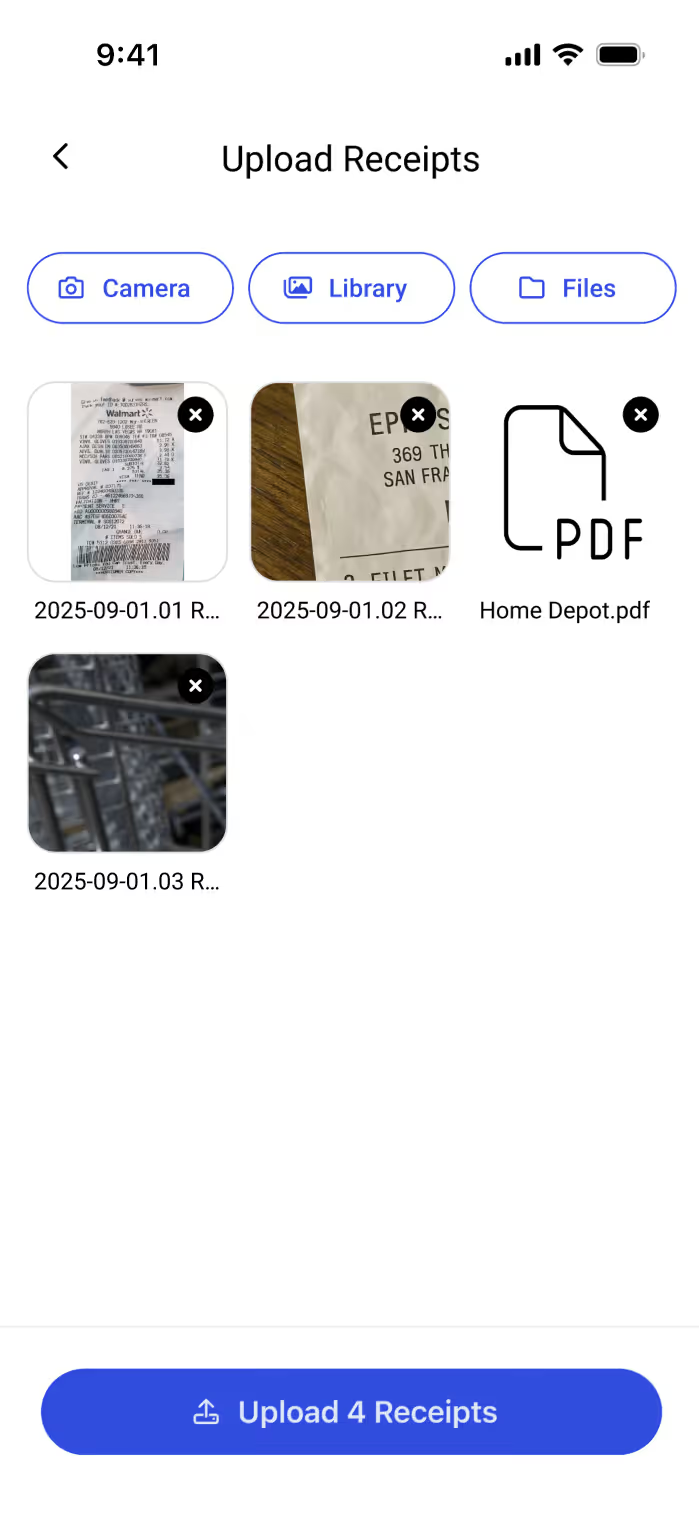
Open FlipperForce Field on your phone and navigate to your project. Tap the Receipts section and use the camera to photograph your receipt. Tap Upload — the receipt is instantly added to your project's Receipt Inbox in the web app, where it can be reviewed and linked to the correct expense entry.
Paper receipts get lost. Emailed receipts get buried. The mobile Receipts uploader solves both problems by letting you capture documentation the moment a purchase is made — building a complete, organized receipt trail across every project without any extra steps at the end of the day.

.avif)
.avif)
.avif)
.avif)