We’ve overhauled our AI Receipt Analyzer engine, making it faster and more accurate than ever.
🚀 Massive Speed Gains
We’ve optimized our engine to deliver 50% to 70% faster performance across the board.
Standard Receipts: What used to take 20+ seconds now finishes in 5 to 10 seconds.
The "Mega-Receipt" Test: We tested a massive 5-page receipt with 57 individual line items. The AI processed and itemized the entire thing in just 15 seconds.
By comparison, manually itemizing that same receipt would take a human nearly an hour. FlipperForce did it in seconds.
🛠️ Smarter Data, Better Accuracy
We didn't just make it faster; we made it smarter. Our updated engine includes several logic improvements to ensure your accounting stays precise:
High-Clarity Scanning: We now auto-enhance receipt images before they are read, making it easier for the AI to scan even messy or faded receipts.
Cleaner Data Extraction: Improved logic for identifying dates and automatically filtering out "noise" like $0.00 line items.
Retailer-Specific Logic: Added specialized tweaks for stores like Home Depot to ensure better categorization of your materials and supplies.
📈 Why This Matters: Better Data, Less Effort
This update is about more than just speed; it's about giving you better visibility into your project's financial health:
Eliminate Data Entry: Save hours of manual typing by letting the AI handle the heavy lifting.
Granular Tracking: Easily categorize every expense down to the line item so you can see exactly where your money is going.
Stay Under Budget: By making it easier to log expenses instantly, you’ll always know if you’re over budget in real-time, rather than waiting until the end of the project to find out.
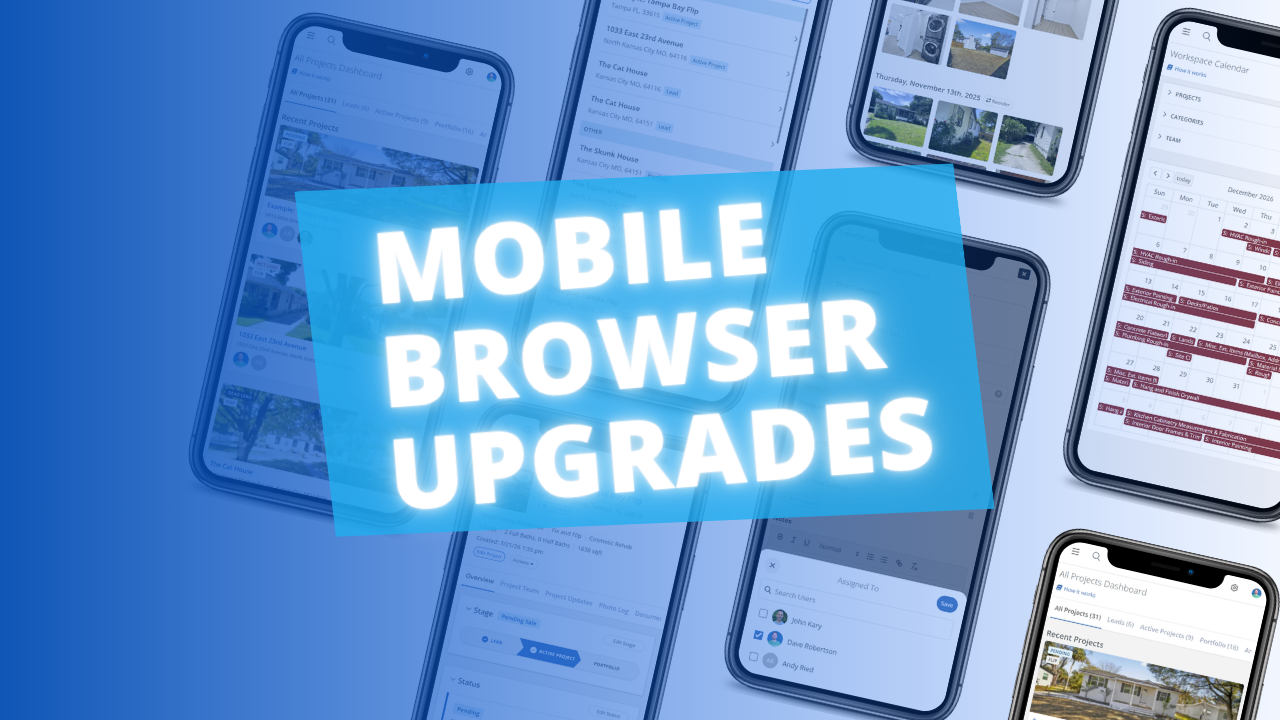
The FlipperForce web app is now much easier to use in your phone's browser. Date pickers, menus, the Scheduler, the Task Manager and the Photo Log have all been reworked to fit a small screen and work well with your phone's keyboard.
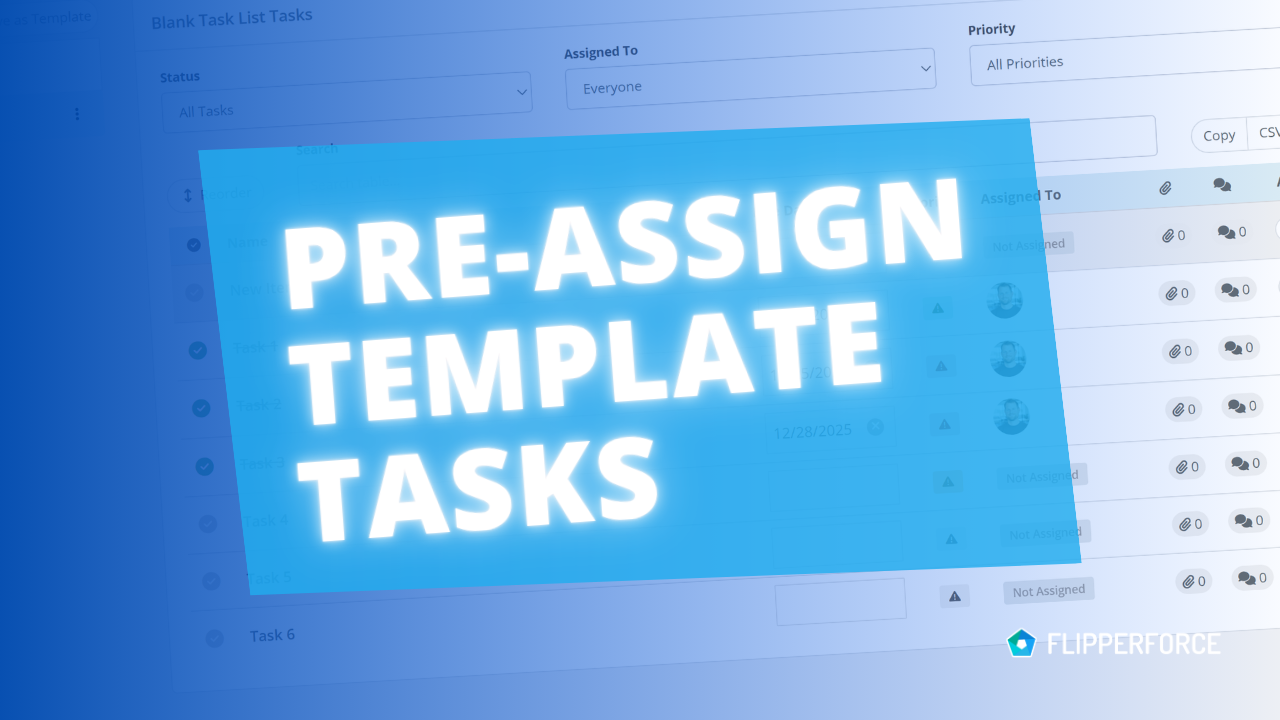
You can now pre-assign team members to the tasks in your Task Templates. Every time you load that template into a project, each task is already assigned to the right person.
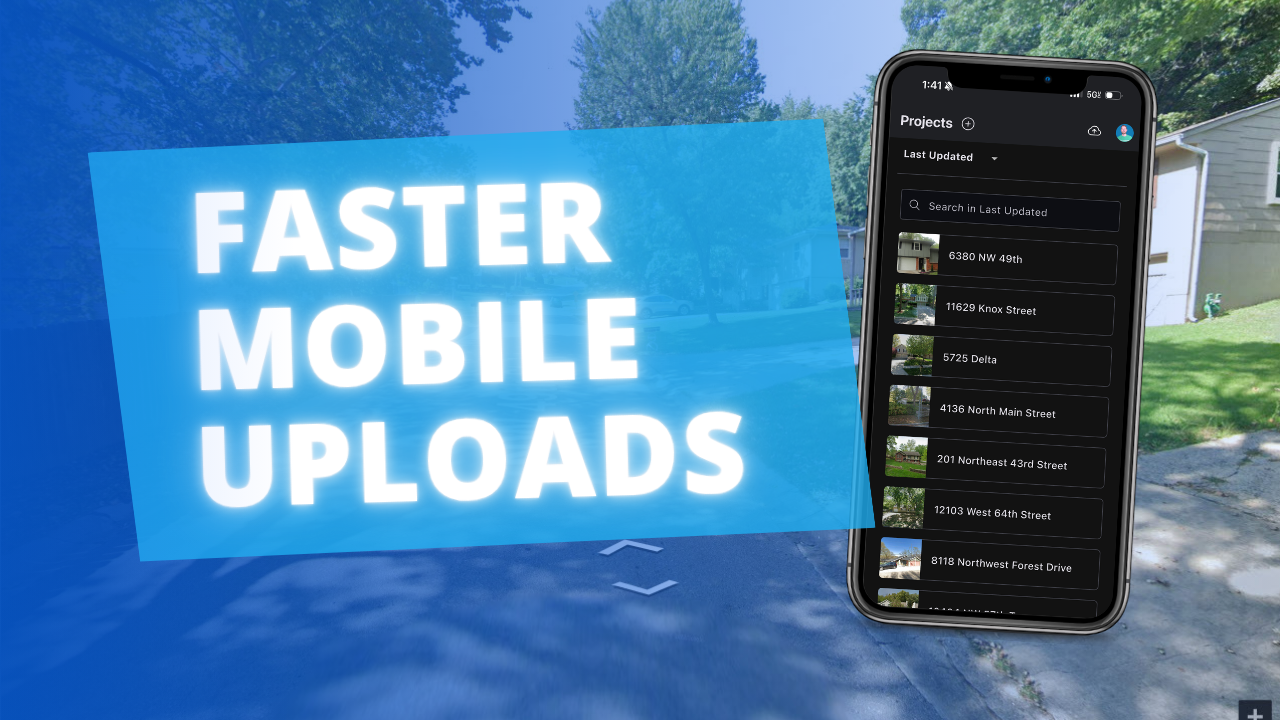
The FlipperForce Field mobile app now uploads photos and receipts faster and more reliably on iOS and Android. A new My Recent Uploads inbox lets you track progress, retry failed items, and run multiple upload batches at once.
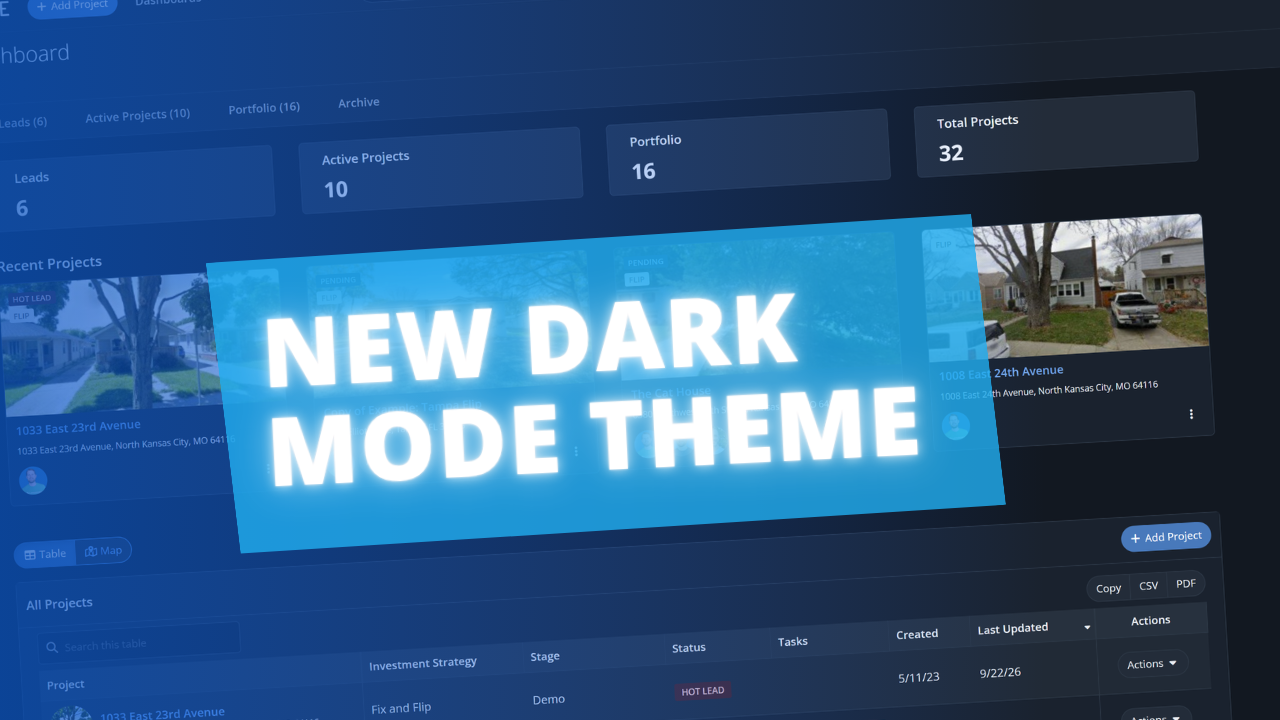
FlipperForce now has a full dark theme across the web app and the FlipperForce Field mobile app. Choose Light, Dark, or System to match how and where you work.