Receipts (FF Field)

Where can I find the receipts I've uploaded from my phone?

Where can I find the receipts I've uploaded from my phone?

Once you upload a receipt, it will be listed in the mobile app under the Receipts tab.
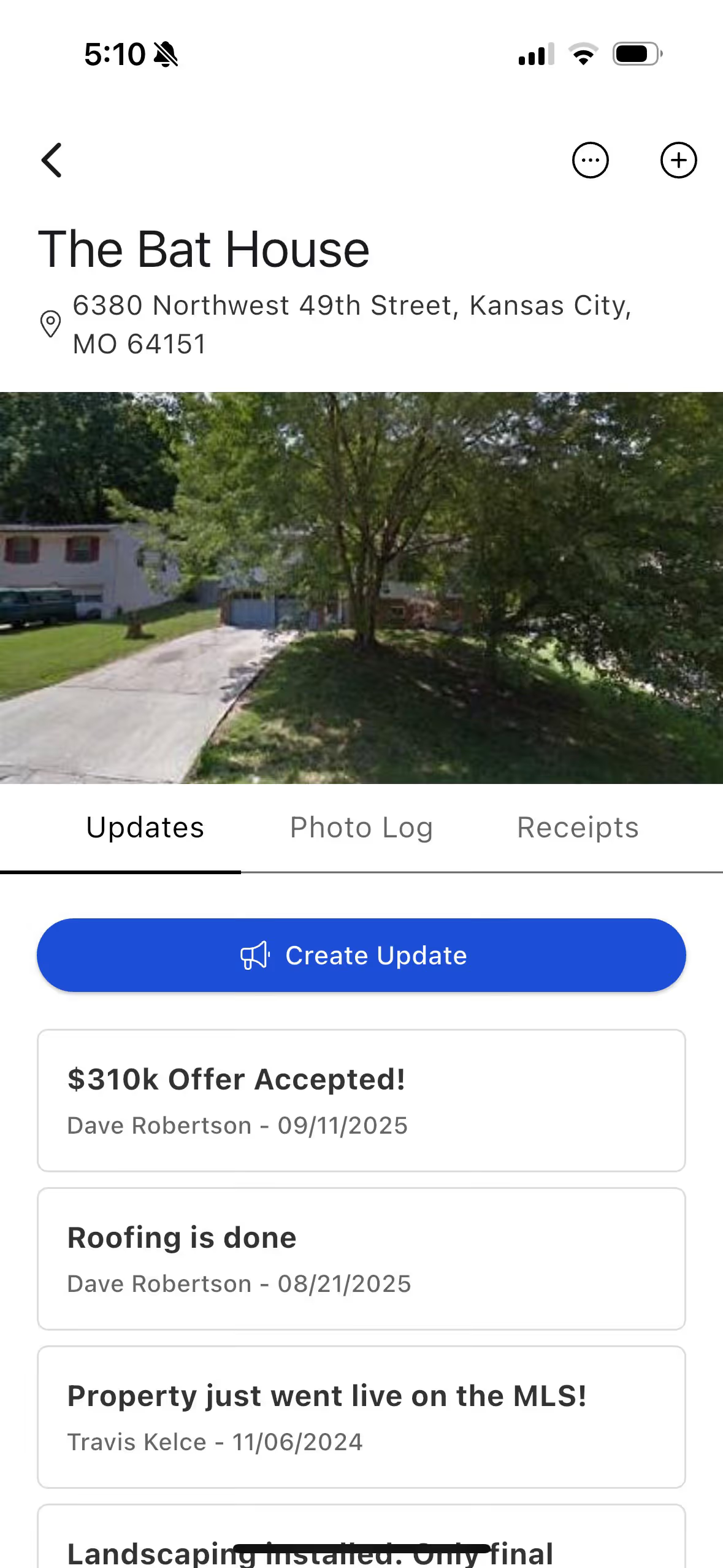
Once you upload a receipt, it will be listed in the mobile app under the Receipts tab.

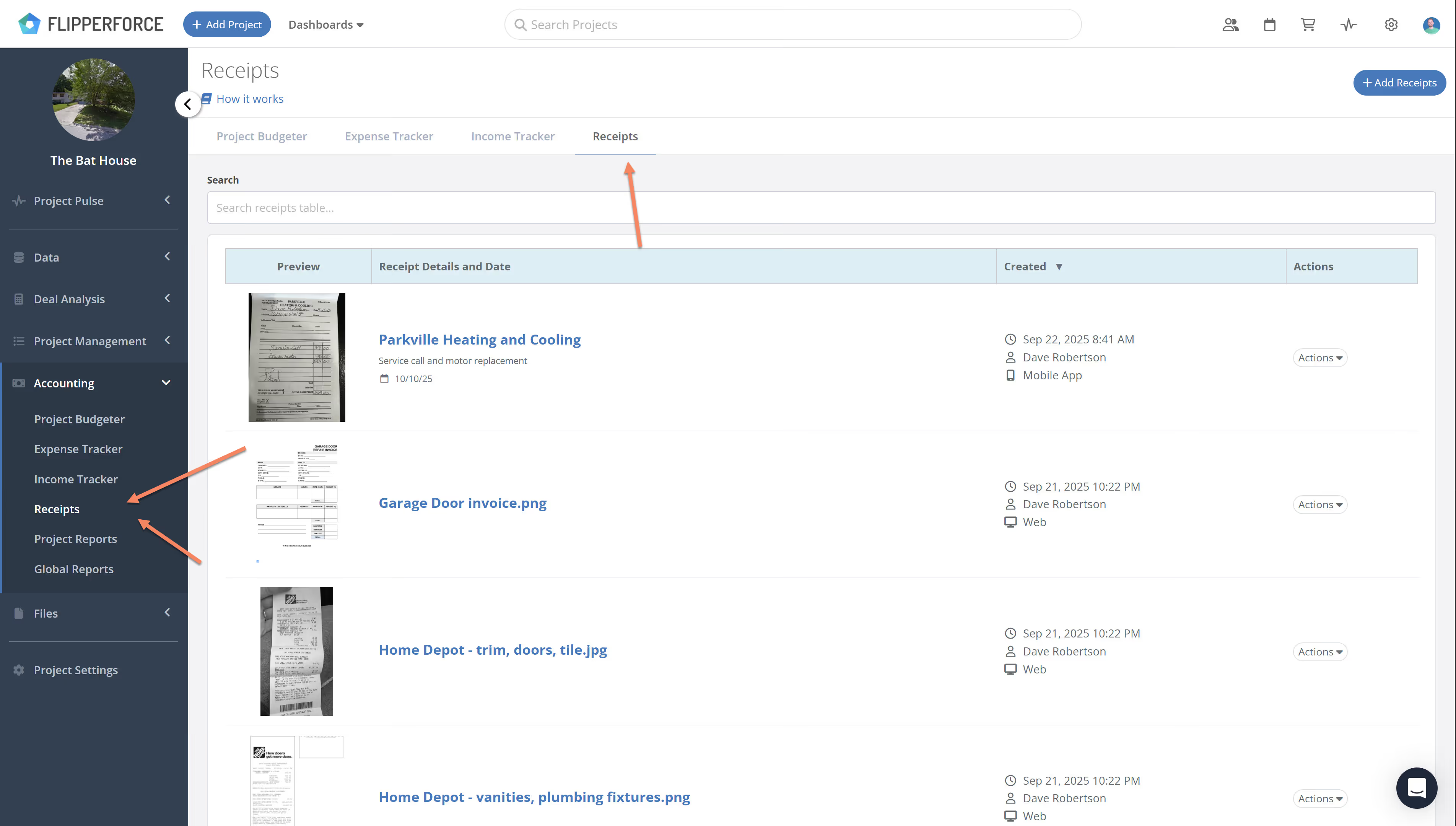
The uploaded receipts are also immediately available in the web app. Within the web app, you will find the receipt within the specific project, in the sidebar under the Accounting section at "Receipts Inbox."
Related Video

Related FAQs

Still Have Questions?  DaveBot can help!

Get immediate, feature-specific answers without digging through articles. DaveBot is here 24/7 to provide detailed explanations, troubleshooting tips, and guidance on all FlipperForce tools.
Chat with DaveBot (Be Nice, I'm in Beta)!