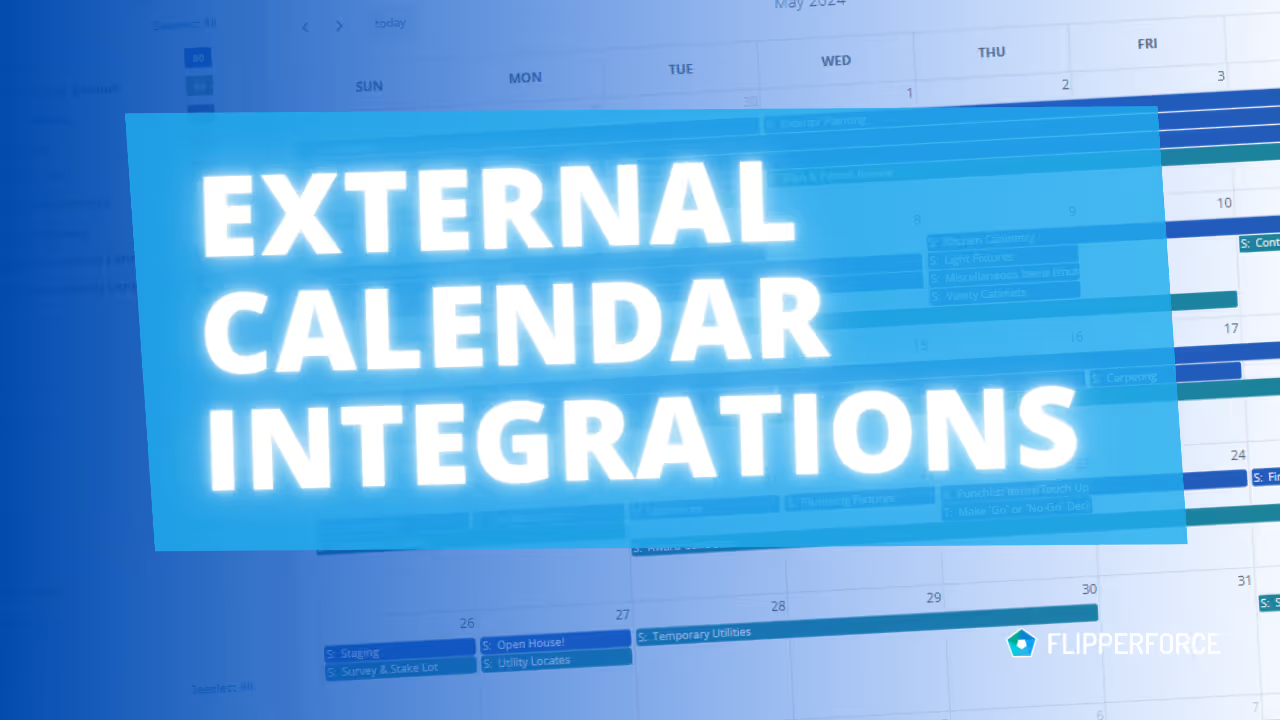
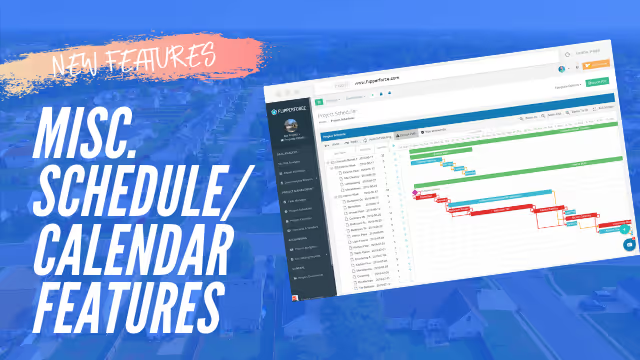
The Calendar integrates your project schedules, task due dates, and key milestones into a single unified calendar view — and syncs with your Google or Outlook calendar so your renovation timeline lives alongside your personal and business commitments.
The FlipperForce Calendar pulls schedule tasks, task manager deadlines, and custom events from across all of your active projects into one consolidated calendar. View by day, week, or month. Filter by project or team member to focus on what matters most right now.
Access the Calendar from the main navigation. Connect your Google or Outlook account in Settings to enable two-way sync. Add custom events directly from the Calendar, or manage your project tasks in the Scheduler and Task Manager — they'll automatically appear here. Share calendar views with contractors and team members to keep everyone aligned.
Construction timelines are living documents. Without a centralized calendar, it's easy for deadlines to slip, contractor visits to conflict, and inspection dates to get missed. The FlipperForce Calendar turns your project schedule into something you can actually live by — keeping your renovation on track and your holding costs under control.