
The standalone Project Settings page has been retired. Everything it used to do now lives on the Project Overview page, in two places.
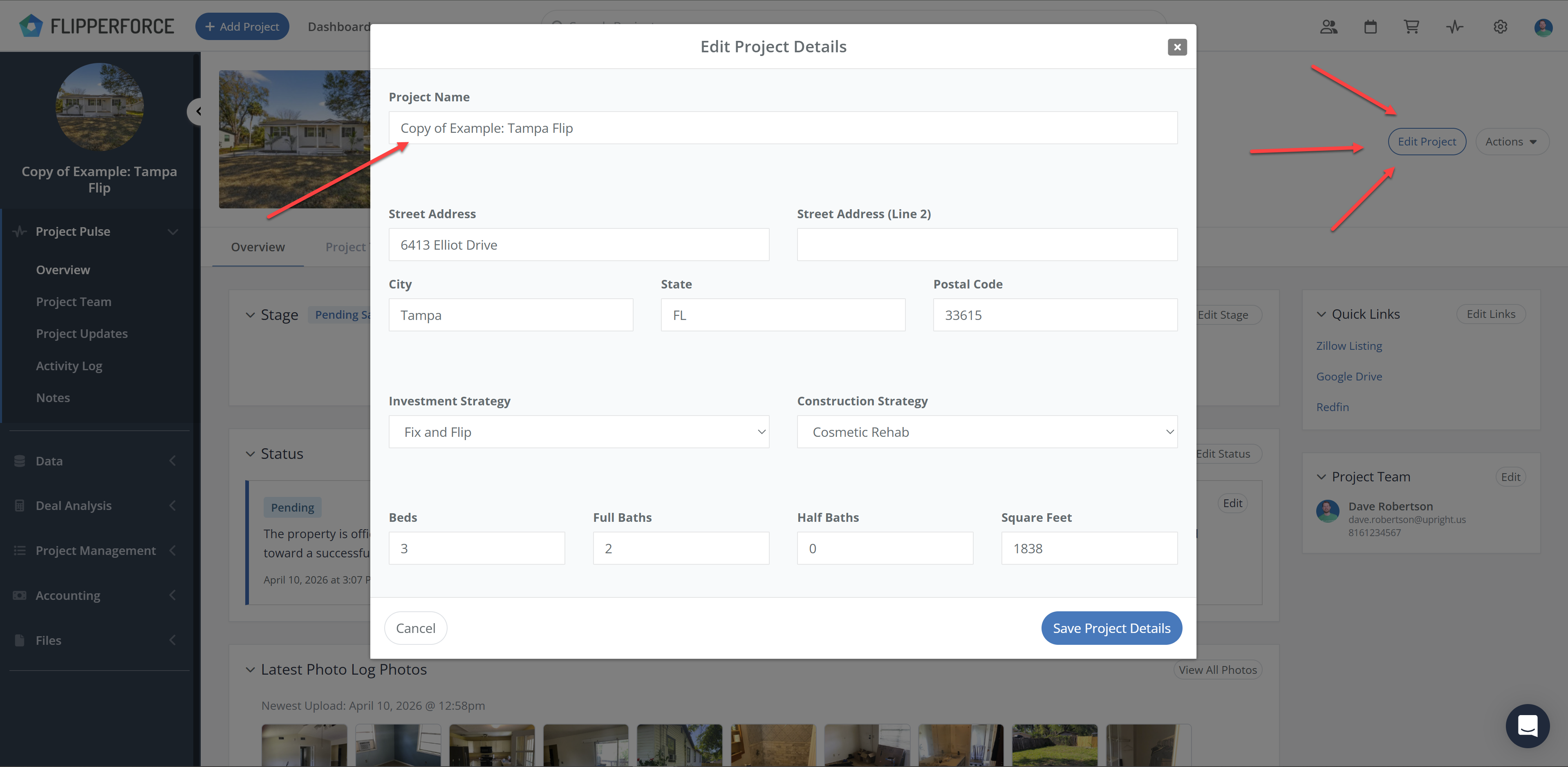
Click the Edit Project button in the page header to update:
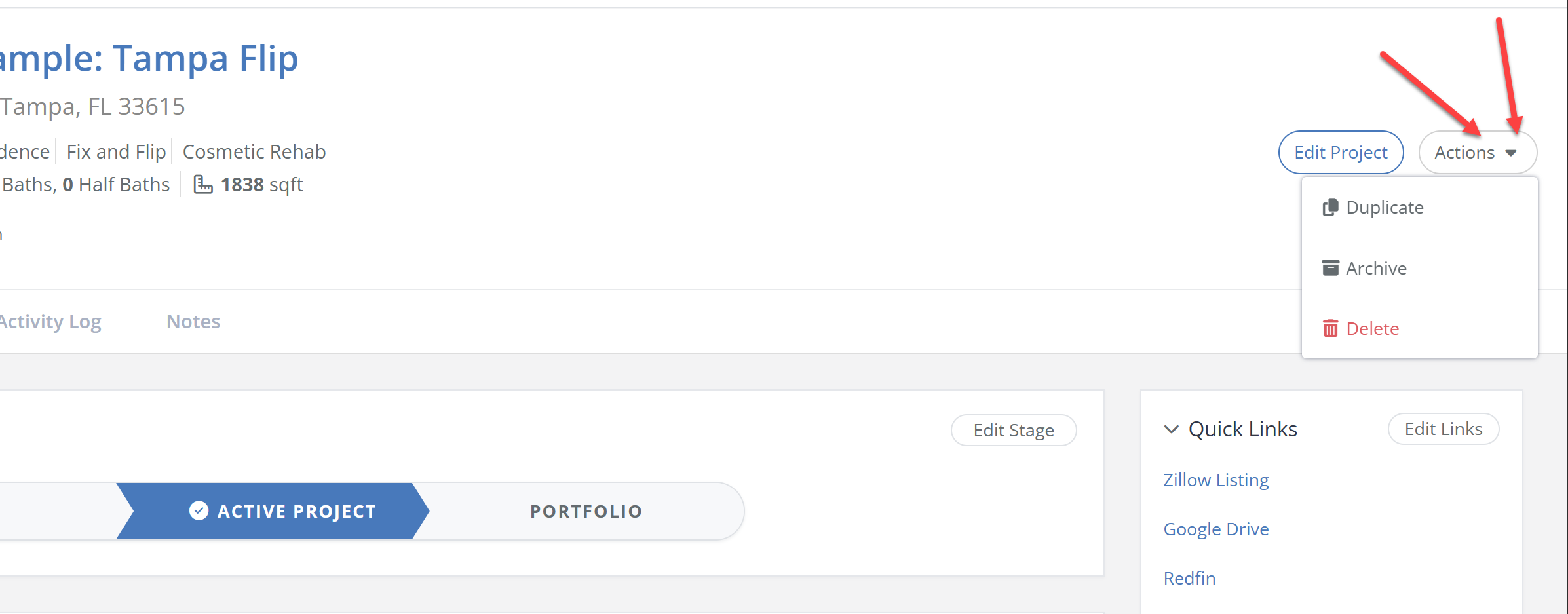
Click the Actions button in the upper right corner of the page header. The Actions menu includes:
Keeping settings on a separate page meant leaving your project to make a small edit. Moving them into the Project Overview header puts them one click away from the rest of your project data.
See also How do I change the name of a Project? and How do I delete a Project?
