
To edit your User and Company Profile information, click the drop-down menu in the upper right-hand corner and select User Profile.
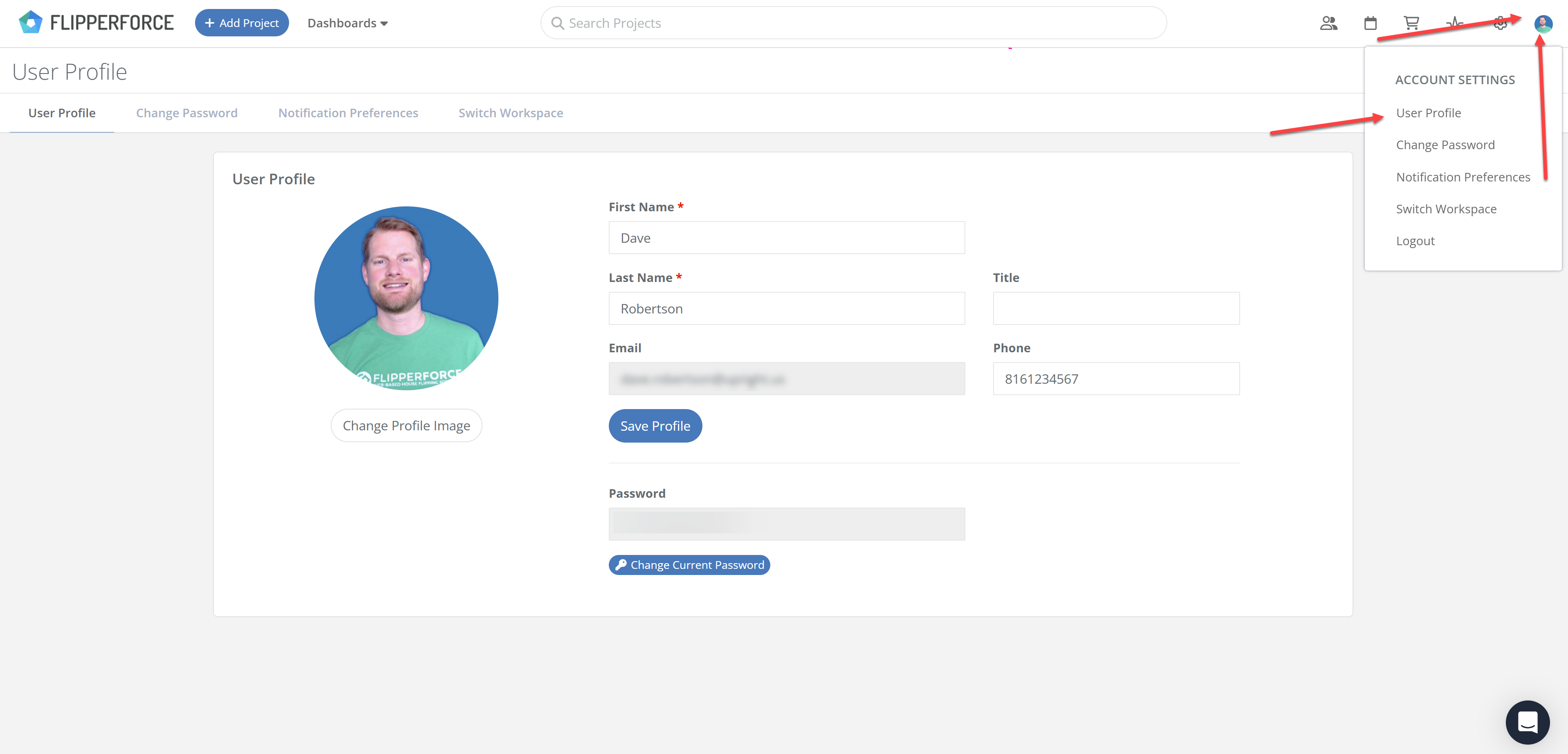
The first section on the Profile page is your User Profile, where you can change your name and the email address you use to log in.
You can also upload a Profile Image, which is used to identify you across the collaboration tools throughout the software.
If there are multiple users in your workspace, profile pictures make it much easier to see who is working on which project.
Below your profile details is the Appearance section, where you can switch FlipperForce between Light, Dark, and System themes. See Does FlipperForce have a dark mode?
