Property Data surfaces detailed public record information about any property in your workspace, including tax assessments, location and zoning, lot size, year built, physical and structural specs, construction details, prior sale history, and community and school data, giving you the background research you need for confident investment decisions.
Property Data automatically populates key property details when you add an address to FlipperForce. It pulls from public records to display assessor data, physical characteristics, construction specs, zoning, ownership history and geographic information on a single page, alongside a map and street view of the property.
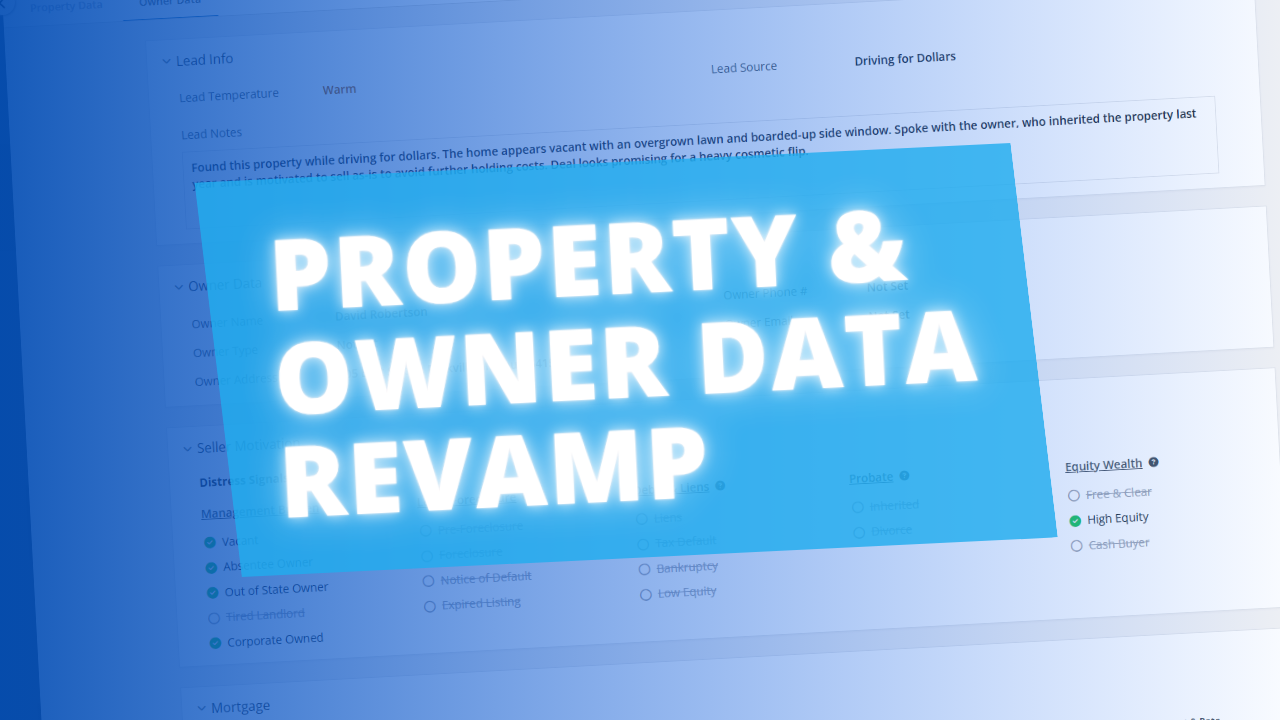
Open a project, click Data in the sidebar and select Property Data. Review the automatically populated information, cross-reference the assessed value against your ARV estimate, check the year built to anticipate potential renovation challenges, and review prior sales to understand the property's price history before making an offer. Use the Owner Data tab at the top of the page to switch to owner information.
Every good investment decision starts with knowing the property inside and out. Property Data removes the need to manually look up county records, tax assessments and sale histories, putting the research you need right inside your project workflow so you can underwrite faster and with greater confidence.