
The Property Data page stores the basic information about your property, including Property Specs, Property Characteristics, Construction Methods, School Information, and Owner Information.
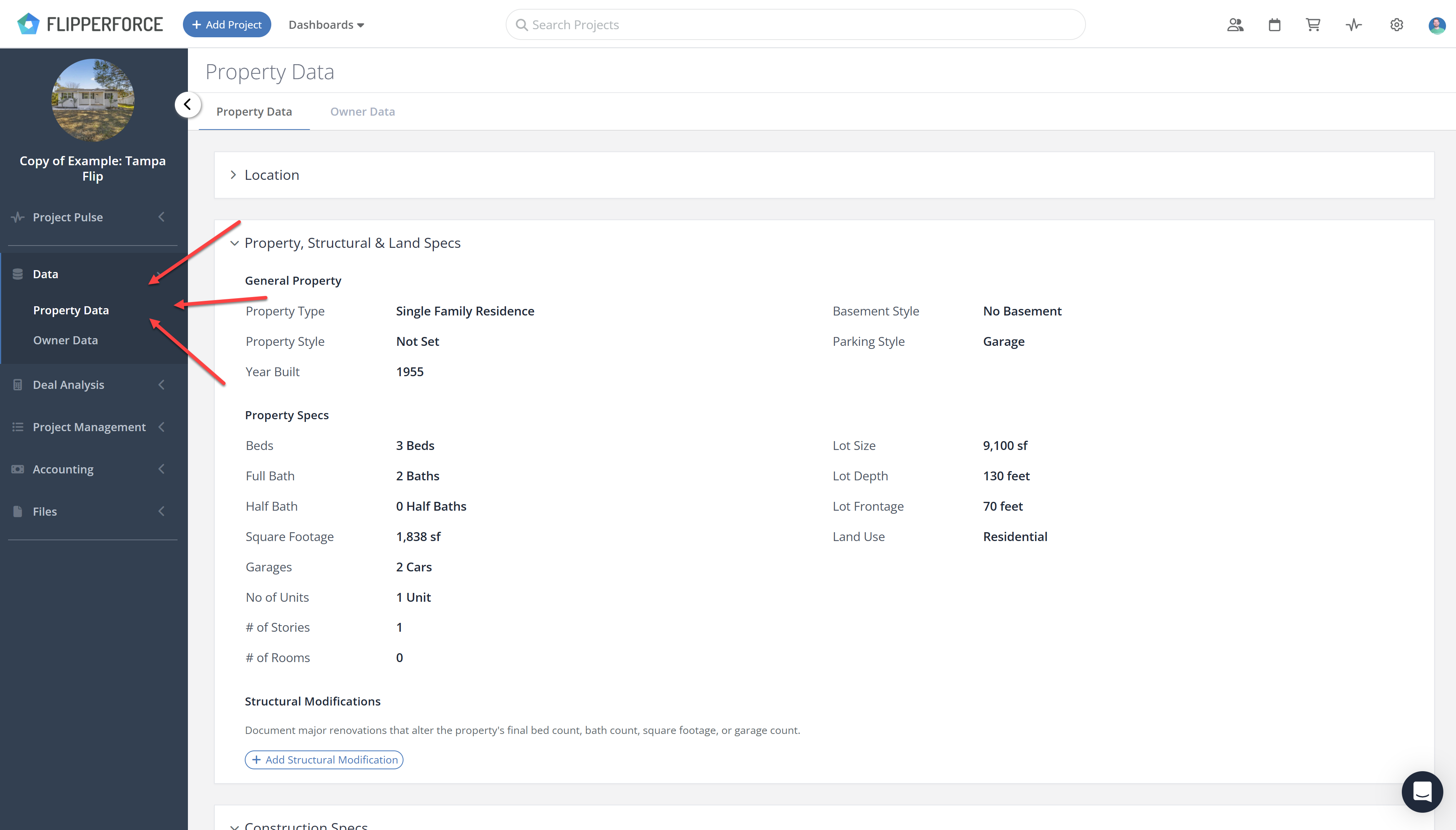
Most of this information is pre-populated automatically through a data API when you create the project. If anything is missing or incorrect, you can fill it in manually.
If there is additional information you want to store, use the Notes tab to add your own notes for the property.
This information appears on the Property Details page of the Investment Packet. If you plan to include the Property Details page in your investor presentations, set up and save your property information here first.webf
