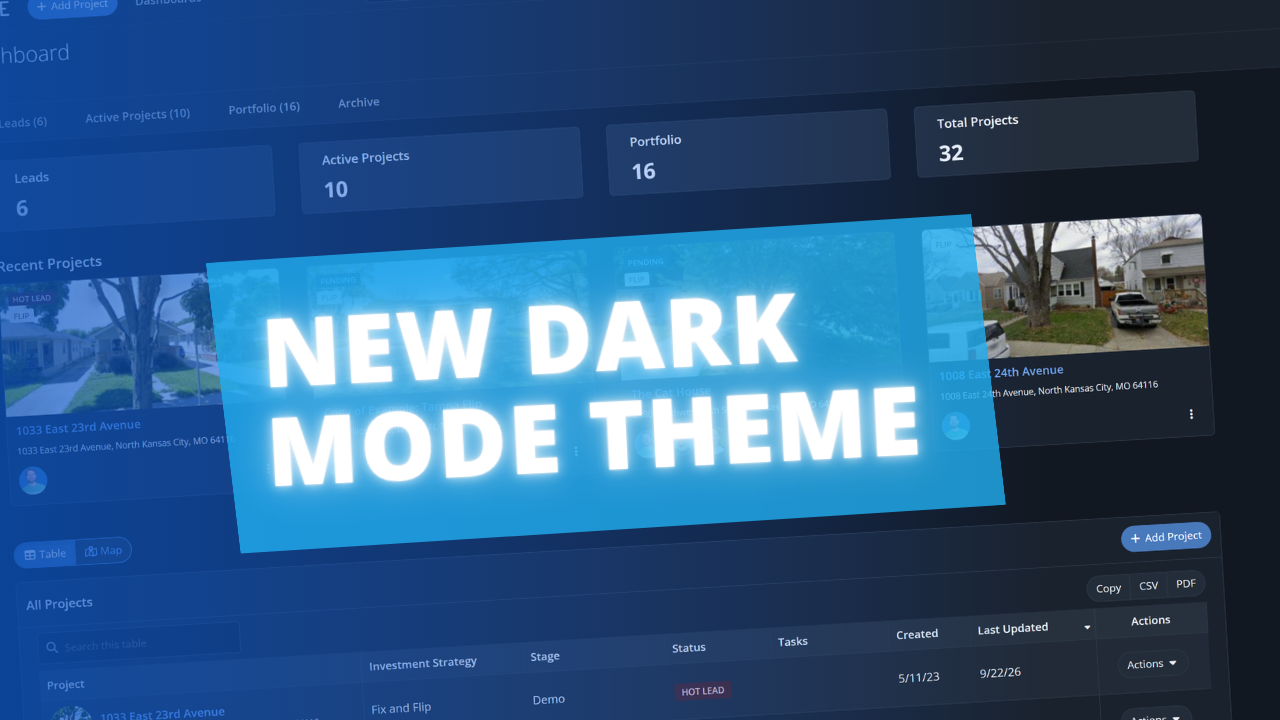
FlipperForce now has a full dark theme across the web app and the FlipperForce Field mobile app. Choose Light, Dark, or System, and the app will look the way you want it to, whether you're reviewing a budget late at night or scanning receipts on a jobsite at dusk.
Until now, FlipperForce only offered a light theme. That works well in a bright office, but it can be harsh on the eyes at night, in a dim truck cab, or anywhere you'd rather not have a bright white screen lighting up your face.
What's New
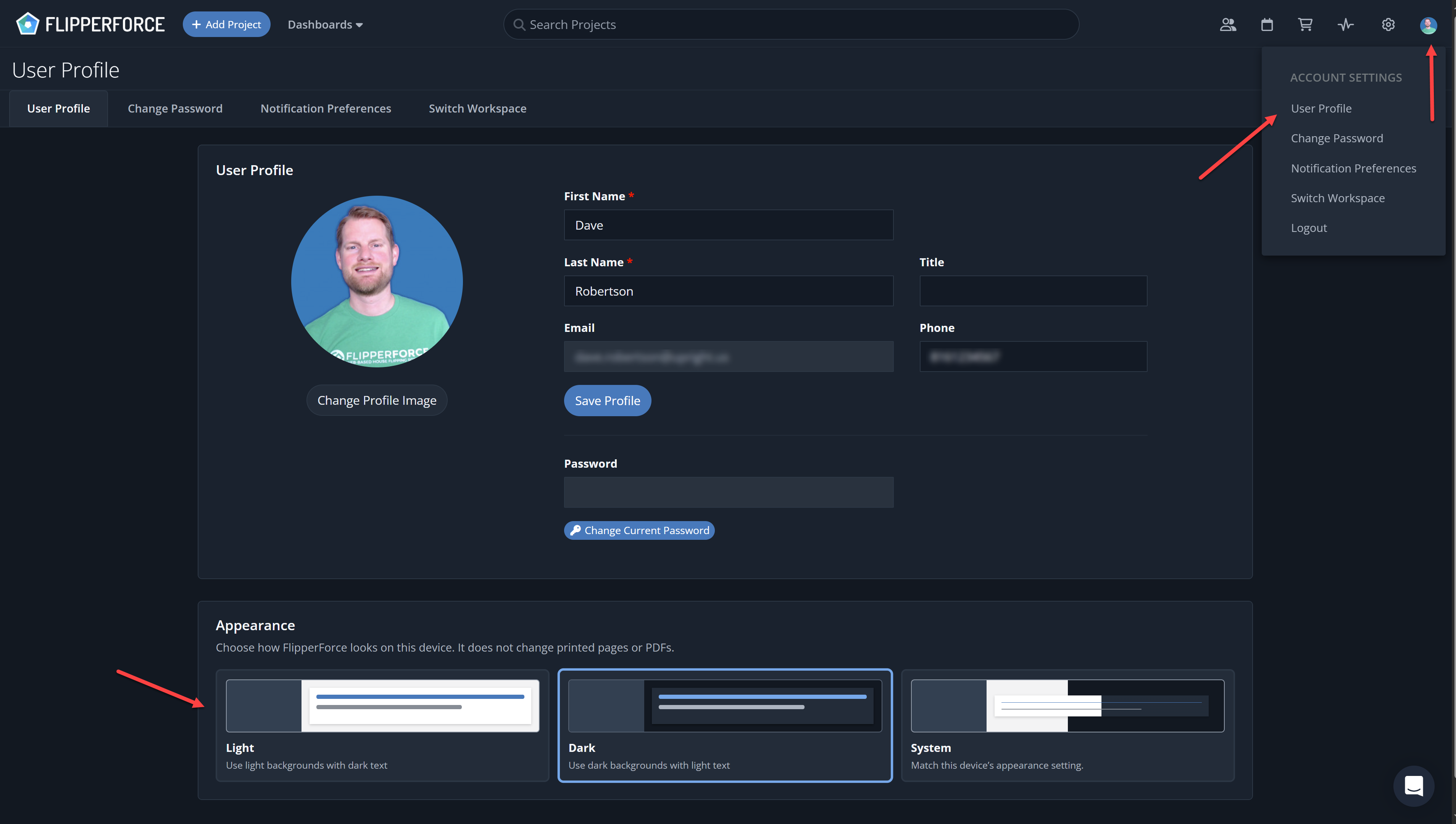
Three appearance options: Light, Dark, and System. System automatically follows your computer or phone's display setting.
Web app defaults to Light. Nothing changes on the web unless you choose a different appearance.
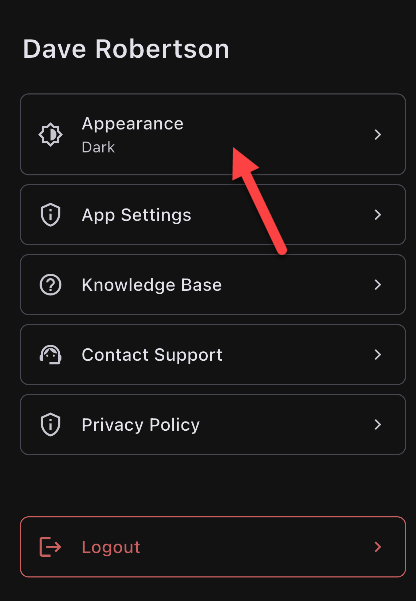
Mobile app defaults to System. If your phone is set to dark mode, FlipperForce Field will match it automatically. You can switch to Light or Dark anytime from your profile.
Set per device. Your appearance choice applies to the device you're using, so you can run Dark on your laptop and Light on your desktop.
Printed pages and PDFs are unchanged. Investment Packets, reports, and anything you print or export keep their standard light formatting.
How to Turn It On (Web App)
Click your avatar in the upper right corner.
Open your User Profile.
Scroll to the Appearance section and select Light, Dark, or System.
How to Change It (Mobile App)
Open FlipperForce Field and tap your profile image in the upper right corner.
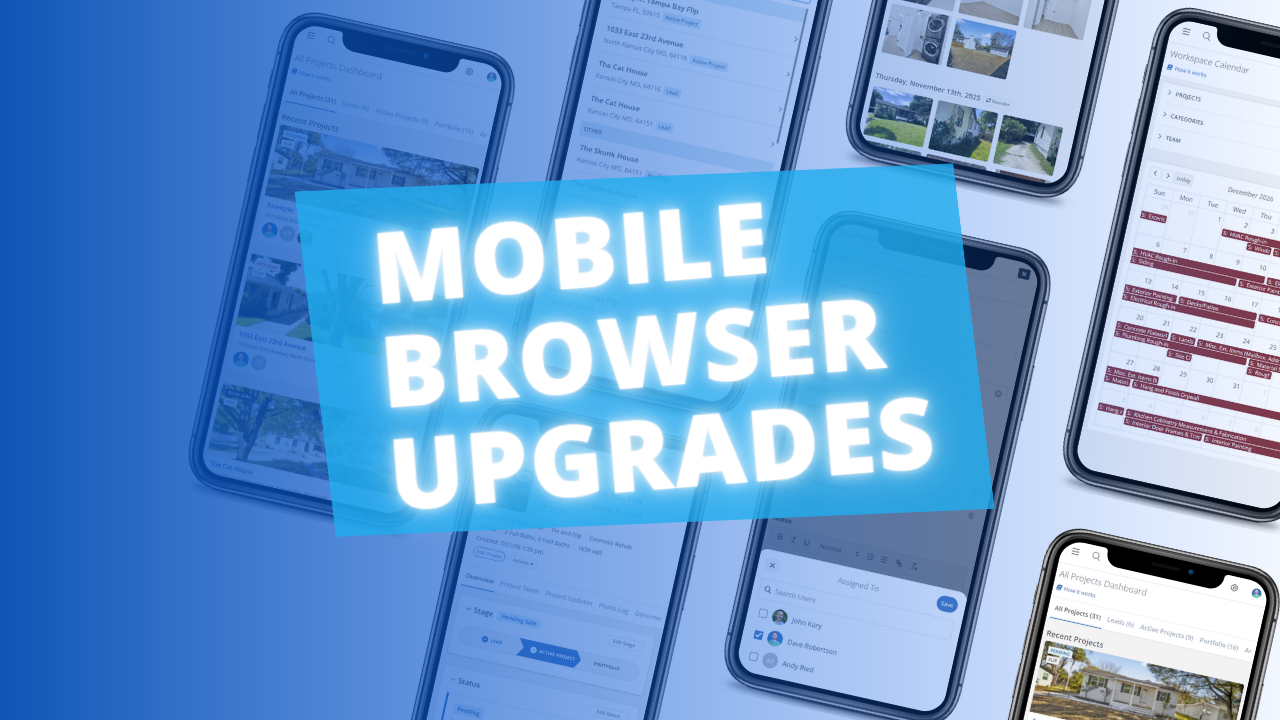
The FlipperForce web app is now much easier to use in your phone's browser. Date pickers, menus, the Scheduler, the Task Manager and the Photo Log have all been reworked to fit a small screen and work well with your phone's keyboard.
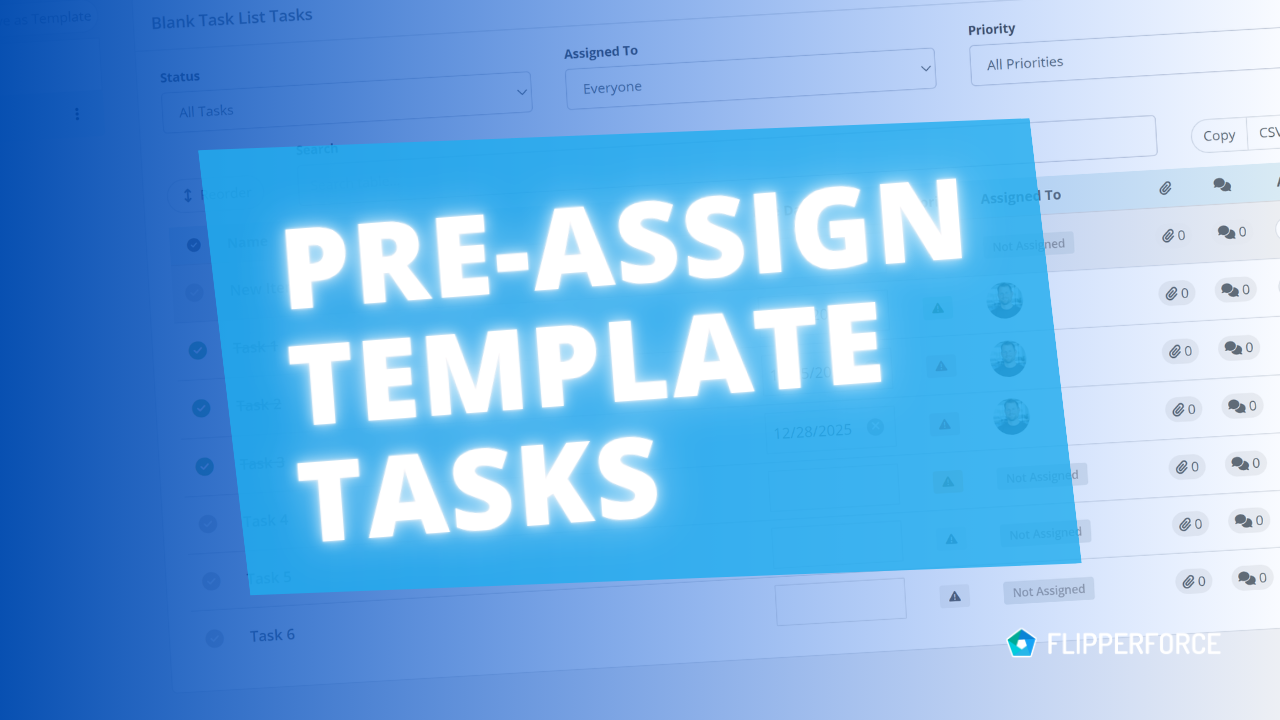
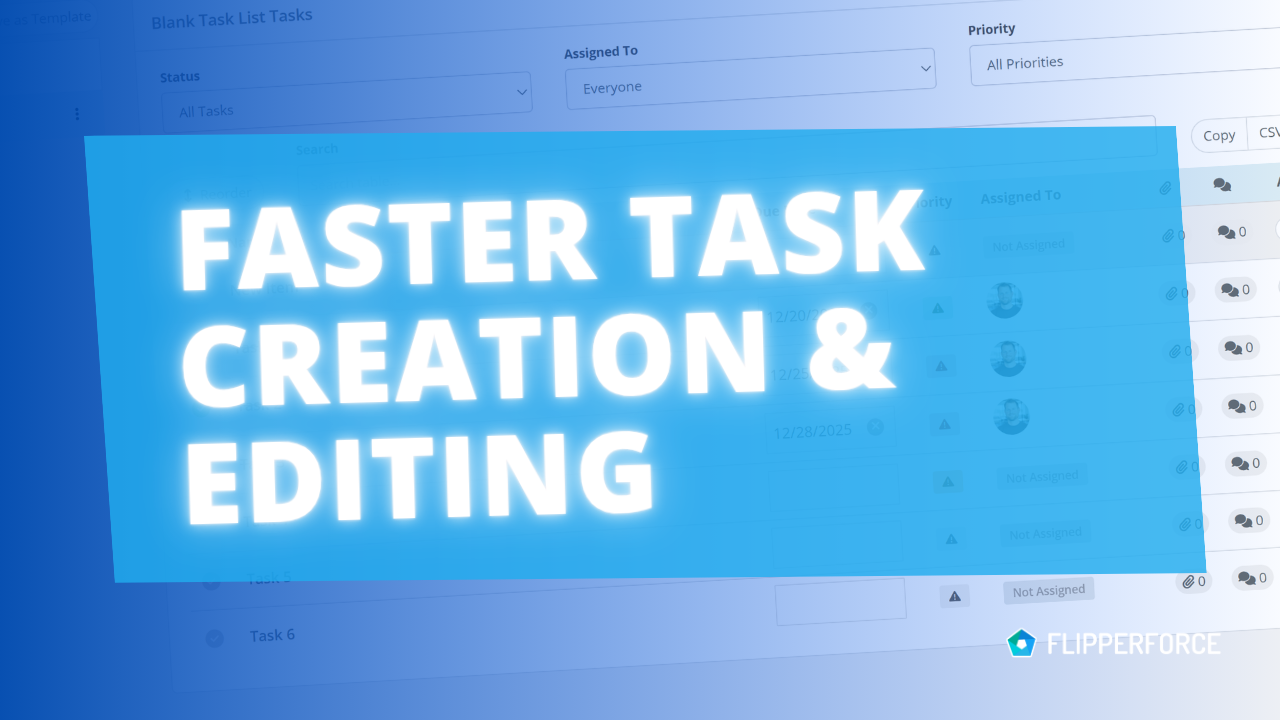
You can now pre-assign team members to the tasks in your Task Templates. Every time you load that template into a project, each task is already assigned to the right person.
The FlipperForce Field mobile app now uploads photos and receipts faster and more reliably on iOS and Android. A new My Recent Uploads inbox lets you track progress, retry failed items, and run multiple upload batches at once.
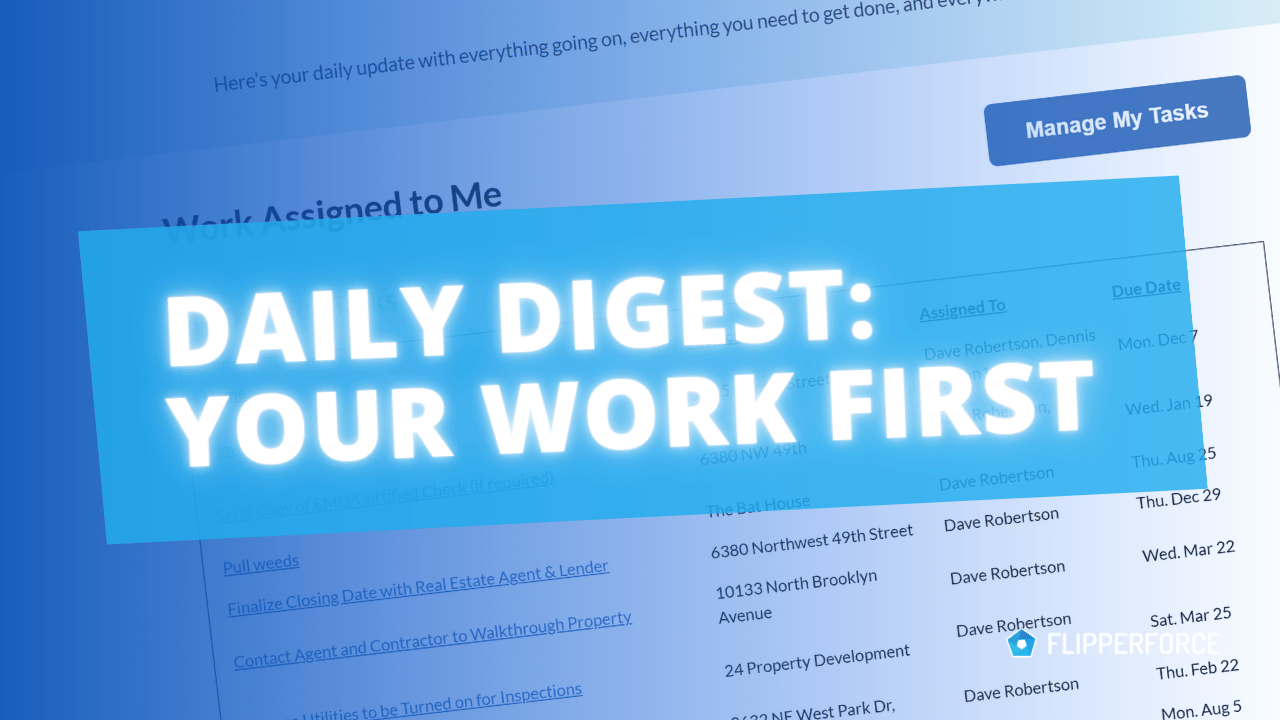
The Daily and Weekly Digest emails summarize tasks, schedules, and events across your projects. Both now lead with a Work Assigned to Me section, so you see your own overdue, due today, and upcoming work before everything else in the workspace.


.png)