You can now generate a share link for a single project update instead of sharing your entire update log. This will allow you to easily share a specific project update with your business partners or lenders, instead of sharing the entire log.

How it Works

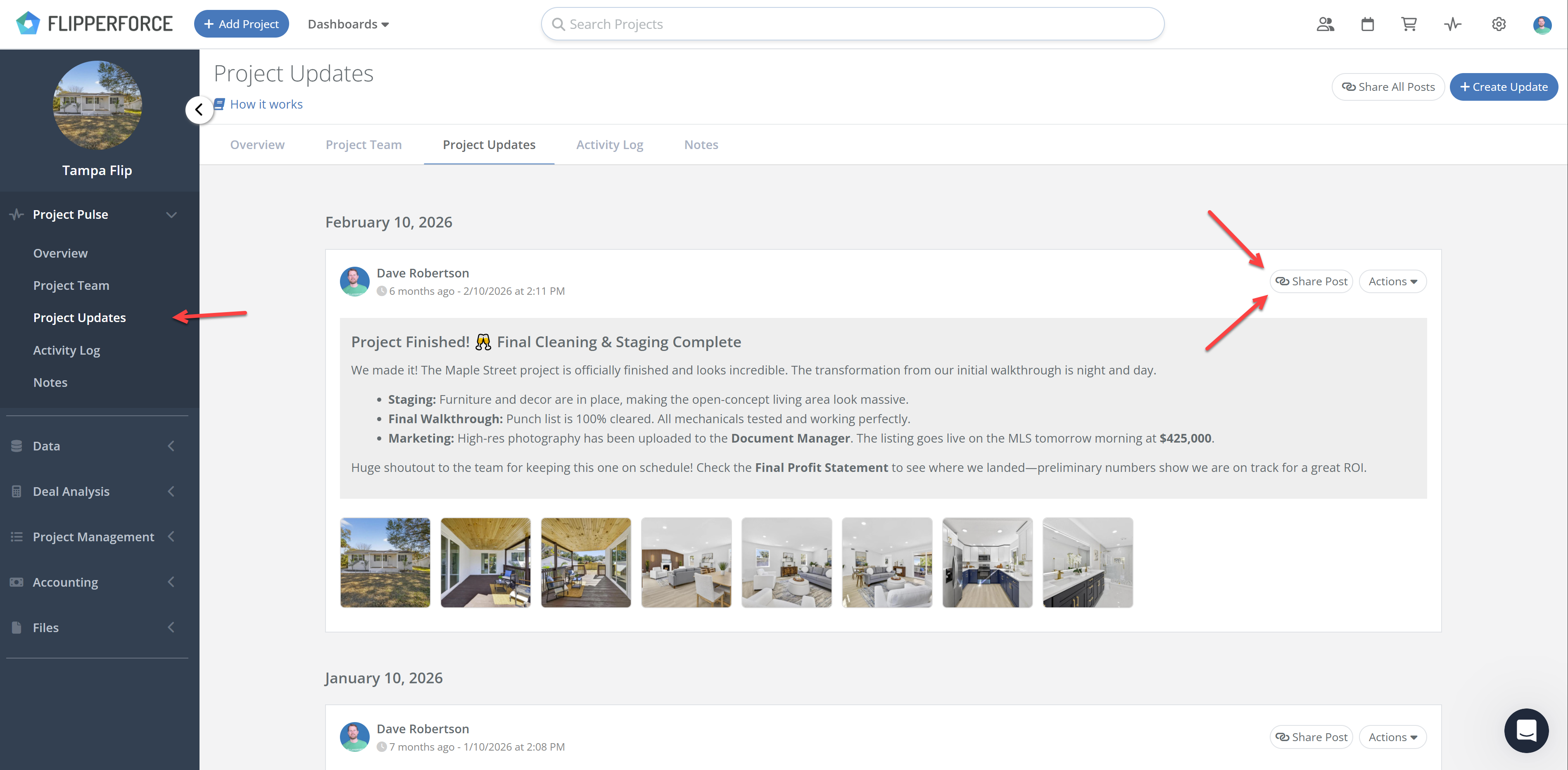
Each update in your Project Updates log has its own share link button. Click it and FlipperForce generates a standalone web page for that one update, including the text and photos you posted. Send the link to anyone. No login required on their end.

The shared page is interactive, not a static screenshot. Clicking any photo thumbnail opens a full-size lightbox gallery, and the recipient can scroll through the rest of the photos from there.
How You Could Use This:

  • Lender Draw Requests - Post a project update documenting the work completed for a draw, with photos of the finished scope. Grab the share link and email it to your lender as the backup for your draw request.
  • Investor / Business Partner Updates - Write an update for the people funding the deal, then grab the share link and send it to them by email or text. They see the milestone they care about without digging through your day-to-day notes.

Note: The global share link that shares your full project update log hasn't changed and is still available on the Project Updates page. Use that one when someone should see everything, and the new individual link when a single update is the whole message.
Dave Robertson
August 6, 2026
5 min read
Our blog

Other Recent Blog Posts

New Features

Your Work, Front and Center in the Daily and Weekly Digest

The Daily and Weekly Digest emails summarize tasks, schedules, and events across your projects. Both now lead with a Work Assigned to Me section, so you see your own overdue, due today, and upcoming work before everything else in the workspace.
Dave Robertson
August 27, 2026
5 min read
New Features

AI Receipt Analyzer Now Supports Word Documents

The AI Receipt Analyzer now accepts .doc and .docx files. Upload a Word invoice from a contractor or vendor straight into your receipts and analyze it without converting it to a PDF first.
Dave Robertson
August 24, 2026
5 min read
New Features

New Material Catalog API Endpoint

Read, create, and update materials in your catalog through the Public API, so you can import past purchase history and refresh your pricing without manual data entry.
Dave Robertson
August 22, 2026
5 min read
New Features

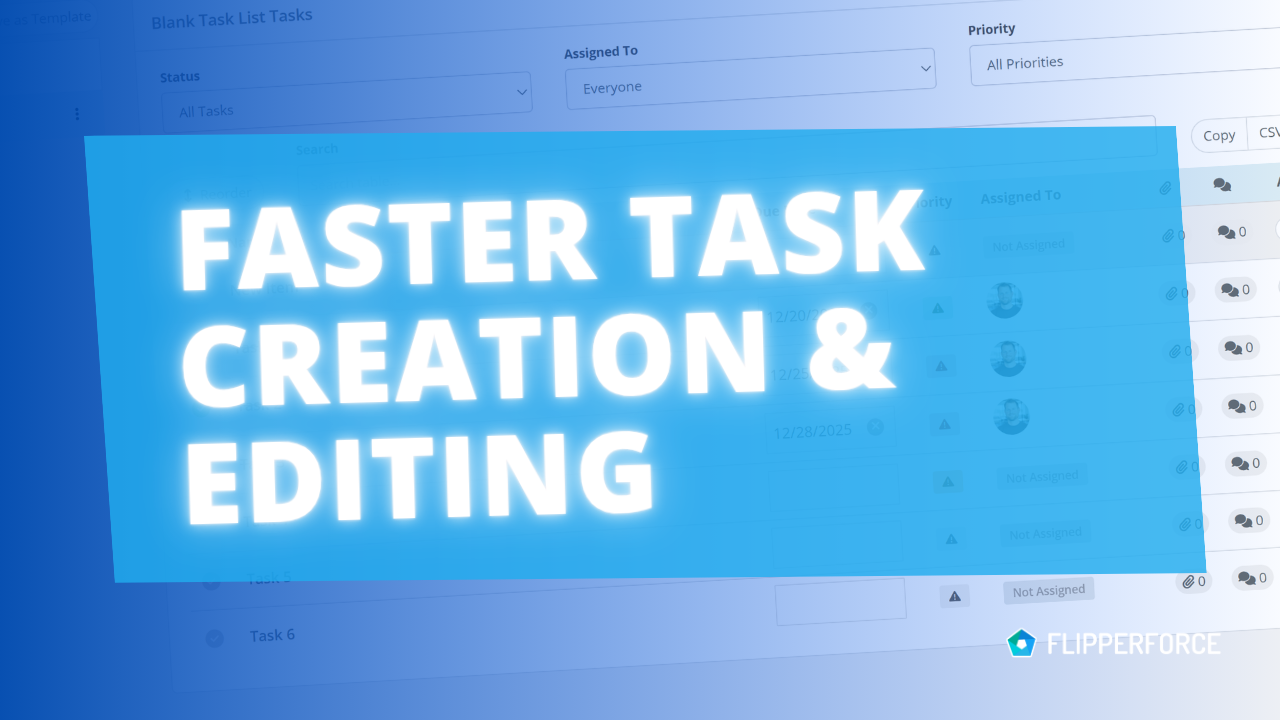
Search, Filter and Complete Tasks Faster

Search your tasks by name, notes, project, or assignee, filter by status and priority, and mark tasks complete right from the table.
Dave Robertson
August 19, 2026
5 min read
New Features

Performance improvements across the platform

We made infrastructure improvements that speed up page loads and eliminate the random delays some users experienced when navigating the app, especially in the Accounting tools.
Dave Robertson
August 17, 2026
5 min read
New Features

More Detail in Your Integrated Calendar Events

Synced calendar events now include project and assignee details, plus links back into FlipperForce.
Dave Robertson
August 11, 2026
5 min read

Ready to Take Action?

Sign up for a free trial and join over 3,000 house flippers and real estate investors that have taken their business to the next level!