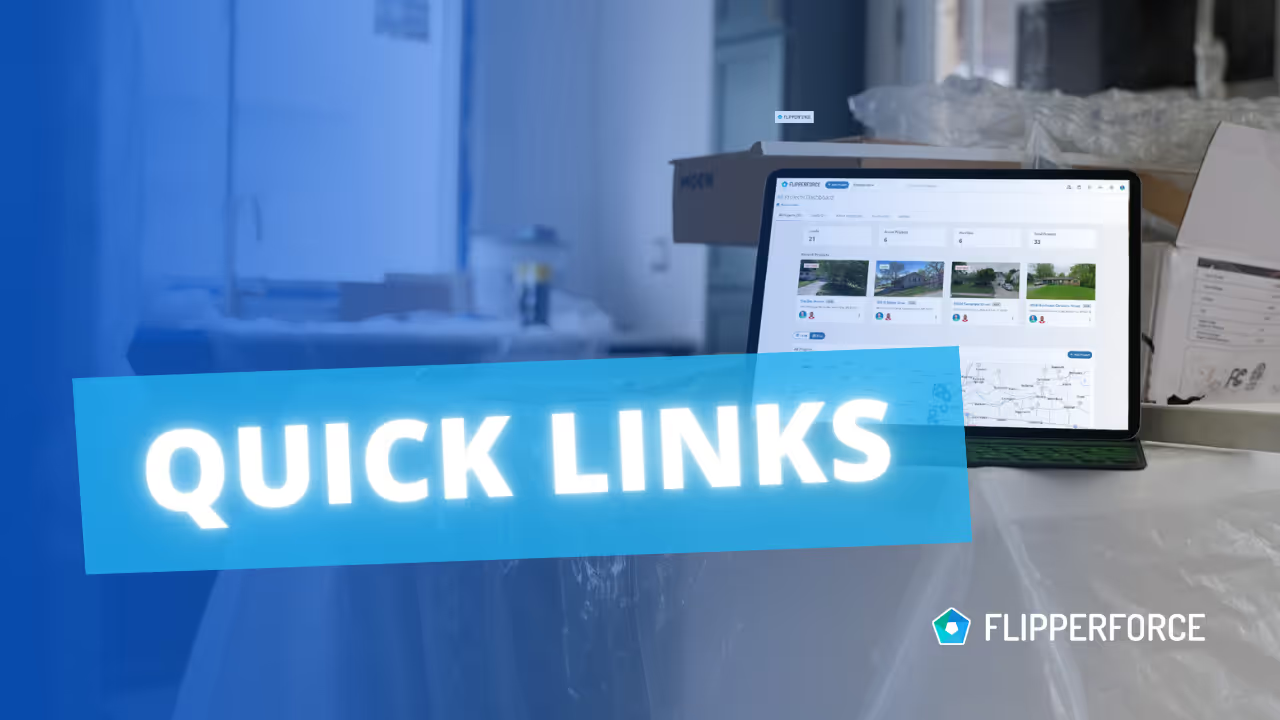
We've added a new "Quick Links" feature to the Project Overview page header, making it even easier to access your frequently used resources.

Quick Access to Essential Tools

Now, directly below the project address and specifications, you'll find a section for Quick Links.

Easy Link Customization

To edit your Quick Links, just click the "Edit" button within the section. A modal will appear, allowing you to add or modify link titles and URLs. These links will then be readily accessible, opening in a new tab for quick navigation.

Link to Your Favorite Resources

This feature allows you to link directly to essential resources, including:

  • Real estate websites (e.g., Redfin, Auction.com).
  • CRM systems.
  • Cloud storage folders (e.g., Google Drive, Dropbox).
  • Pinterest Inspiration boards.
  • Matterport 3D renderings.
  • Local government websites for permits or zoning.
  • Utility company websites.
  • Any other website you find valuable for your project.

We're always looking for ways to improve FlipperForce, and this update is a direct result of user feedback. We love collaborating with our users to continue to enhance the platform and make it even more efficient for your real estate investing needs.


Dave Robertson
March 25, 2025
5 min read
Our blog

Other Recent Blog Posts

New Features

New % of Cost Desired Profit Calculation

You can now calculate your Desired Profit based on a % of Total Project Costs in the Flip Analyzer and save it as a global default in your settings for faster, ROI-driven deal analysis.
Dave Robertson
April 27, 2026
5 min read
New Features

Bulk Import Your Home Depot Purchase History

Stop wasting hours on manual data entry by using the FlipperForce AI-powered importer to instantly transform your Home Depot purchase history into a fully categorized, real-time look at your budget vs. actuals.
Dave Robertson
April 13, 2026
5 min read
New Features

Advanced Project Duplication and Configuration

Streamline your workflow by using our new project cloning feature to create "Master Templates" that automatically load your entire project schedule, budget, and task lists in one click.
Dave Robertson
April 10, 2026
5 min read
New Features

🚀 New AI-Powered Bulk Expense Importer

Our new AI-Powered Bulk Expense Importer makes it easy to get your expenses imported and categorized without the manual data entry.
Dave Robertson
March 31, 2026
5 min read
New Features

New Bulk Company Importer

Our new AI-powered Company Importer makes it easy to import your company data, so you can quickly assign your vendors and contractors to project schedules, expenses, and bids.
Dave Robertson
March 9, 2026
5 min read
New Features

Enhanced "Type to Search" Dropdowns for Expenses

Easily type-to-search and select the Account, Company and Category without touching your mouse.
Dave Robertson
February 27, 2026
5 min read

Ready to Take Action?

Sign up for a free trial and join over 1,000 house flippers and real estate investors that have taken their business to the next level!