If you use the Calendar Integration to sync your FlipperForce calendar with a third-party calendar like Google Calendar, Outlook or Apple Calendar, we just shipped an improvement that gives you a lot more detail about each event.
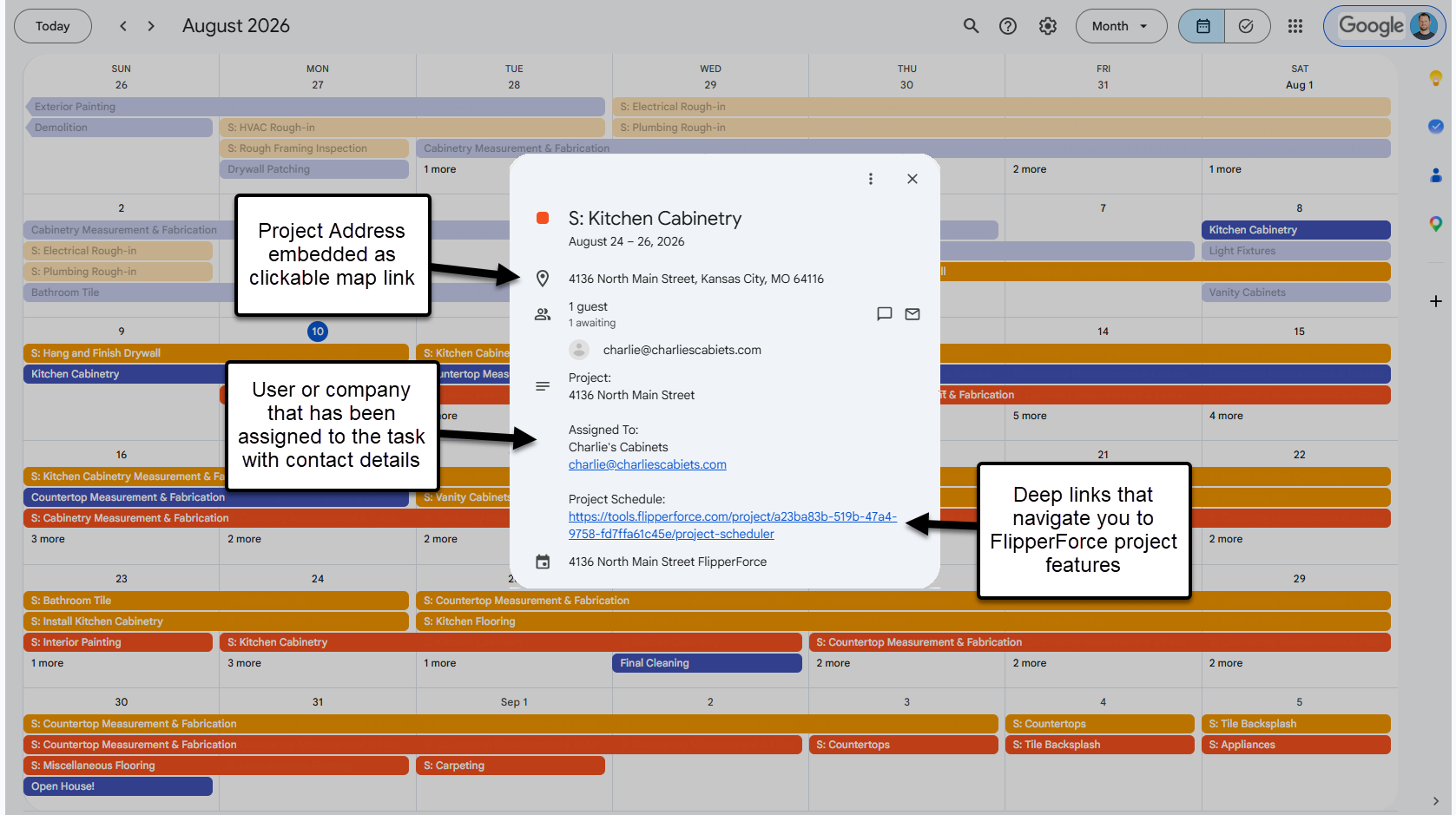
Before, you got the event name and the dates. Now you get the project, the address, who it's assigned to, and links straight back into FlipperForce.
What's Included
Project address, embedded as a clickable map link so you can pull directions in one tap
Project name, so you know which property the item belongs to
Assigned to, showing the user, company, or contact along with their email and phone number
Deep links back into FlipperForce that take you straight to the Project Scheduler, Task Manager, or Calendar
Task notes, for items created in the Task Manager
How it Works
Nothing to set up. If you already have a calendar integration connected, the new details start appearing automatically. If you have not connected one yet, go to the Calendar and click Calendar Integrations to get your link.
This applies to both the Workspace Calendar link and the new per-project calendar links.
How You Could Use This
Tap the address from your phone and get directions to the job site without opening FlipperForce
Call or email the contractor straight from the event when they are not on site
Open the deep link and update the schedule dates while you are still standing in the house
Glance at tomorrow's events and know which property each one is at
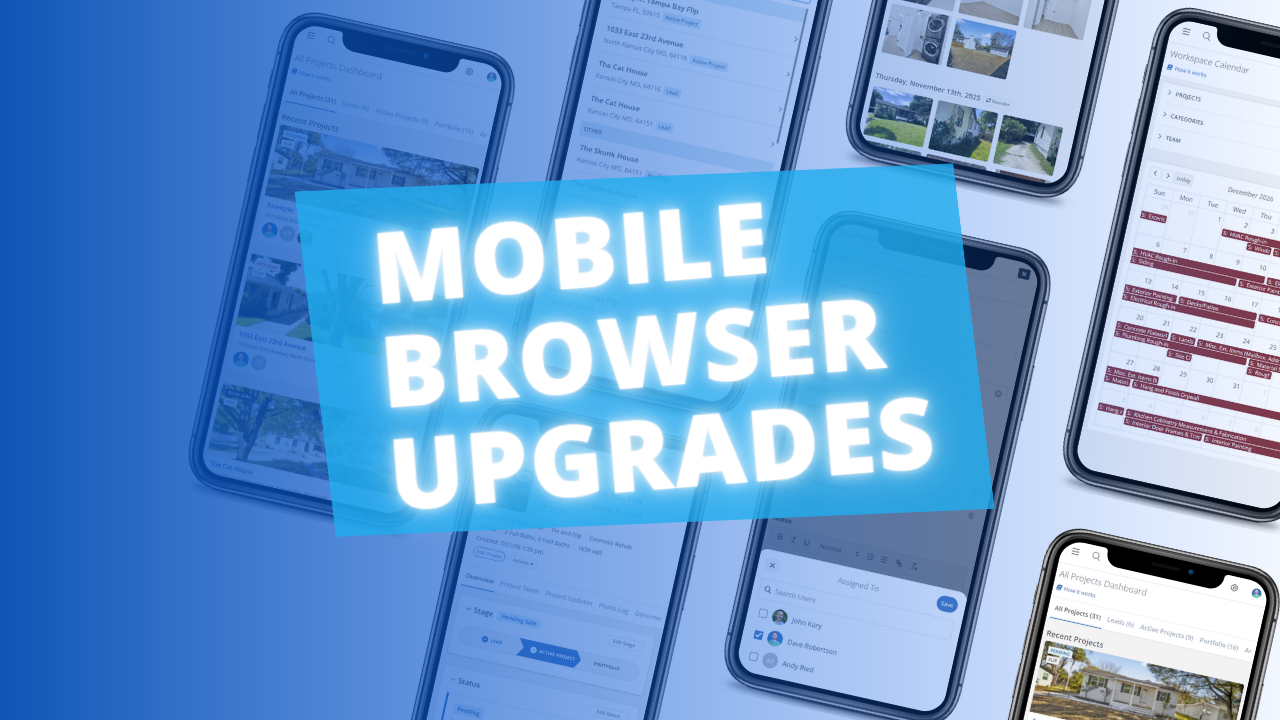
The FlipperForce web app is now much easier to use in your phone's browser. Date pickers, menus, the Scheduler, the Task Manager and the Photo Log have all been reworked to fit a small screen and work well with your phone's keyboard.
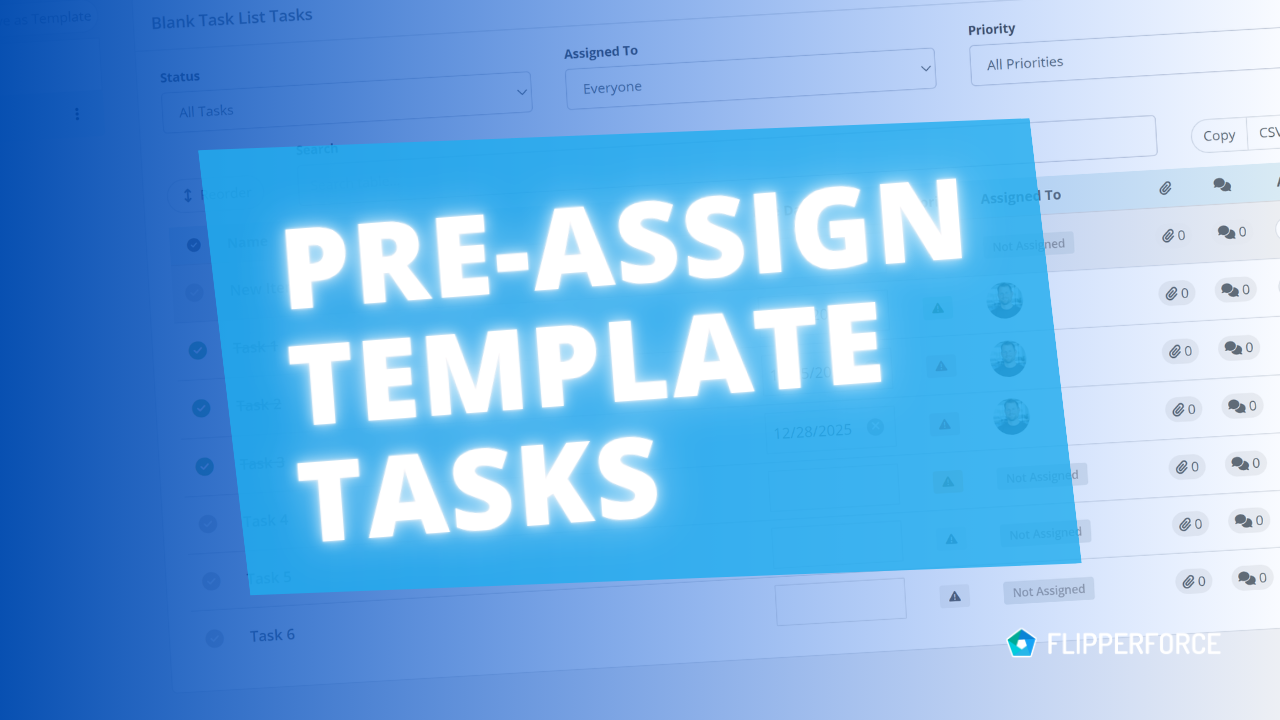
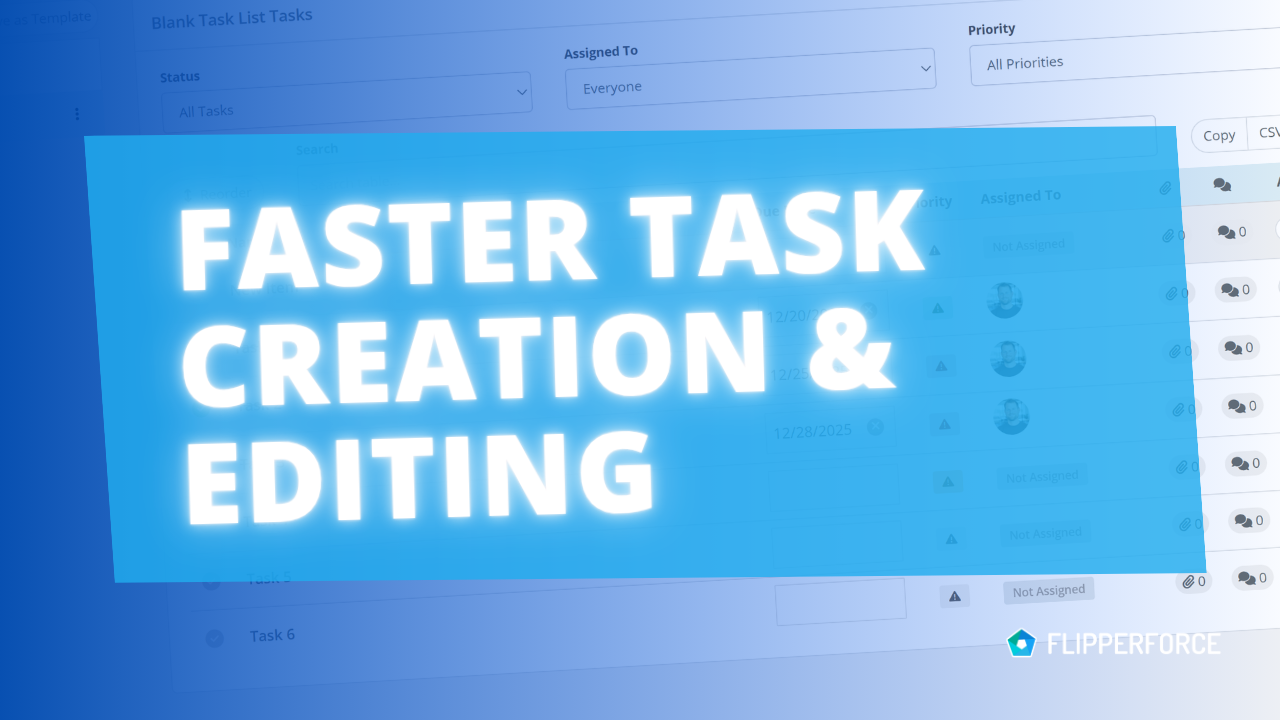
You can now pre-assign team members to the tasks in your Task Templates. Every time you load that template into a project, each task is already assigned to the right person.
The FlipperForce Field mobile app now uploads photos and receipts faster and more reliably on iOS and Android. A new My Recent Uploads inbox lets you track progress, retry failed items, and run multiple upload batches at once.
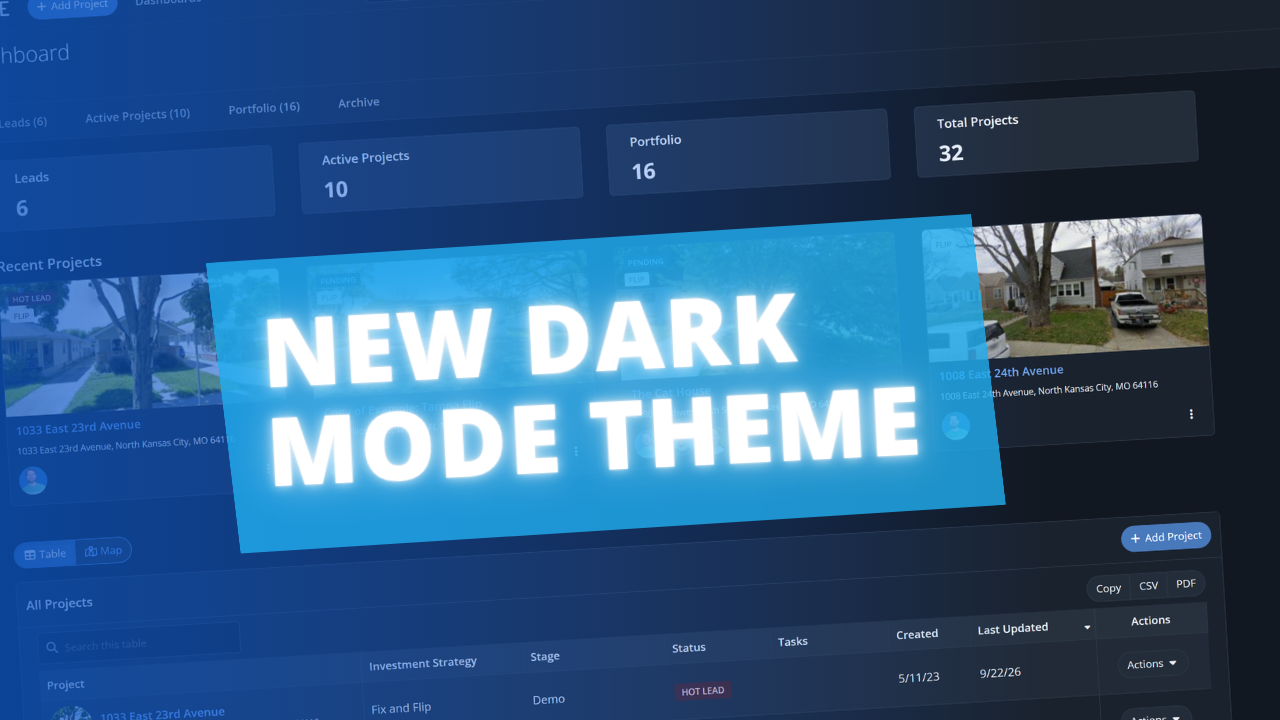
FlipperForce now has a full dark theme across the web app and the FlipperForce Field mobile app. Choose Light, Dark, or System to match how and where you work.