If you are buying materials from Home Depot, you know the drill. You finish a major phase of construction and end up with a stack of receipts or a massive CSV export with hundreds of mixed items. Manually typing each vanity, box of tile, and light fixture into a spreadsheet is a tedious, error-prone time-sink.

At FlipperForce, we knew there had to be a better way. That’s why we built the AI-Powered Bulk Expense Importer.

See it in Action

Check out this video to see how we turn a messy Home Depot export into an organized project budget in a few minutes.

How it Works: From CSV to Categorized Actuals

You don’t need to be a tech expert to automate your tracking. The process follows three simple steps:

1. Export from Home Depot Pro Xtra

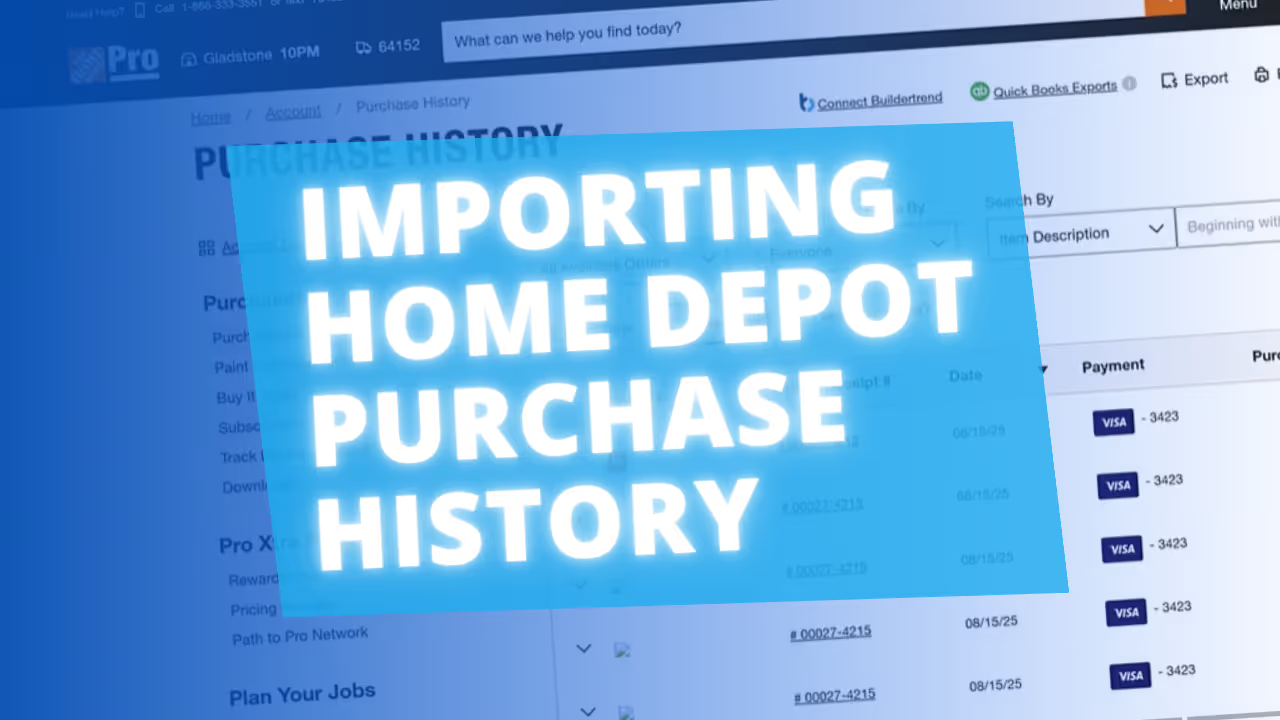
Log into your Home Depot Pro Xtra account and navigate to your Purchase History. Filter by your project dates and export the Detailed Purchase History as a CSV file. This file contains every SKU and description for every item you’ve bought.

2. Upload to FlipperForce

Open your project in FlipperForce, go to the Expense Tracker, and select the Bulk Importer. Simply drop your Home Depot CSV file into the uploader.

3. Let the AI Do the Heavy Lifting

This is where the magic happens. Our AI reads the specific SKU descriptions within the CSV. Instead of just seeing "Item #12345," the AI recognizes it as a "Kohler Highline Toilet" and automatically maps it to your Plumbing category.


  • Vanities go to Cabinetry.
  • Tile goes to Flooring/Tiling.
  • Lumber goes to Framing.
Dave Robertson
April 13, 2026
5 min read
Our blog

Other Recent Blog Posts

New Features

🚀 Introducing our New AI-Powered Bulk Expense Importer

Our new AI-Powered Bulk Expense Importer makes it easy to get your expenses imported and categorized without the manual data entry.
Dave Robertson
March 31, 2026
5 min read
New Features

New Bulk Company Importer

Our new AI-powered Company Importer makes it easy to import your company data, so you can quickly assign your vendors and contractors to project schedules, expenses, and bids.
Dave Robertson
March 9, 2026
5 min read
New Features

Enhanced "Type to Search" Dropdowns for Expenses

Easily type-to-search and select the Account, Company and Category without touching your mouse.
Dave Robertson
February 27, 2026
5 min read
New Features

Enhanced Date Range Filters & Accounting Controls

We've introduced new Date Range and Accounting filters across the Expense Tracker and reports to give you more flexibility and control over your project spending data.
Dave Robertson
February 25, 2026
5 min read
New Features

New Transaction Reports for Simplified Reconciliation

Learn how our new Global and Project Transaction Reports simplify reconciliation by allowing you to track and filter every expense across your entire portfolio in one master list.
Dave Robertson
February 20, 2026
5 min read
New Features

New Transaction Grouping for Expenses

Easily reconcile your project spending by grouping individual expenses into searchable transaction totals that match your bank statements.
Dave Robertson
February 16, 2026
5 min read

Ready to Take Action?

Sign up for a free trial and join over 1,000 house flippers and real estate investors that have taken their business to the next level!