We heard your feedback! Organizing your project checklists just got a lot easier. You are no longer limited to tasks being stuck in the order they were created—you can now easily drag-and-drop to reorder your tasks to create a perfect, step-by-step checklist. Whether it’s a renovation punch list or a pre-closing sequence, your tasks will now stay exactly where you want them.

Task Reordering Task Manager Feature

How it Works:

  1. Click the new Reorder button above the Task table.
  2. Drag and Drop your tasks into your preferred order.
  3. Click Done Reordering.

This is the first of several planned updates to our Task Manager, and we’re excited to finally get this highly-requested improvement into your hands. Thanks again for your feedback, and please let us know if you have any other ideas!

Our blog

Other Recent Blog Posts

November 2, 2026
Manage Your Tasks from Claude, Grok, and Other AI Agents with the New Tasks API
New Feature

Manage Your Tasks from Claude, Grok, and Other AI Agents with the New Tasks API

FlipperForce's Public API now includes Tasks. Create, update, and delete tasks and subtasks from Claude, Grok, or any outside system without logging into the web app.
Read post
October 27, 2026
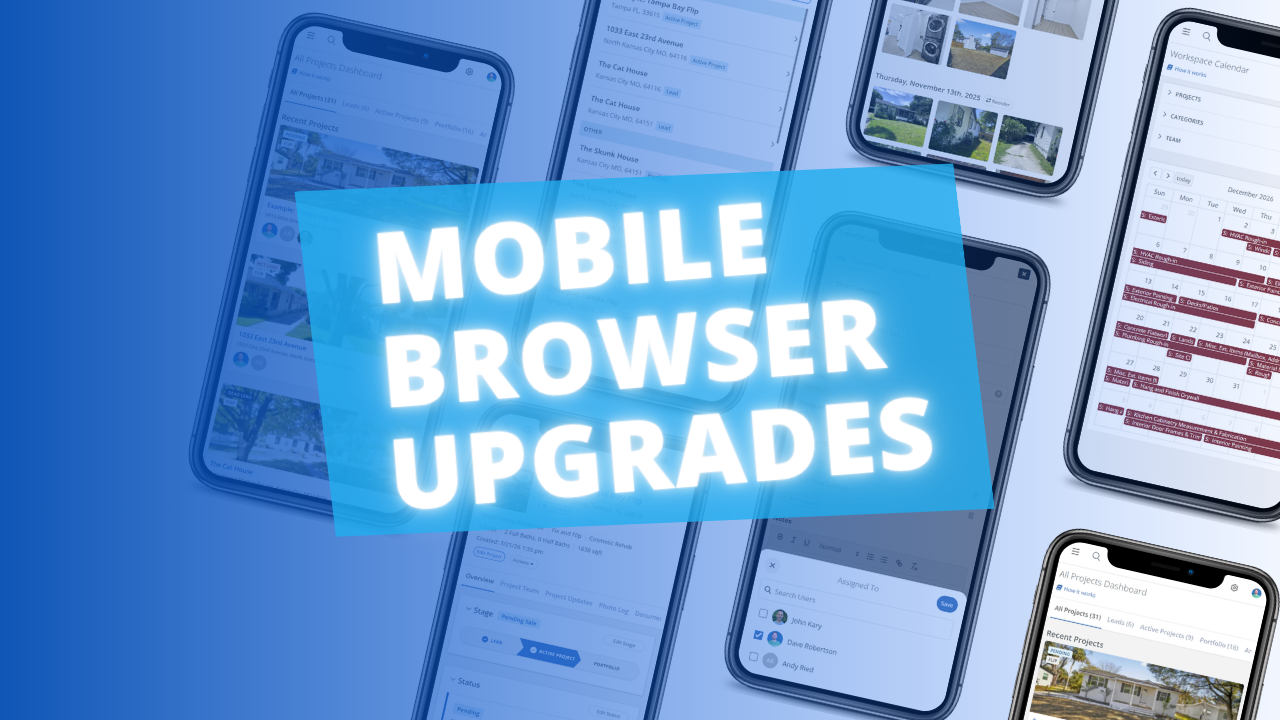
A Better FlipperForce Experience in Your Phone's Browser
Improved

A Better FlipperForce Experience in Your Phone's Browser

The FlipperForce web app is now much easier to use in your phone's browser. Date pickers, menus, the Scheduler, the Task Manager and the Photo Log have all been reworked to fit a small screen and work well with your phone's keyboard.
Read post
October 14, 2026
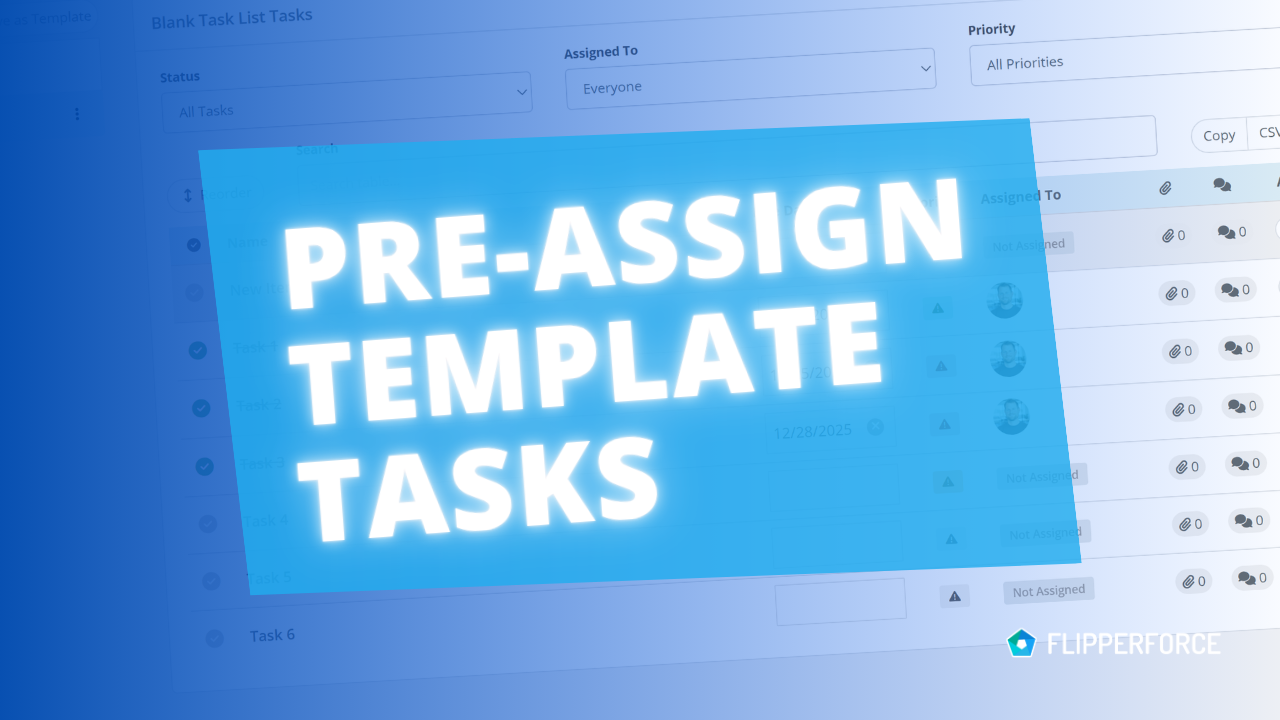
Pre-Assign Team Members in Your Task Templates
Improved

Pre-Assign Team Members in Your Task Templates

You can now pre-assign team members to the tasks in your Task Templates. Every time you load that template into a project, each task is already assigned to the right person.
Read post
October 12, 2026
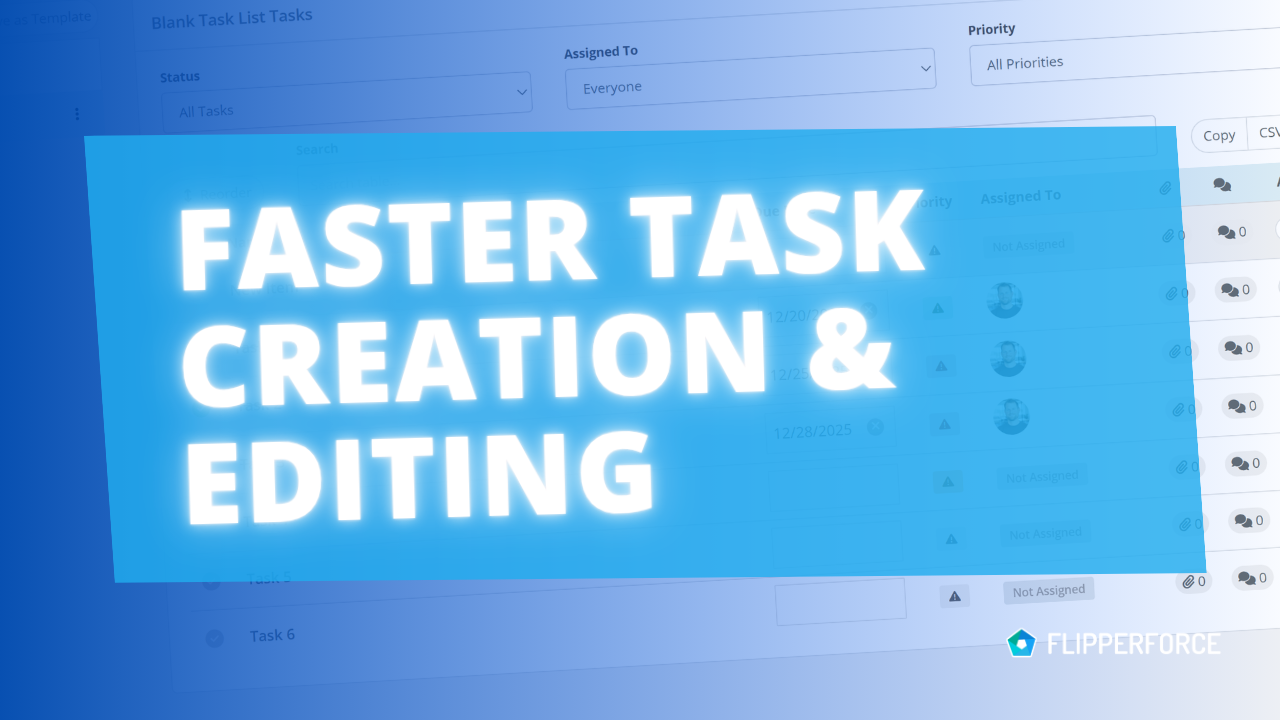
Add Tasks Faster with Inline Entry and Auto-Save
Improved

Add Tasks Faster with Inline Entry and Auto-Save

Building a task list in the Task Manager is now much faster. You can add tasks inline, one after another, and every change saves automatically.
Read post
September 22, 2026
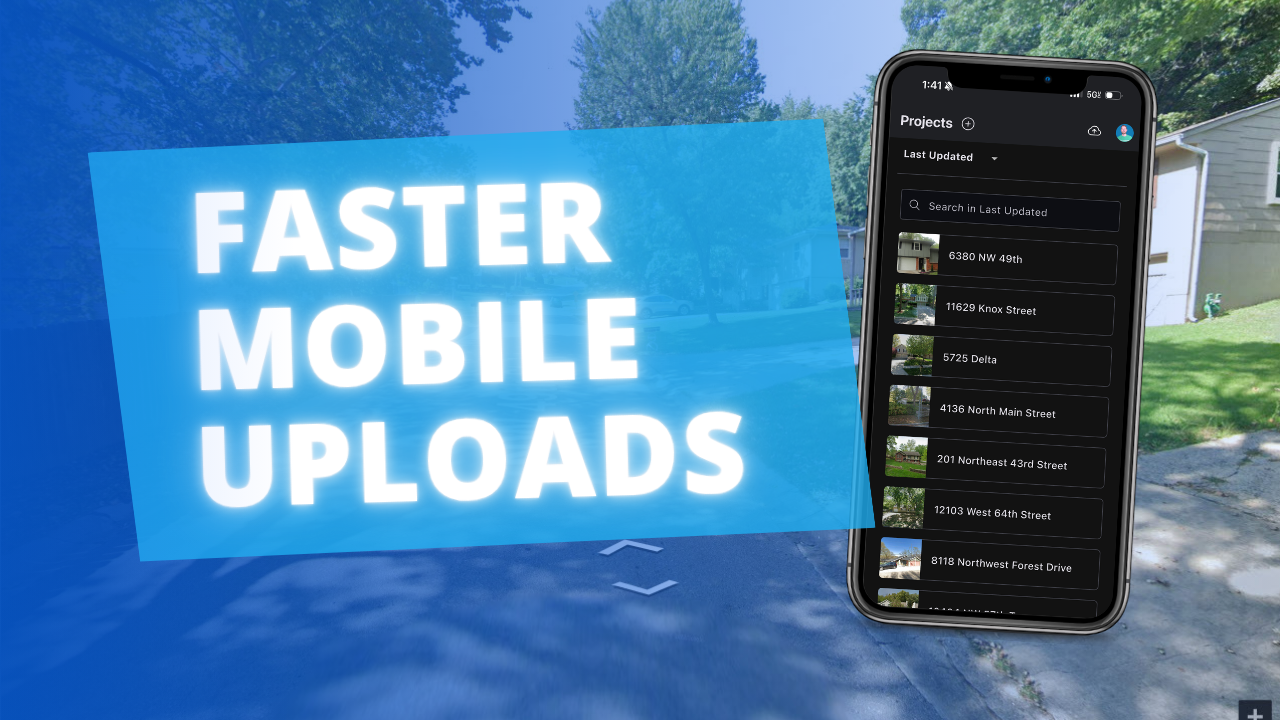
Faster, More Reliable Photo and Receipt Uploads in the Mobile App
Improved

Faster, More Reliable Photo and Receipt Uploads in the Mobile App

The FlipperForce Field mobile app now uploads photos and receipts faster and more reliably on iOS and Android. A new My Recent Uploads inbox lets you track progress, retry failed items, and run multiple upload batches at once.
Read post

Ready to Take Action?

Sign up for a free trial and join over 3,000 house flippers and real estate investors that have taken their business to the next level!