The AI Receipt Analyzer now accepts Word documents. Upload a .doc or .docx straight into your project's receipts and the analyzer reads it the same way it reads a PDF or a photo.
Previously, Word files were not a supported file type. If a contractor sent an invoice as a Word doc, you had to open it, export or print it to PDF, and then upload that. A small step, but a frequent one, since plenty of subs and vendors invoice out of a Word template rather than accounting software.
What's New
Both .doc and .docx files can now be uploaded to your receipts and analyzed like any other supported file
The analyzer pulls the same information it pulls from PDFs and images, so the receipt lands in your project with no manual re-entry
No conversion step, no third party converter, no printing to PDF first
How You Could Use This
Contractor invoices - Your framer emails a Word invoice at the end of the week. Upload it directly to the project's receipts and let the analyzer log the cost.
Vendor and supplier billing - Smaller suppliers often send Word or template-based invoices instead of a formatted PDF. Those now go in as-is.
Clearing a backlog - Word invoices already sitting in your email or Drive from earlier in the project can be uploaded without touching each one first.
No setup required. Upload a Word file anywhere you would upload a receipt today. The AI Receipt Analyzer is included in all All-In-One plans.
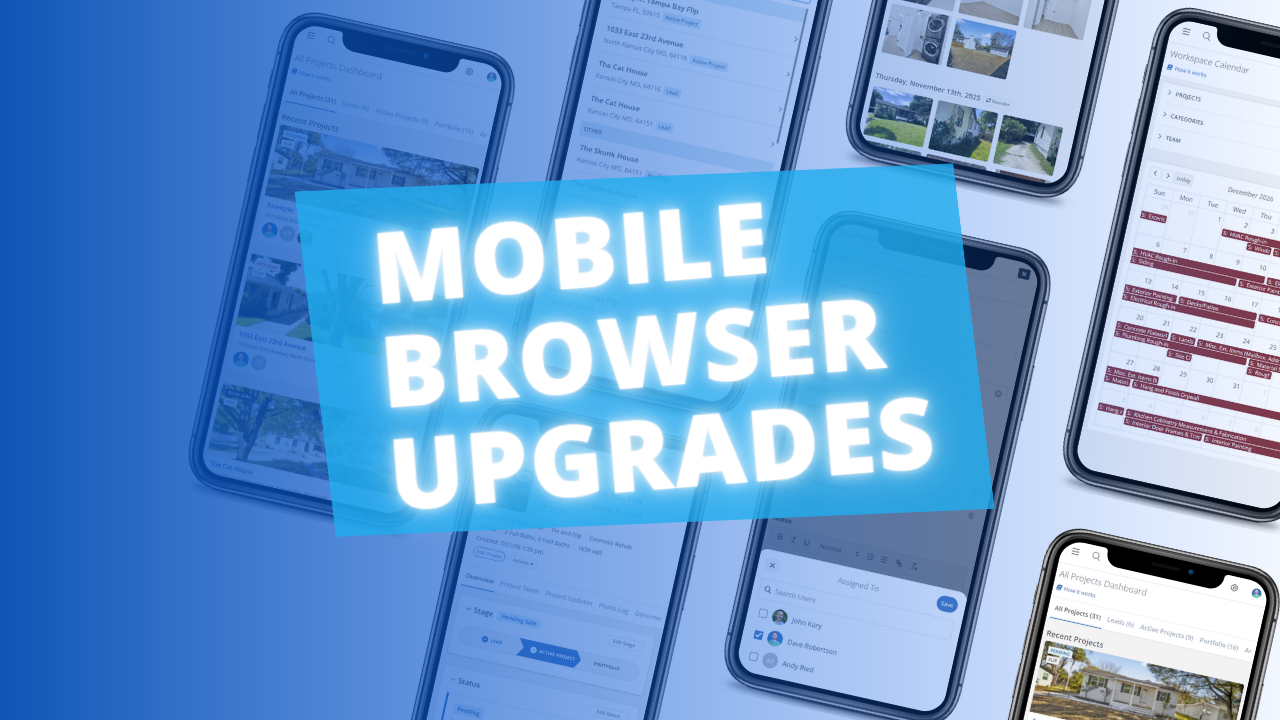
The FlipperForce web app is now much easier to use in your phone's browser. Date pickers, menus, the Scheduler, the Task Manager and the Photo Log have all been reworked to fit a small screen and work well with your phone's keyboard.
You can now pre-assign team members to the tasks in your Task Templates. Every time you load that template into a project, each task is already assigned to the right person.
The FlipperForce Field mobile app now uploads photos and receipts faster and more reliably on iOS and Android. A new My Recent Uploads inbox lets you track progress, retry failed items, and run multiple upload batches at once.
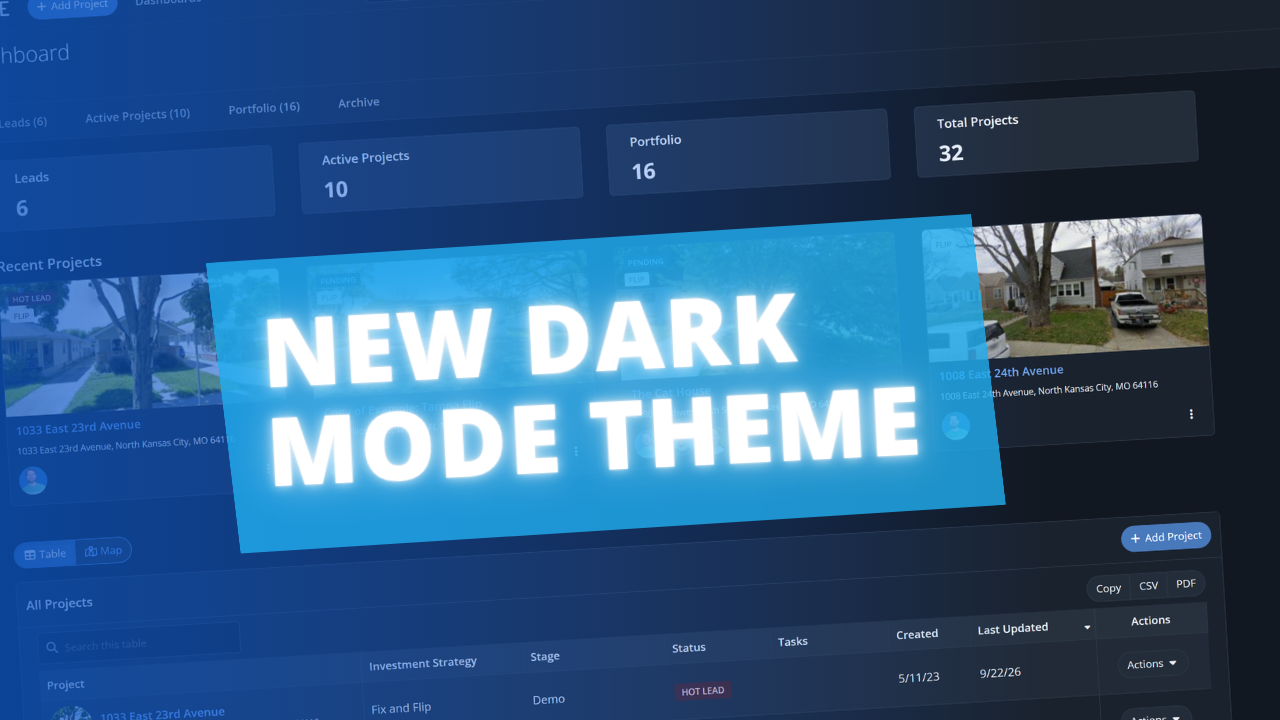
FlipperForce now has a full dark theme across the web app and the FlipperForce Field mobile app. Choose Light, Dark, or System to match how and where you work.


.png)