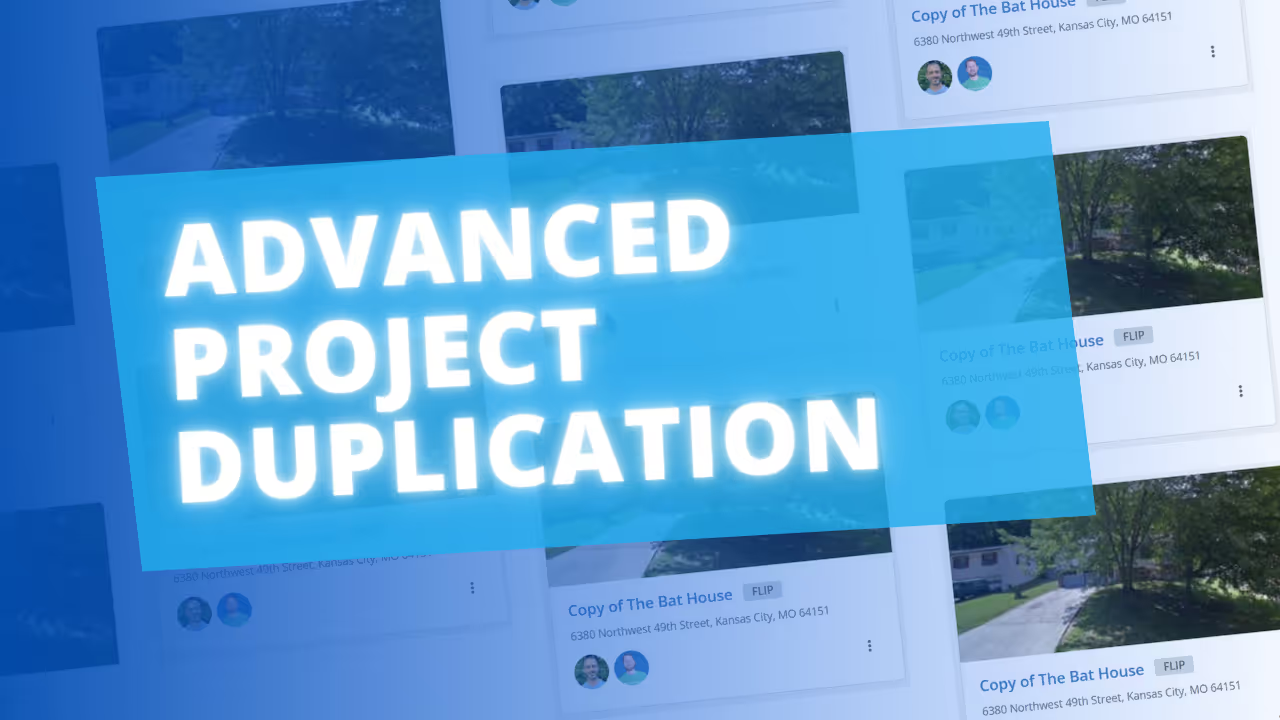
We’ve upgraded the Duplicate Project feature to allow for a more complete "clone" of your existing projects. Previously, duplicating was limited to core details; now, you can replicate nearly every data point in your project with the click of a button.
When cloning a project, you’ll now see a checklist that allows you to choose exactly which data to carry over to the new project. This includes:
While FlipperForce already offers templates for individual tools, this update allows you to create a Master Project Template for specific property types.
For example, you can set up a standardized master project for a "3-bed, 2-bath gut rehab." By cloning that project for a new lead, you automatically load your entire project workflow—including your specific Scope of Work (SOW), renovation schedules, and task lists—all at once. This eliminates the need to manually load separate templates into each individual tool, ensuring your new projects are ready for management in seconds.