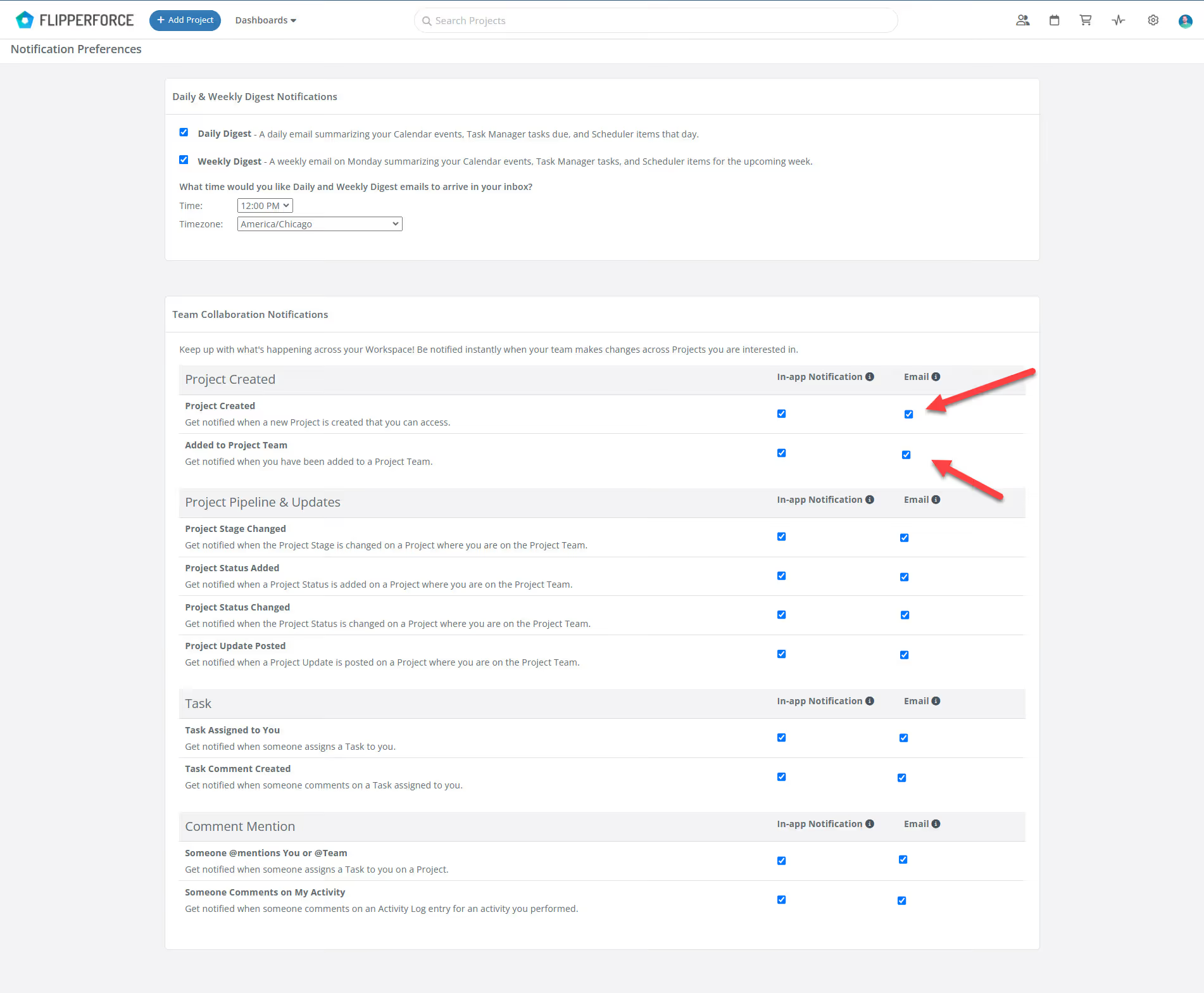
Simply go to your "Notification Preferences" and turn off the email notification option for each activity. You can still receive in-app notifications to stay updated.
Simply go to your "Notification Preferences" and turn off the email notification option for each activity. You can still receive in-app notifications to stay updated.
Get immediate, feature-specific answers without digging through articles. DaveBot is here 24/7 to provide detailed explanations, troubleshooting tips, and guidance on all FlipperForce tools.