Team Notifications

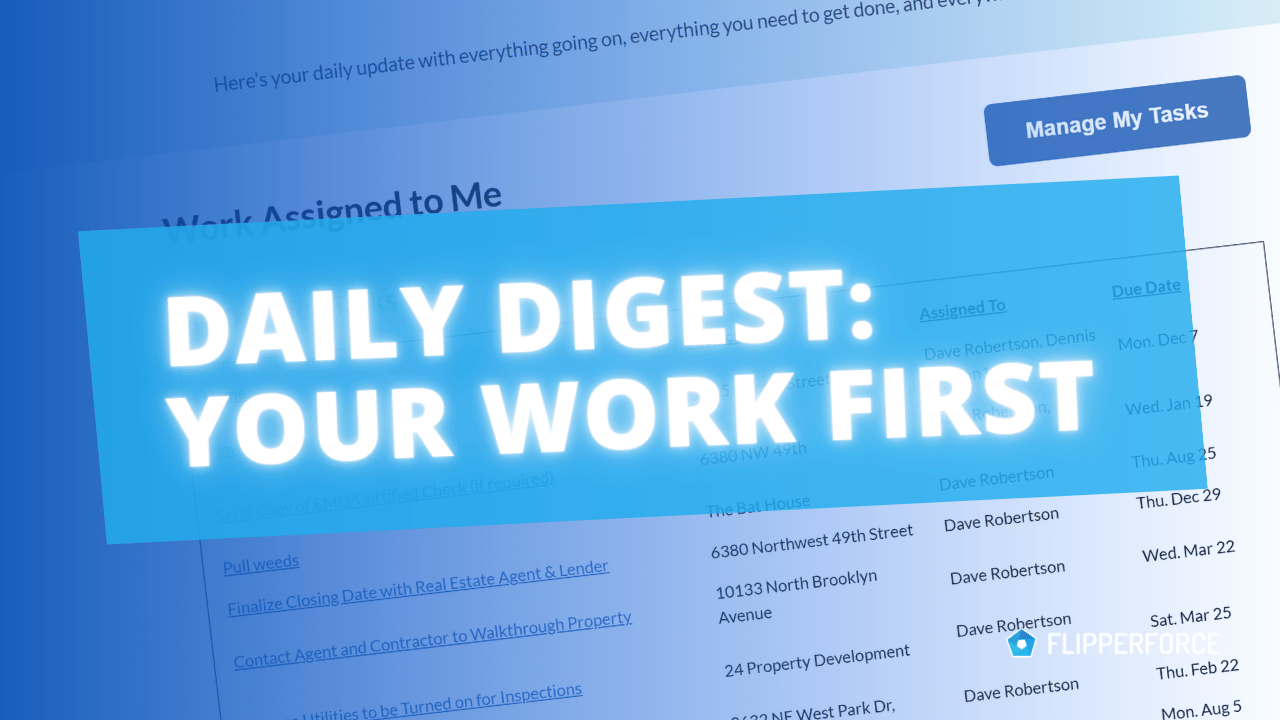
Learn about your Team Notifications feature that keeps you informed on important updates that are happening in your Workspace.

FlipperForce Field is now available!

How it Works

Team Notifications keep you and your team members informed about important workspace events in real time — surfacing the updates that require your attention without requiring you to manually check every project throughout the day.

What it does

Team Notifications deliver in-app and email alerts for key workspace events, including task assignments, project updates, budget alerts, comments, and team activity. You control which events trigger notifications through your Notification Preferences.

How to use it

Access your Team Notifications from the notification bell icon in the platform header. Review your notification feed to see recent activity across your projects. Click any notification to jump directly to the relevant project, task, or update. Customize which events trigger alerts in your Account Settings under Notification Preferences.

Why it matters

When you're managing multiple projects and team members, staying informed without being overwhelmed is a constant challenge. Team Notifications solve this by surfacing only the updates that matter — keeping you connected to your business without requiring you to manually check in on every project throughout the day.
Videos

Case Studies

Deep dives into real world real estate examples.
No items found.
Videos

Software Feature Tutorials and Tips

No items found.

Have Questions?  Ask DaveBot:

Get immediate, feature-specific answers without digging through articles. DaveBot is here 24/7 to provide detailed explanations, troubleshooting tips, and guidance on all FlipperForce tools.
Chat with DaveBot (Be Nice, I'm in Beta)!
Product Updates

Latest Updates

2025 Year in Review: Productivity and Platform Updates

2025 Year in Review: Productivity and Platform Updates

In 2025, FlipperForce expanded its platform with the launch of a new mobile app for on-site project updates, AI-powered receipt scanning for streamlined accounting, and a public API to enhance data connectivity and team collaboration.

Stay in Sync with New Team Notifications!

New Team Notifications feature that keeps Teams informed and aligned through real-time in-app and email updates on important project activities.
No items found.