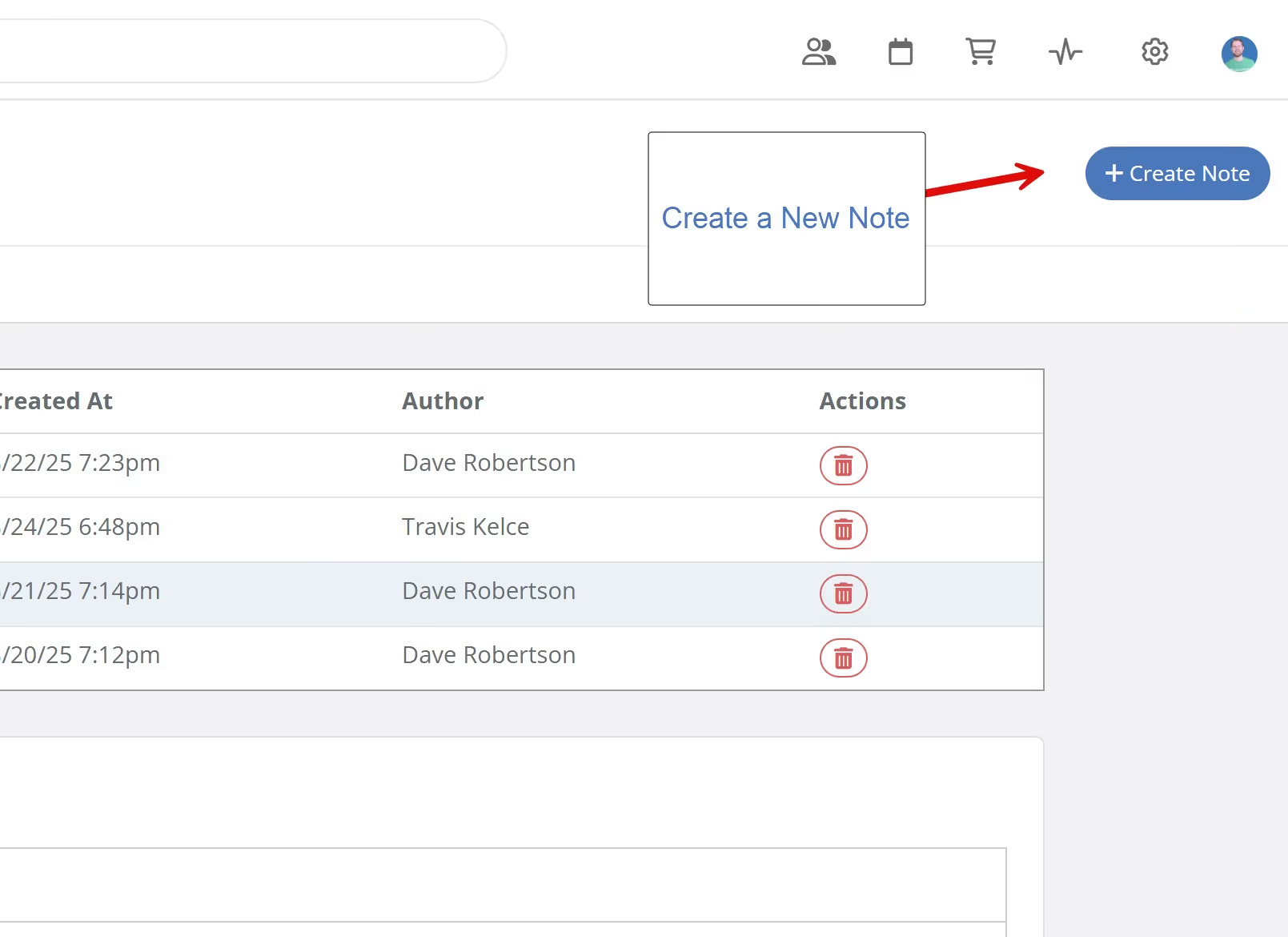
To create a new note, navigate to the Project Notes page for your desired project. Click the "Create Note" button located in the upper right corner of the page.
To create a new note, navigate to the Project Notes page for your desired project. Click the "Create Note" button located in the upper right corner of the page.
Get immediate, feature-specific answers without digging through articles. DaveBot is here 24/7 to provide detailed explanations, troubleshooting tips, and guidance on all FlipperForce tools.