AI Receipt Analyzer

Learn how to use the AI Receipt Analyzer to eliminate your manual data entry.

FlipperForce Field is now available!

Did you know FlipperForce has a mobile app for easily uploading Receipts from your phone? Simply take a photo on your phone, then let the AI Receipt Analyzer automatically enter your expenses!

How it Works

The AI Receipt Analyzer turns your phone camera into an instant expense entry machine. Take a photo of any receipt, and AI automatically extracts the vendor, date, amount, and category — no typing required.

What it does:

Using optical character recognition and AI-powered data extraction, the Receipt Analyzer scans uploaded receipt images and populates your Expense Tracker fields automatically. It works with handwritten receipts, printed invoices, and digital documents.

How to use it:

Upload a receipt photo through the mobile app or web interface. The AI will analyze the image and present pre-filled expense data for your review. Confirm, adjust if needed, and save — your expense is logged in seconds. For mobile users, simply open the FlipperForce Field app, tap the Receipt button, snap a photo, and you're done.

Why it matters:

Receipt tracking is the #1 habit that separates professional investors from those who lose money on taxes and job costing. The AI Receipt Analyzer removes every friction point from expense capture — so there's no excuse to let a receipt fall through the cracks ever again.

Highlights
Product Updates

Latest Updates

August 24, 2026
AI Receipt Analyzer Now Supports Word Documents
Improved

AI Receipt Analyzer Now Supports Word Documents

The AI Receipt Analyzer now accepts .doc and .docx files. Upload a Word invoice from a contractor or vendor straight into your receipts and analyze it without converting it to a PDF first.
Read post
February 27, 2026
Enhanced "Type to Search" Dropdowns for Expenses
Improved

Enhanced "Type to Search" Dropdowns for Expenses

Easily type-to-search and select the Account, Company and Category without touching your mouse.
Read post
January 28, 2026
New: Smart "Adjustment" Flags for AI Receipts
Improved

New: Smart "Adjustment" Flags for AI Receipts

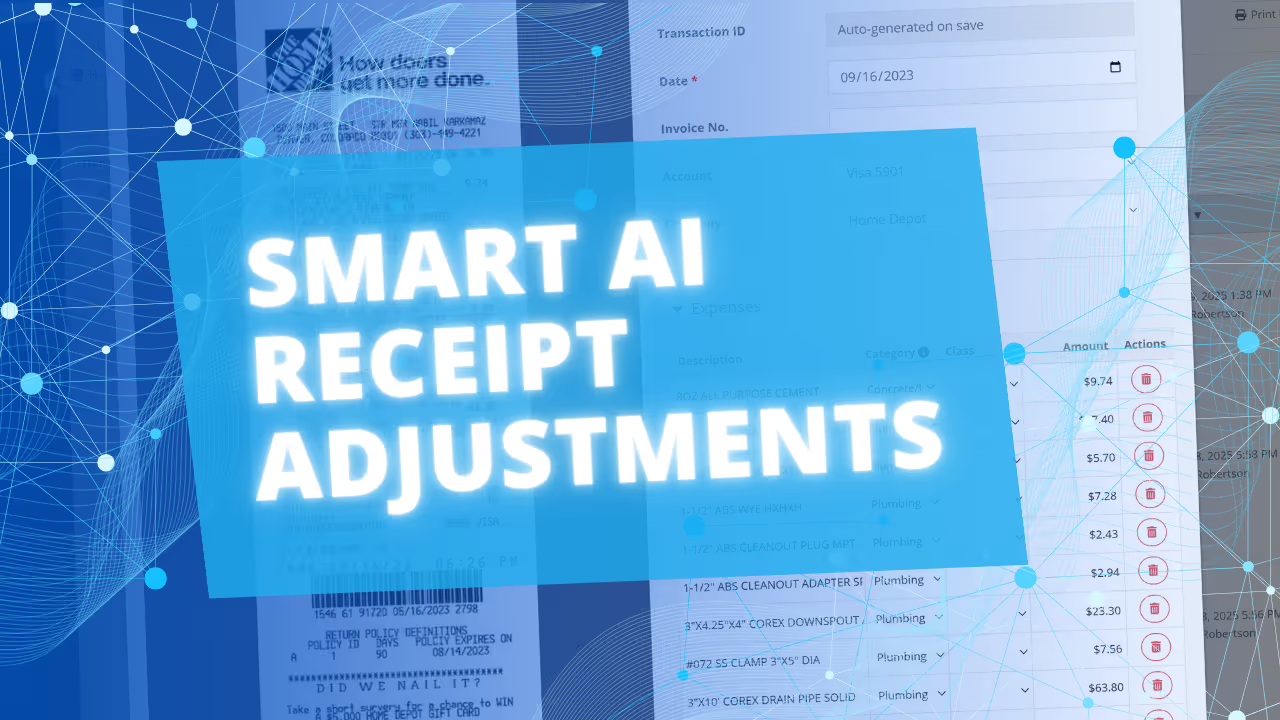
We’ve added a new safeguard to our AI Receipt Analyzer to help ensure your project totals match your actual spending, even when a receipt is messy or incomplete.
Read post
January 23, 2026
Major Speed & Accuracy Boost for our AI Receipt Analyzer
Improved

Major Speed & Accuracy Boost for our AI Receipt Analyzer

We’ve overhauled our AI Receipt Analyzer engine, making it faster and more accurate than ever.
Read post
January 11, 2026
Introducing the AI Receipt Analyzer: Slash Your Bookkeeping Time by 90%
New Feature

Introducing the AI Receipt Analyzer: Slash Your Bookkeeping Time by 90%

FlipperForce's new AI Receipt Analyzer automatically itemizes and categorizes your renovation expenses, turning hours of manual data entry into seconds of simple verification
Read post

Chat with DaveBot:
Your Instant FlipperForce Expert

Get immediate, feature-specific answers without digging through articles. DaveBot is here 24/7 to provide detailed explanations, troubleshooting tips, and guidance on all FlipperForce tools.
Chat with DaveBot (Be Nice, I'm in Beta)!