


The Mobile App Basics guide walks you through installing and getting started with the FlipperForce Field mobile app — your companion tool for managing projects from the job site, wherever your renovation work takes you.
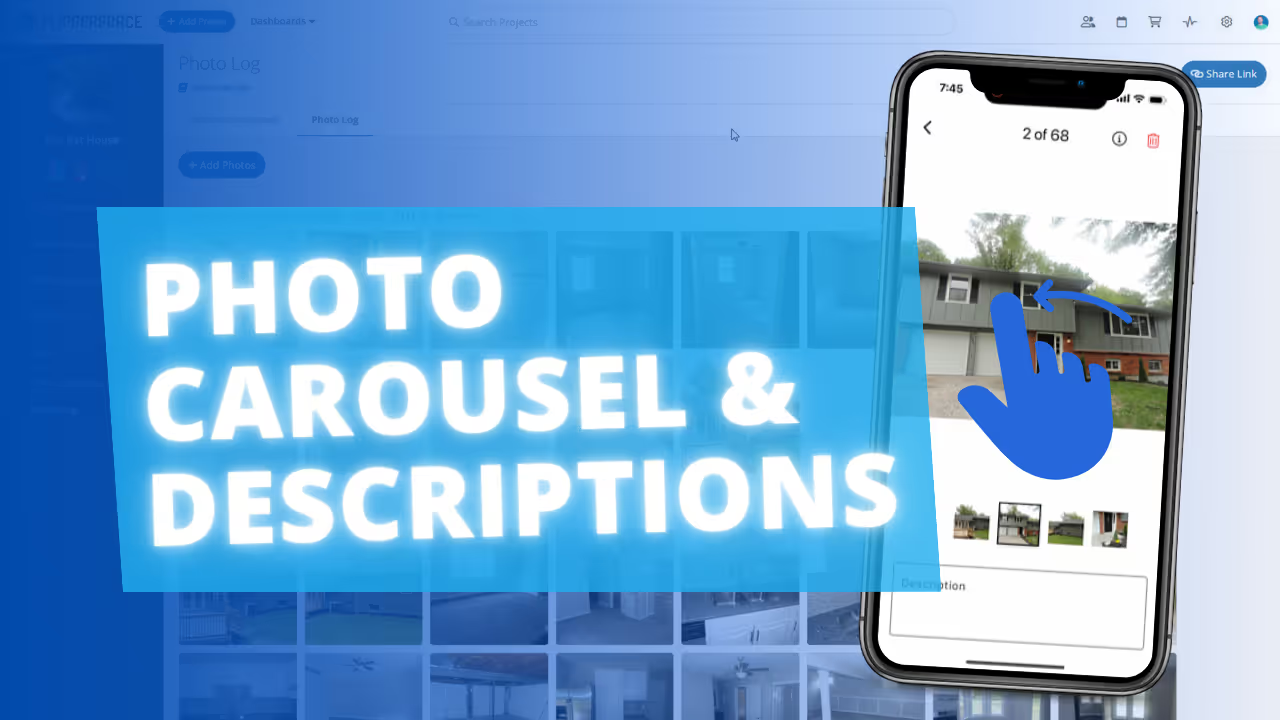
The FlipperForce Field mobile app brings key project management features to your phone, including photo uploads, receipt capture, project updates, and more. It's designed to make on-site documentation fast, easy, and integrated with your main FlipperForce workspace.
Download the FlipperForce Field app from the App Store or Google Play. Log in with your existing FlipperForce credentials. Your projects, team assignments, and workspace data are immediately available. Use the app on-site to upload progress photos, scan receipts, and post project updates without needing to return to a desktop.
Real estate renovation happens in the field, not at a desk. The mobile app puts your project tools in your pocket — making it easier than ever to stay on top of documentation, keep your records current, and never fall behind on expense tracking or communication just because you're not at your computer.
.avif)