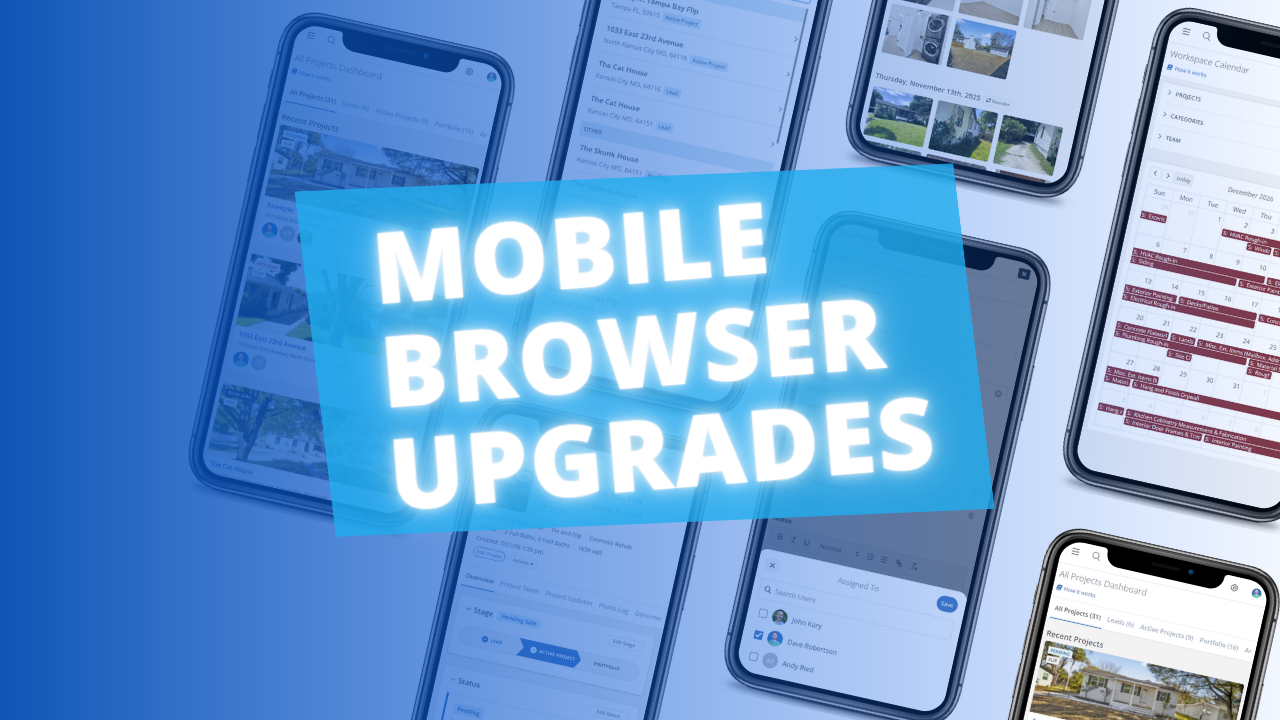
Our Calendar view provides an overall view of every Schedule, Task & Event for every Project.  But juggling multiple Projects at once meant it could get tricky figuring out which Project each item belonged to. No more!

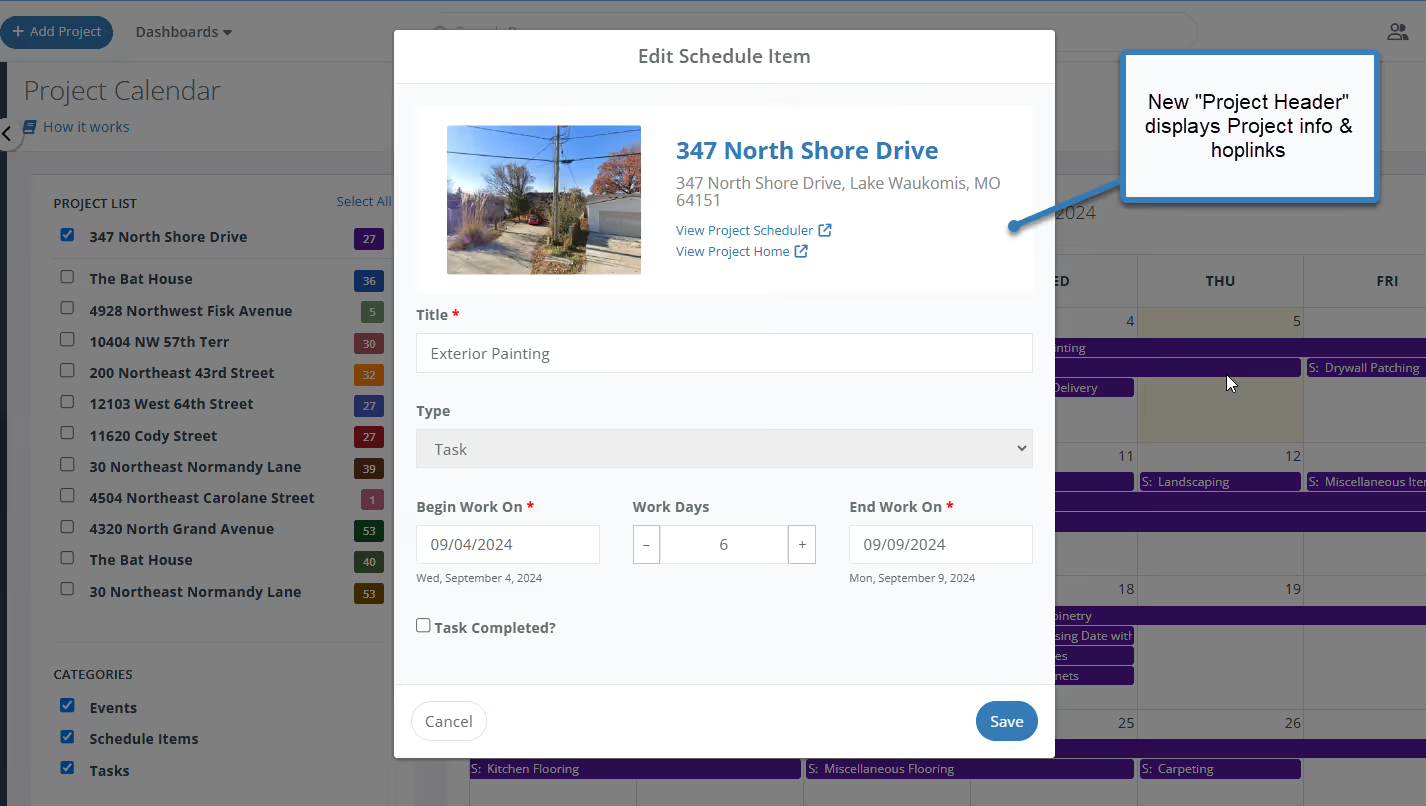
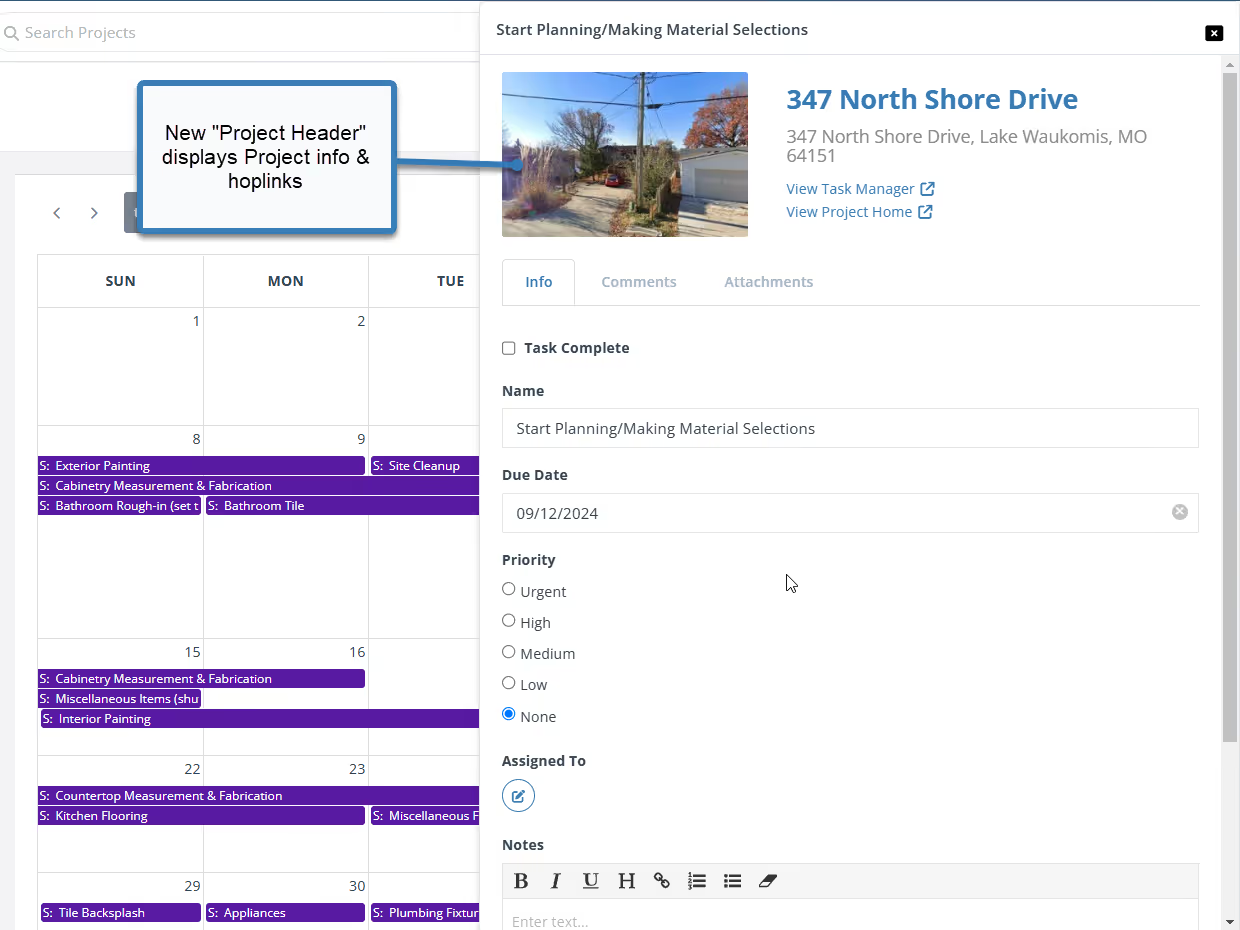
We've given the Schedule and Task modals a makeover, adding a prominent "Project Header" to each. Now you can instantly see which Project each Schedule or Task is linked to, right within the modal. This small change makes a big difference in keeping your Calendar organized and your project management on point.
What's New:

  • Project Header:
  • Every modal now prominently displays the Project name, address, and even a property image for instant recognition.
  • Hoplinks:
  • Need to jump to the project itself? New hoplinks take you directly to the Project Schedule or Task Manager with a single click.

Revamped Schedule Modal on Calendar

image

Revamped Task Modal on Calendar

image

Dave Robertson
August 16, 2024
5 min read
Our blog

Other Recent Blog Posts

New Features

Override Auto Scheduling with New Date Lock Feature

You can now lock any task in the Scheduler to a specific start date, overriding Auto Scheduling for that task. It's perfect for pinning tasks to dates your contractors have committed to, while the rest of your schedule keeps rescheduling automatically around it.
Dave Robertson
July 24, 2026
5 min read
New Features

Introducing Project Team: Always Know Who's Running the Project

Learn how the new Project Team feature automatically tracks your internal team members and companies on every flip, so you always know who's managing the project and how to reach them.
Dave Robertson
July 6, 2026
5 min read
New Features

User Management: New Role and Access Visibility

User Management now includes a Role & Access column, giving workspace owners and admins instant visibility into each user's project and feature access without having to dig into individual settings.
Dave Robertson
July 1, 2026
5 min read
New Features

Comps Tool: Thumbs Up, Thumbs Down Comp Selection

Thumbs up to select your best comps, thumbs down to push the bad ones to the bottom — keeping your list clean and your Comps Report focused on the properties that actually matter.
Dave Robertson
June 25, 2026
5 min read
New Features

New Public API Endpoints for Expenses

Our new Public API update allows developers and custom AI tools to securely connect to the FlipperForce Expense Tracker to automate data entry, feed custom dashboards, and sync project financial records directly from external business apps.
Dave Robertson
June 21, 2026
5 min read
New Features

Companies & Contacts: Tax & Insurance Status at a Glance

Tax & Insurance column added to Companies & Contacts, giving you instant visibility into W-9 status and color-coded Workers Comp and General Liability expiration dates for every contractor in your workspace at a glance.
Dave Robertson
June 11, 2026
5 min read

Ready to Take Action?

Sign up for a free trial and join over 3,000 house flippers and real estate investors that have taken their business to the next level!