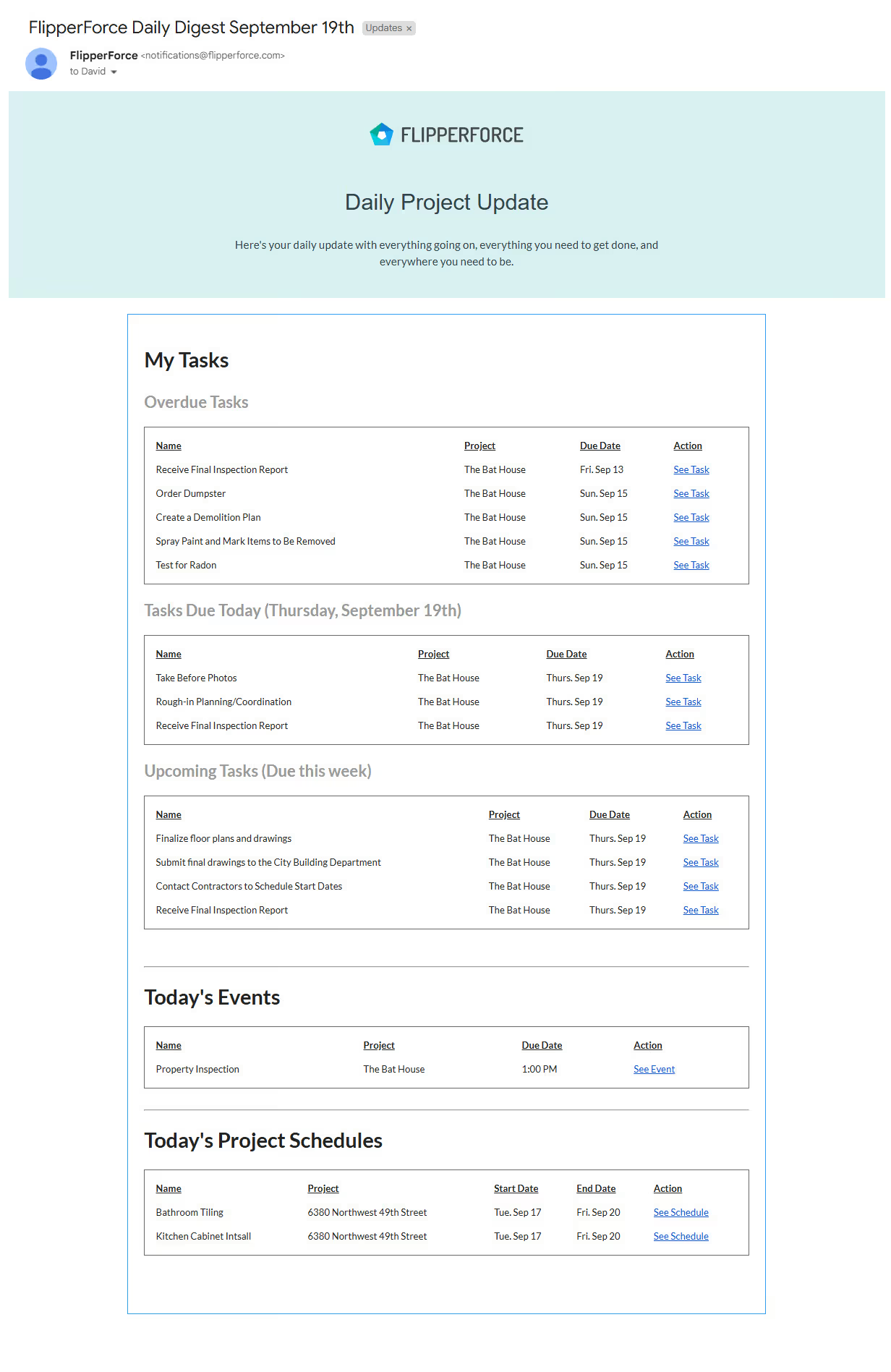
We're excited to unveil a significant upgrade to your Daily and Weekly Digest emails! Based on your valuable feedback, we've made several enhancements to ensure these emails provide the clarity and organization you need to stay on top of your Tasks, Schedules, and Events.
What are the Daily and Weekly Digest Emails?
Your Daily Digest email is your morning briefing, providing a snapshot of your Tasks, Schedules, and Events for the day. Your Weekly Digest gives you the bigger picture, helping you plan and prepare for the week ahead.
What's New:
Overdue Tasks Spotlight: A brand-new "Overdue Tasks" section sits prominently at the top of your email, ensuring those critical, time-sensitive tasks get the attention they deserve.
Task Clarity: We've created distinct sections for "Tasks Due Today" and "Tasks Due This Week." No more guesswork – prioritize your day and plan for the week ahead with ease.
Dedicated Sections for Tasks, Schedules, and Events: We've decluttered your emails by creating separate areas for Tasks (from your Task Manager), Schedules (major renovation Schedules for your contractors), and Events (your Calendar appointments).
Deep Links for Efficiency: Click on any Task, Schedule, or Event in the email to instantly access it within the software. No more wasted time searching or switching between applications.
FlipperForce's Public API now includes Tasks. Create, update, and delete tasks and subtasks from Claude, Grok, or any outside system without logging into the web app.
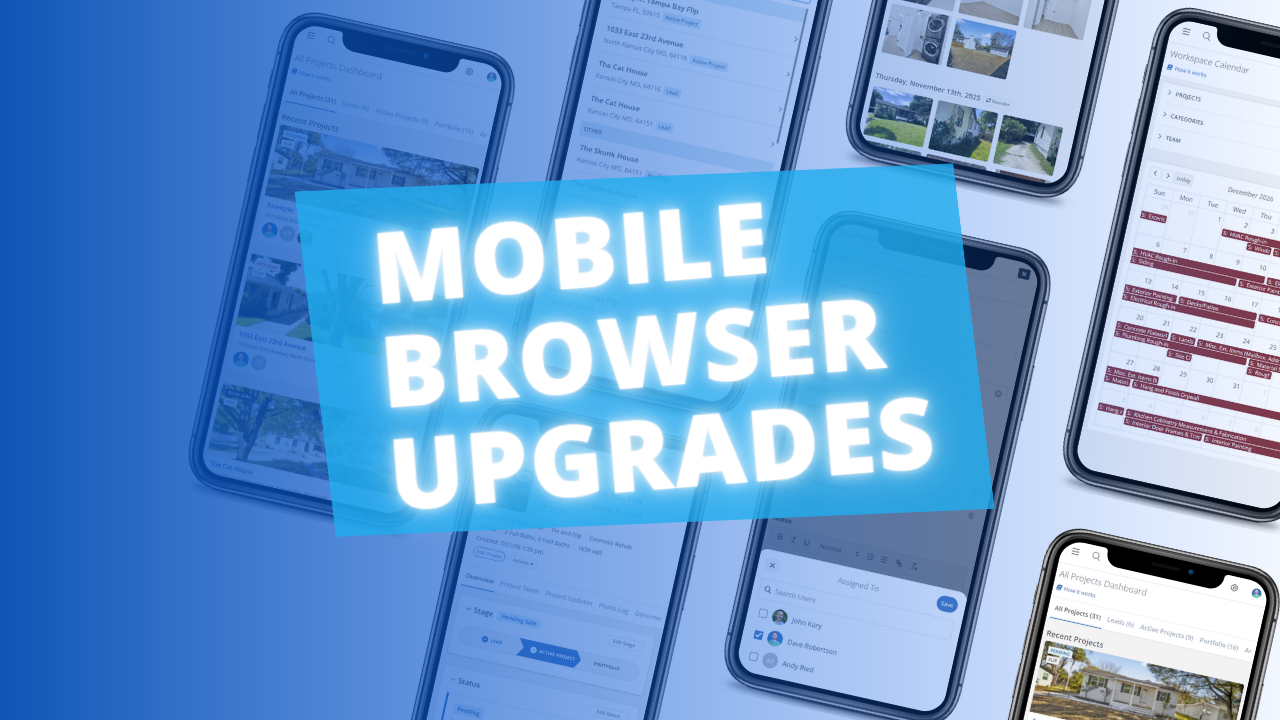
The FlipperForce web app is now much easier to use in your phone's browser. Date pickers, menus, the Scheduler, the Task Manager and the Photo Log have all been reworked to fit a small screen and work well with your phone's keyboard.
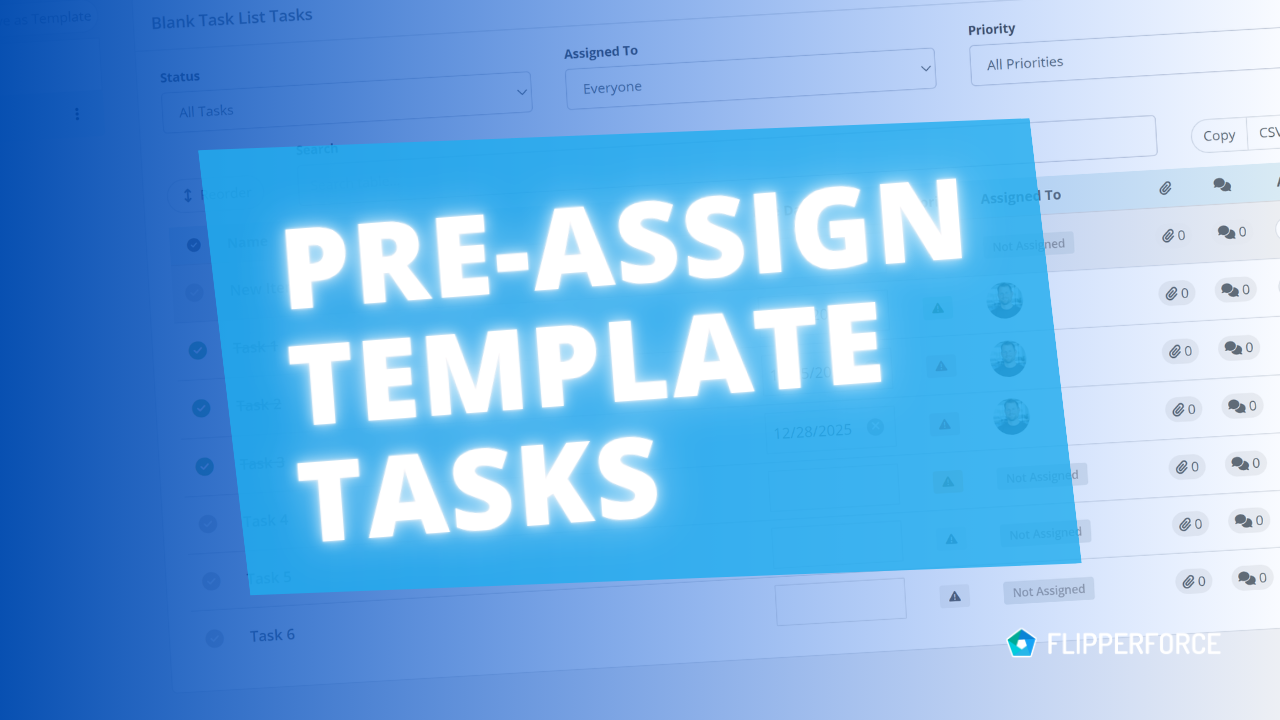
You can now pre-assign team members to the tasks in your Task Templates. Every time you load that template into a project, each task is already assigned to the right person.
The FlipperForce Field mobile app now uploads photos and receipts faster and more reliably on iOS and Android. A new My Recent Uploads inbox lets you track progress, retry failed items, and run multiple upload batches at once.


.avif)