With the Monday, February 2, 2026 1099 Filing deadline approaching, we’ve upgraded our Vendor 1099 Report to help you stay compliant and eliminate manual data entry. Since 1099 reporting requires looking at your entire business, our report does the heavy lifting by aggregating every project expense into one view, filtering by the IRS $600 threshold, and ensuring your recipient data is complete before you export for filing.
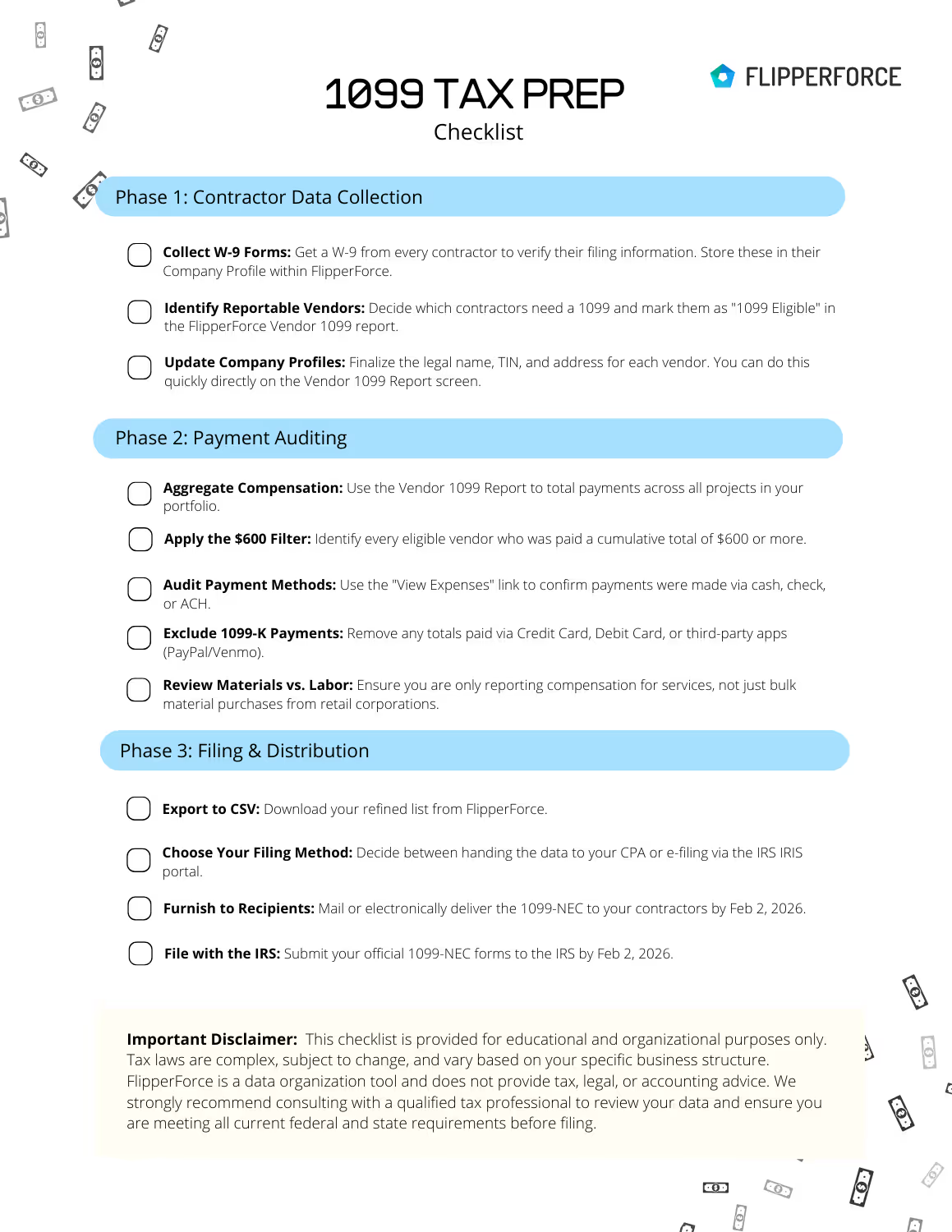
Get Your Step-by-Step 1099-NEC Filing Checklist
Stop the manual math and guessing games. This actionable guide helps you audit your contractors, verify payment methods, and organize your data for a stress-free tax season.
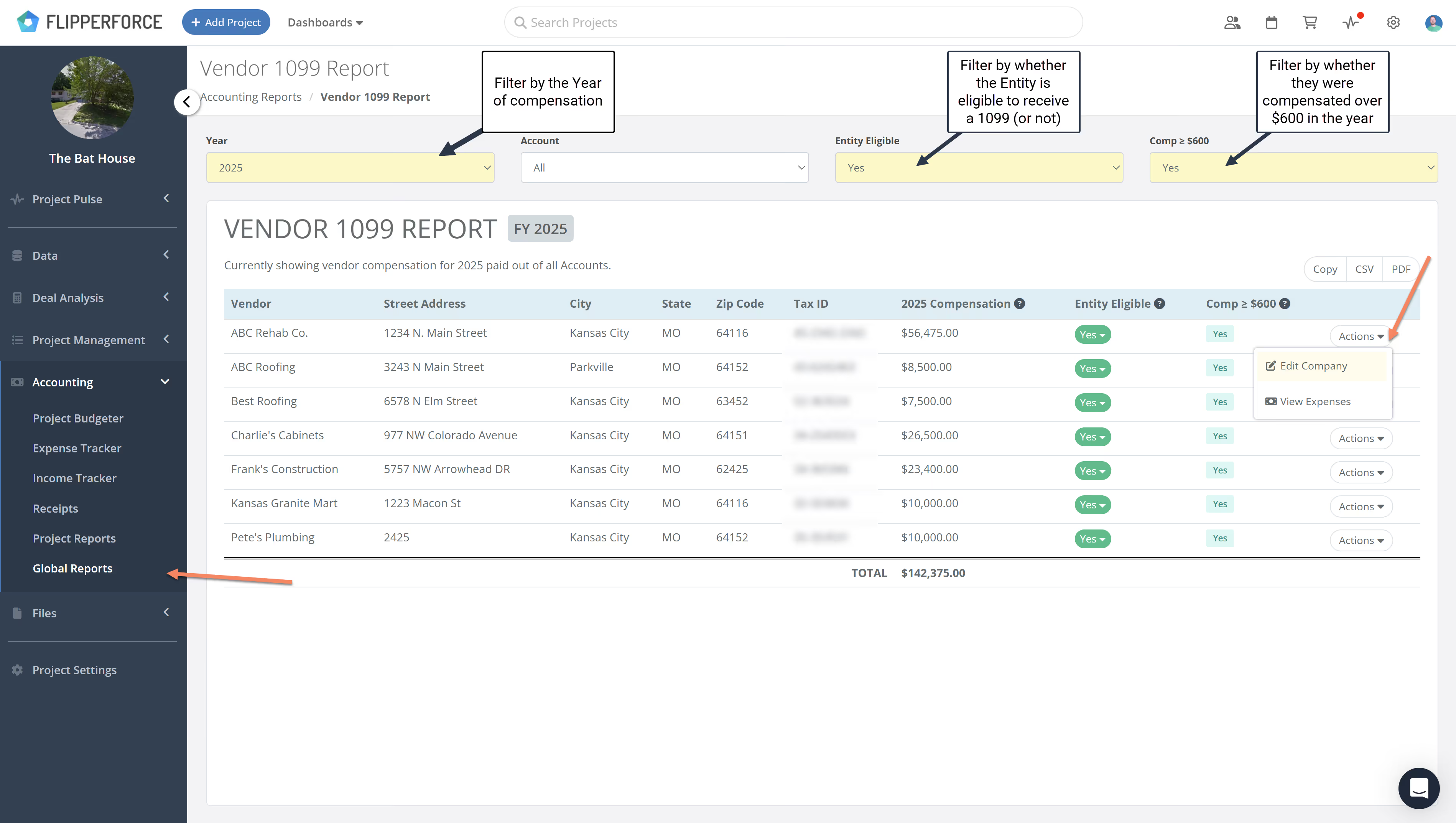
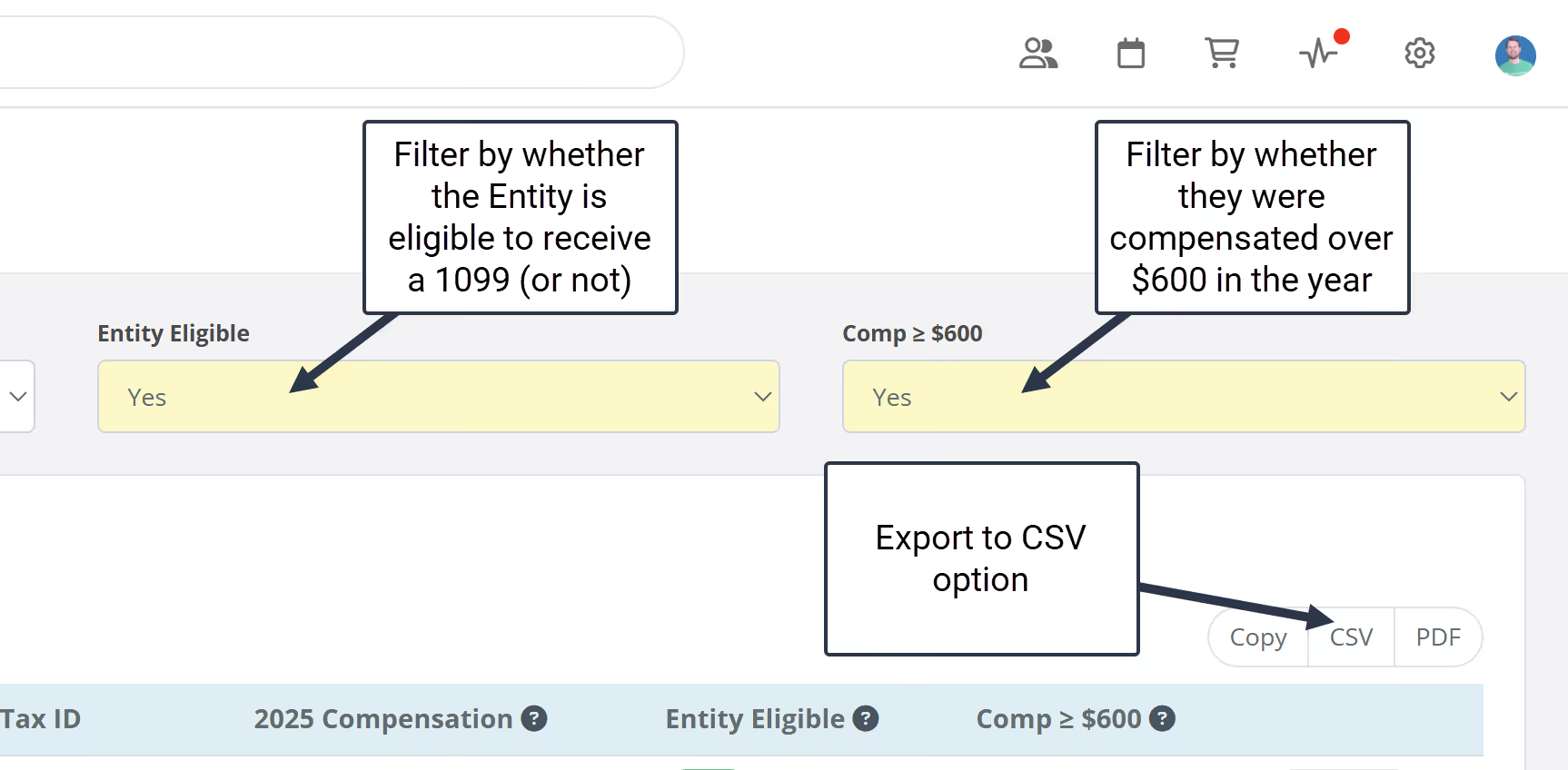
Eligibility Filters: Instantly filter for vendors marked as "1099 Eligible" who were paid more than $600 in 2025.
CSV Export for E-Filing: Export your data to a CSV file to easily bulk upload your information to the IRS or your preferred e-file platform.
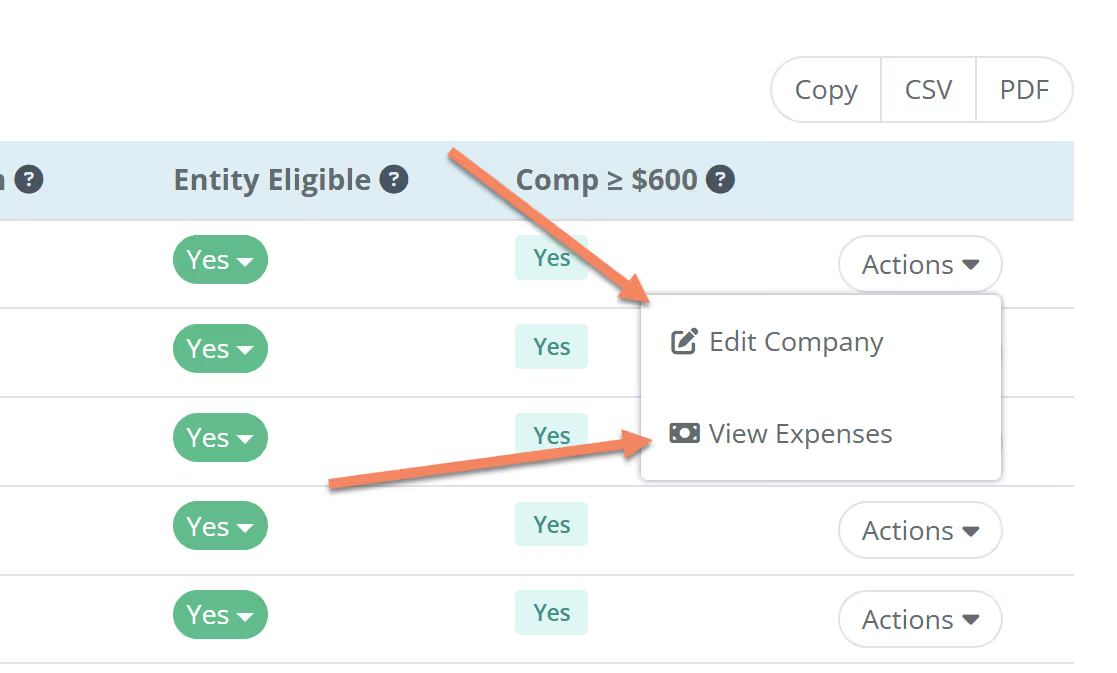
Edit Info on the Fly: Spot a missing Tax ID or address? Use the new pop-up window to edit company details directly from the report without leaving the page.
Verify with "View Expenses": Click the new link for any vendor to open the Global Vendor Expense Report. This shows a line-by-line list of every transaction across every project that makes up their yearly total.
How to Access This Report
Because 1099s require data from your entire business, this is a Global Report. To find it, log into your FlipperForce account and:
Navigate to the Accounting area in the Project sidebar.
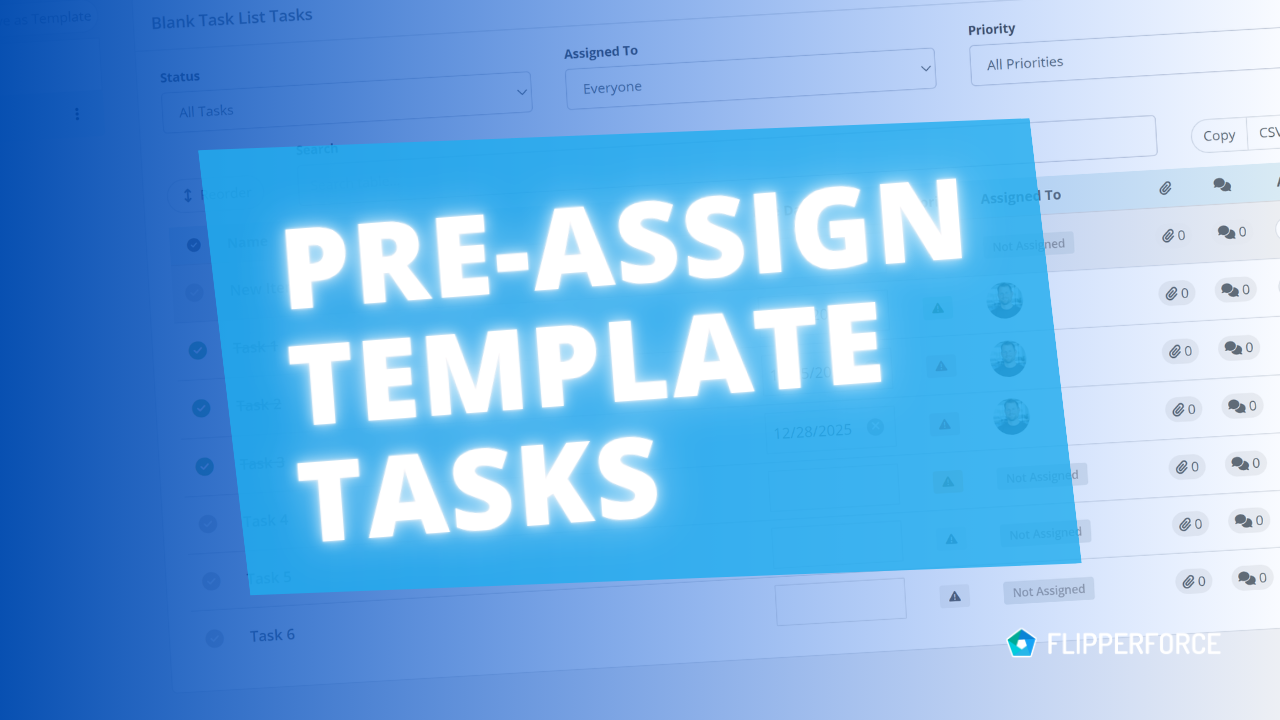
You can now pre-assign team members to the tasks in your Task Templates. Every time you load that template into a project, each task is already assigned to the right person.
The FlipperForce Field mobile app now uploads photos and receipts faster and more reliably on iOS and Android. A new My Recent Uploads inbox lets you track progress, retry failed items, and run multiple upload batches at once.
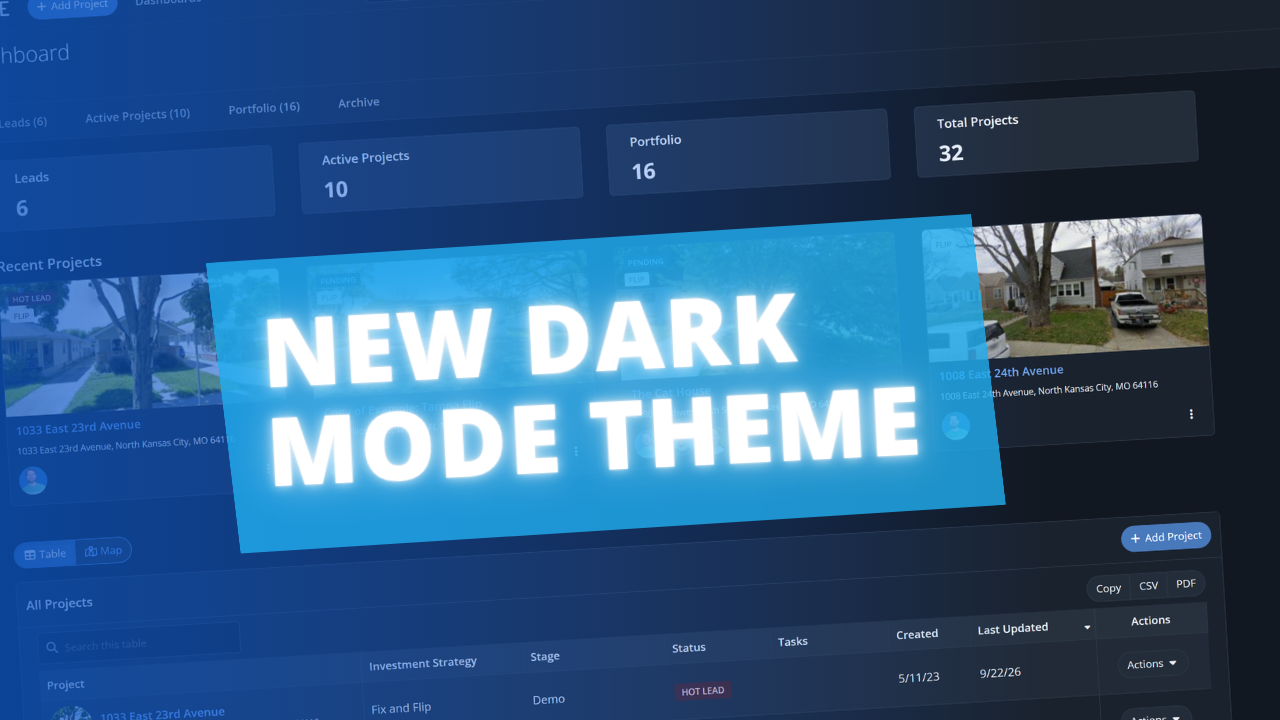
FlipperForce now has a full dark theme across the web app and the FlipperForce Field mobile app. Choose Light, Dark, or System to match how and where you work.
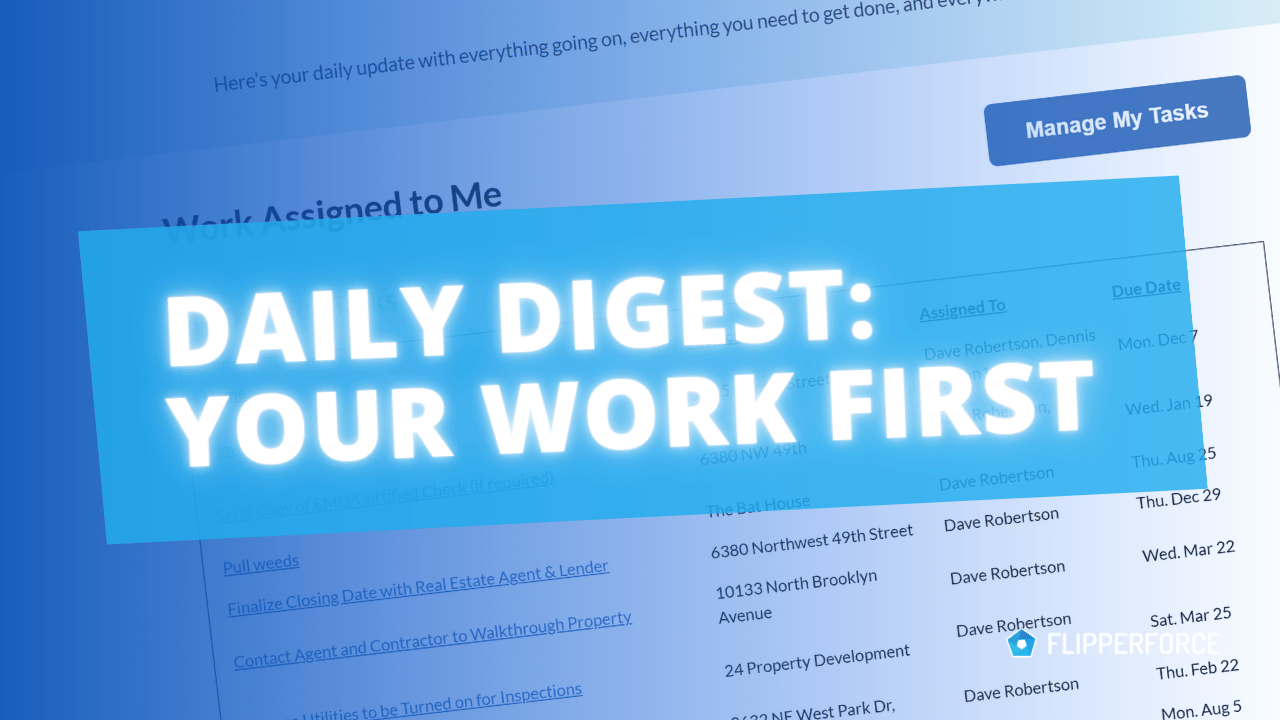
The Daily and Weekly Digest emails summarize tasks, schedules, and events across your projects. Both now lead with a Work Assigned to Me section, so you see your own overdue, due today, and upcoming work before everything else in the workspace.


.avif)