This week we went back and made some enhancements/tweaks to our house flipping software and fixed a few bugs.
Flip Analyzer
Step 3 Repairs - Reconfigured data flow to ensure if repair estimate was adjusted in the Repair Estimator it would automatically adjust the Flip Analyzer results (without re-toggling through the steps)
Project Scheduler
Reconfigured autoscheduling so it can also perform reverse autoscheduling if a task duration is decreased or moved backward, all tasks downline will automatically shift backward as well
Moved task bar descriptions outside of bar so descriptions aren't cutoff
Task Manager
Fixed issue on team accounts (Small Biz, Enterprise) where Task comments were posting as account owner instead of user.
Project Budgeter
Added ability to add negative values to Expense Tracker, which is useful for refunds
Made the Accounts Global so your bank accounts, credit card accounts are accessible on all projects
Fixed issue where the Lump Sum Repairs Budget wasn't saving if edited
Accounting Dashboard
Fixed stat boxes & table not pulling the correct values from the Project Budgeter
Final Profit Statement
Fixed issue with Selling Costs & Financing Costs being miscategorized
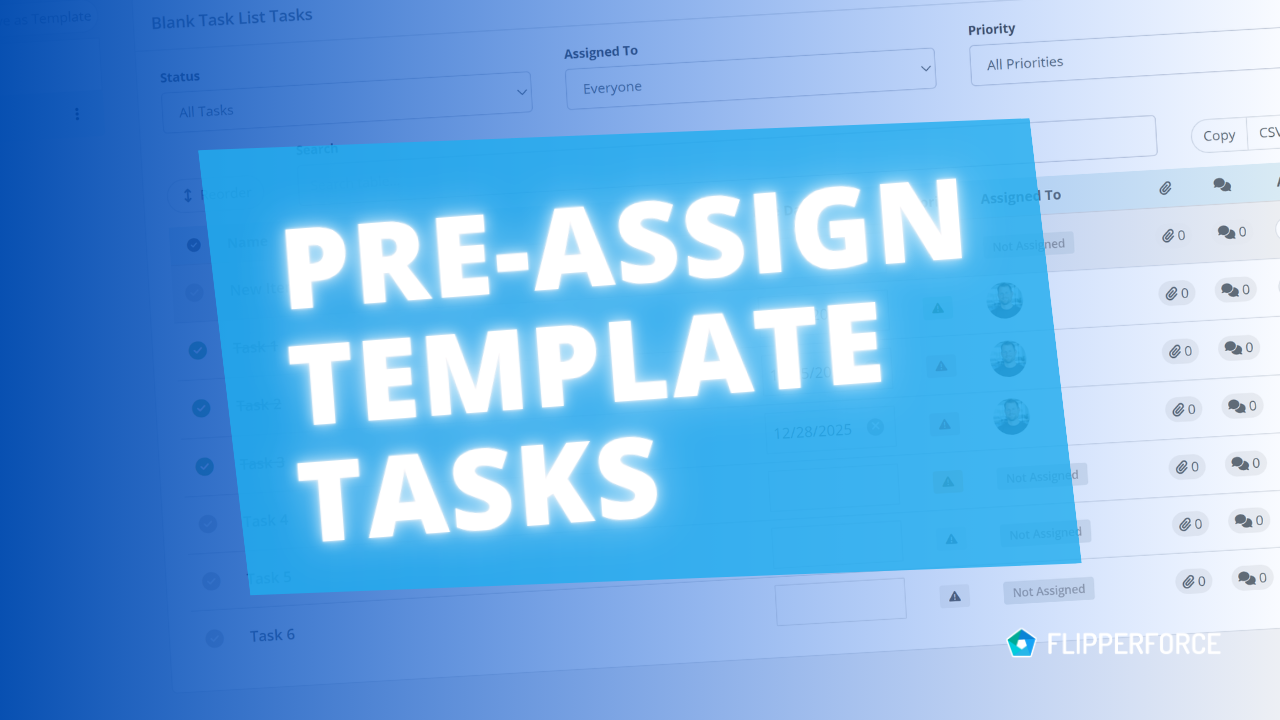
You can now pre-assign team members to the tasks in your Task Templates. Every time you load that template into a project, each task is already assigned to the right person.
The FlipperForce Field mobile app now uploads photos and receipts faster and more reliably on iOS and Android. A new My Recent Uploads inbox lets you track progress, retry failed items, and run multiple upload batches at once.
FlipperForce now has a full dark theme across the web app and the FlipperForce Field mobile app. Choose Light, Dark, or System to match how and where you work.
The Daily and Weekly Digest emails summarize tasks, schedules, and events across your projects. Both now lead with a Work Assigned to Me section, so you see your own overdue, due today, and upcoming work before everything else in the workspace.