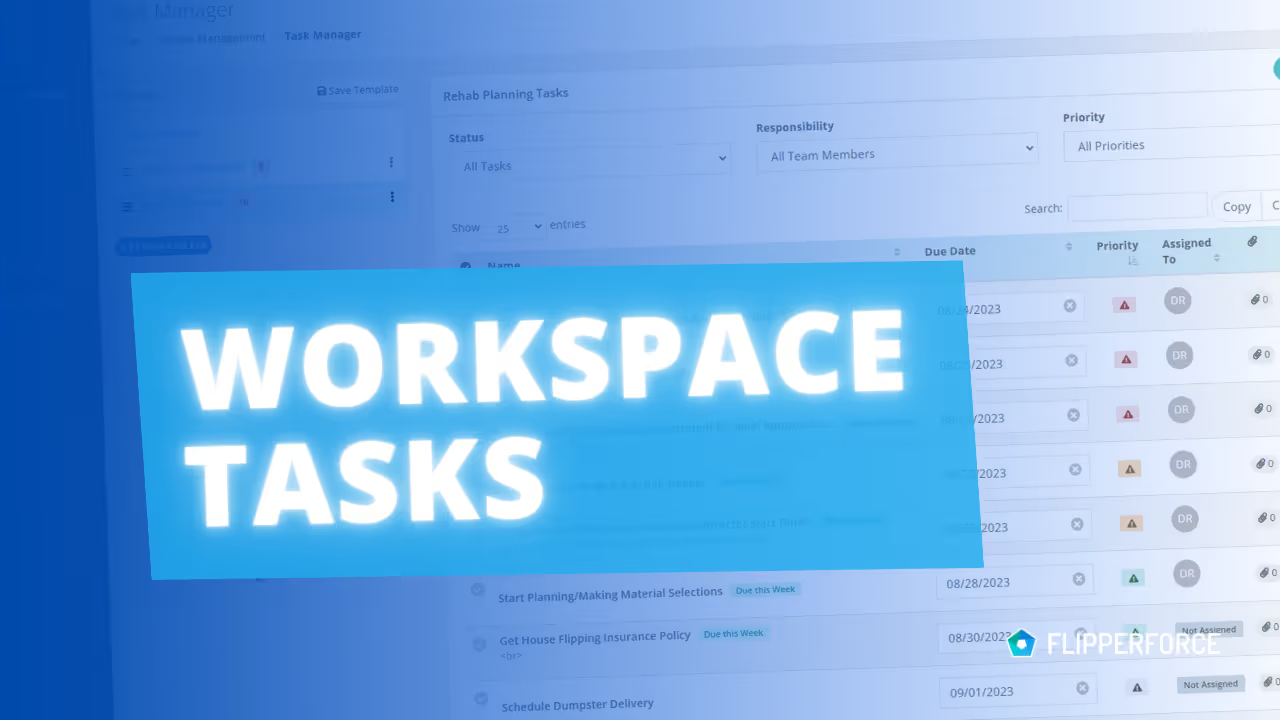
We've just launched Workspace Tasks, a powerful feature designed to simplify task management across all your projects. If you're juggling multiple properties and struggling to stay organized, this one's for you.

The Old Way: Individual Project Task Managers

Each project in FlipperForce has its own Task Manager to keep track of project Tasks. This works great for single projects, but when your business scales and you're managing a lot of projects at the same time, things can get overwhelming. Jumping between individual project Task Managers to see what needs to be done can be a real headache, and important items can slip through the cracks.

The New Way: Workspace Tasks

Workspace Tasks is your central command center, bringing all your individual projecct tasks from every project into a single, unified view.  See everything that needs to be done, across all your flips, in one convenient location.

Here's how Workspace Tasks will transform your workflow:

Here's how Workspace Tasks will help:

  • Increased Efficiency: Make quick updates to tasks directly within Workspace Tasks without toggling between individual Project Task Managers.
  • Crystal-Clear Organization: Tasks are organized by due date (overdue, today, and upcoming) and clearly labeled with the project they belong to.
  • Empowered Decision-Making: Gain a holistic view of your team's workload and identify potential bottlenecks.
  • Reduced Stress: Prioritize effectively, avoid missed deadlines, and feel more in control.

View Tasks by Responsibility

  • Focus on My Tasks: Filter by your name to see your personal to-do list.
  • Monitor Team Progress: Filter by individual team members to track their progress and provide support.
  • Optimize Workload: View all tasks to identify potential bottlenecks and balance responsibilities.
Dave Robertson
October 17, 2024
5 min read
Our blog

Other Recent Blog Posts

New Features

New Transaction Reports for Simplified Reconciliation

Learn how our new Global and Project Transaction Reports simplify reconciliation by allowing you to track and filter every expense across your entire portfolio in one master list.
Dave Robertson
February 19, 2026
5 min read
New Features

New Task Template Editor!

Easily edit existing task templates and add subtasks directly from your workspace settings.
Dave Robertson
February 14, 2026
5 min read
General

FlipperForce Named One of the Best BRRRR Analysis Tools for 2026

FlipperForce was recently named a top BRRRR analysis tool for our ability to simplify both complex deal analysis and the day-to-day management of rehab projects.
Dave Robertson
February 13, 2026
5 min read
New Features

New Task Manager Subtasks

Learn how our new Subtask feature helps you declutter your Task manager.
Dave Robertson
February 5, 2026
5 min read
New Features

New Transaction Grouping for Expenses

Easily reconcile your project spending by grouping individual expenses into searchable transaction totals that match your bank statements.
Dave Robertson
February 2, 2026
5 min read
New Features

New Activity Log Filtering

We’ve made a quick improvement to the Workspace and Project Activity Logs to help you find information faster.
Dave Robertson
January 31, 2026
5 min read

Ready to Take Action?

Sign up for a free trial and join over 1,000 house flippers and real estate investors that have taken their business to the next level!