Lead Dashboard

Learn about the overall Dashboard and Pipeline views for reviewing all of your projects in your workspace.

FlipperForce Field is now available!

How it Works

The Lead Dashboard is your deal sourcing command center — a pipeline view of every property lead you're evaluating, from initial contact through due diligence and offer submission. It keeps your acquisitions process organized and ensures no opportunity slips through the cracks.

What it does

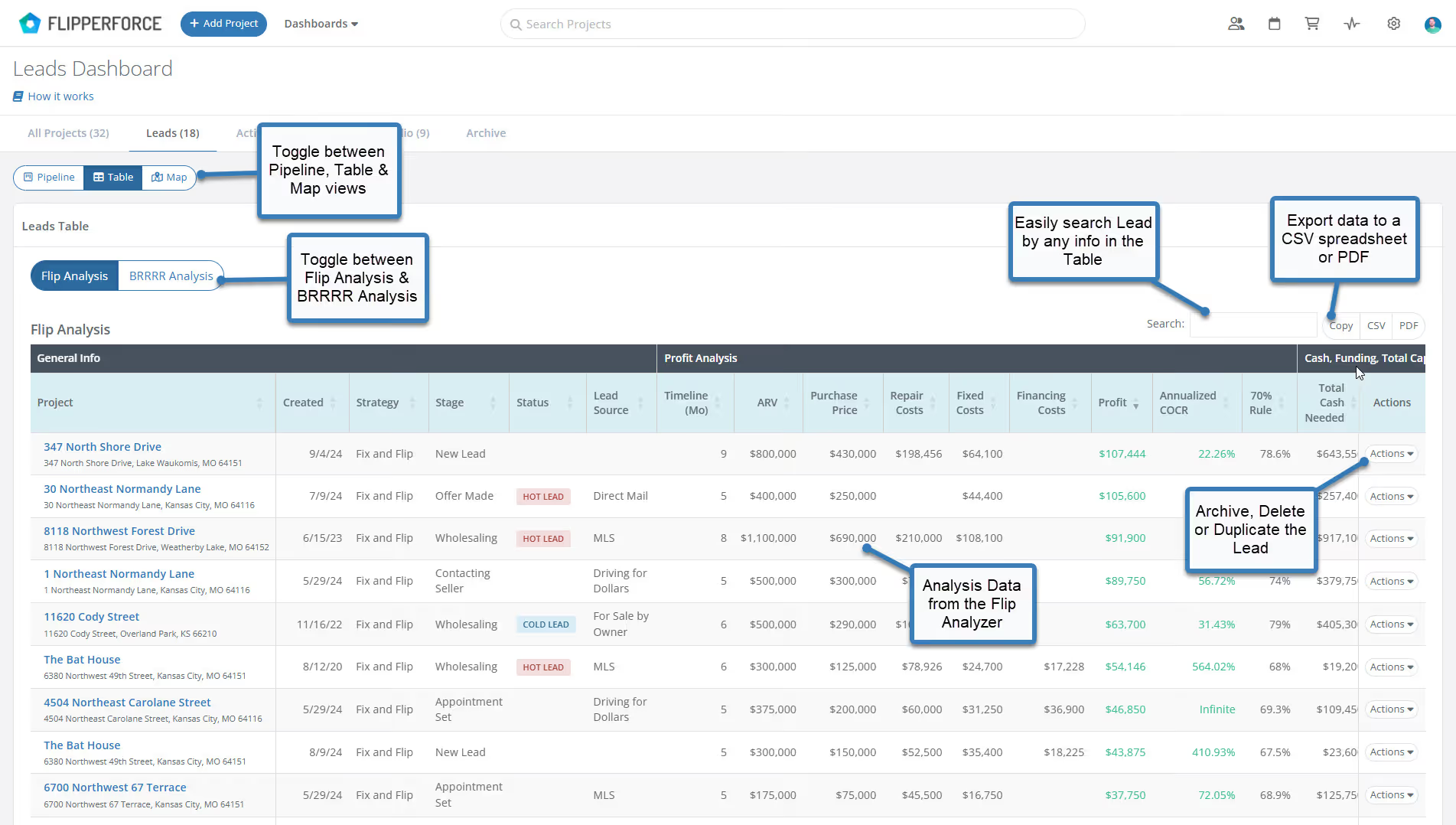
The Lead Dashboard displays all of your prospective deals in a Kanban pipeline or Table view, showing key information like address, source, status, analyzed ARV, and offer stage at a glance. Leads can be filtered, sorted, and moved through your acquisition workflow as they progress.

How to use it

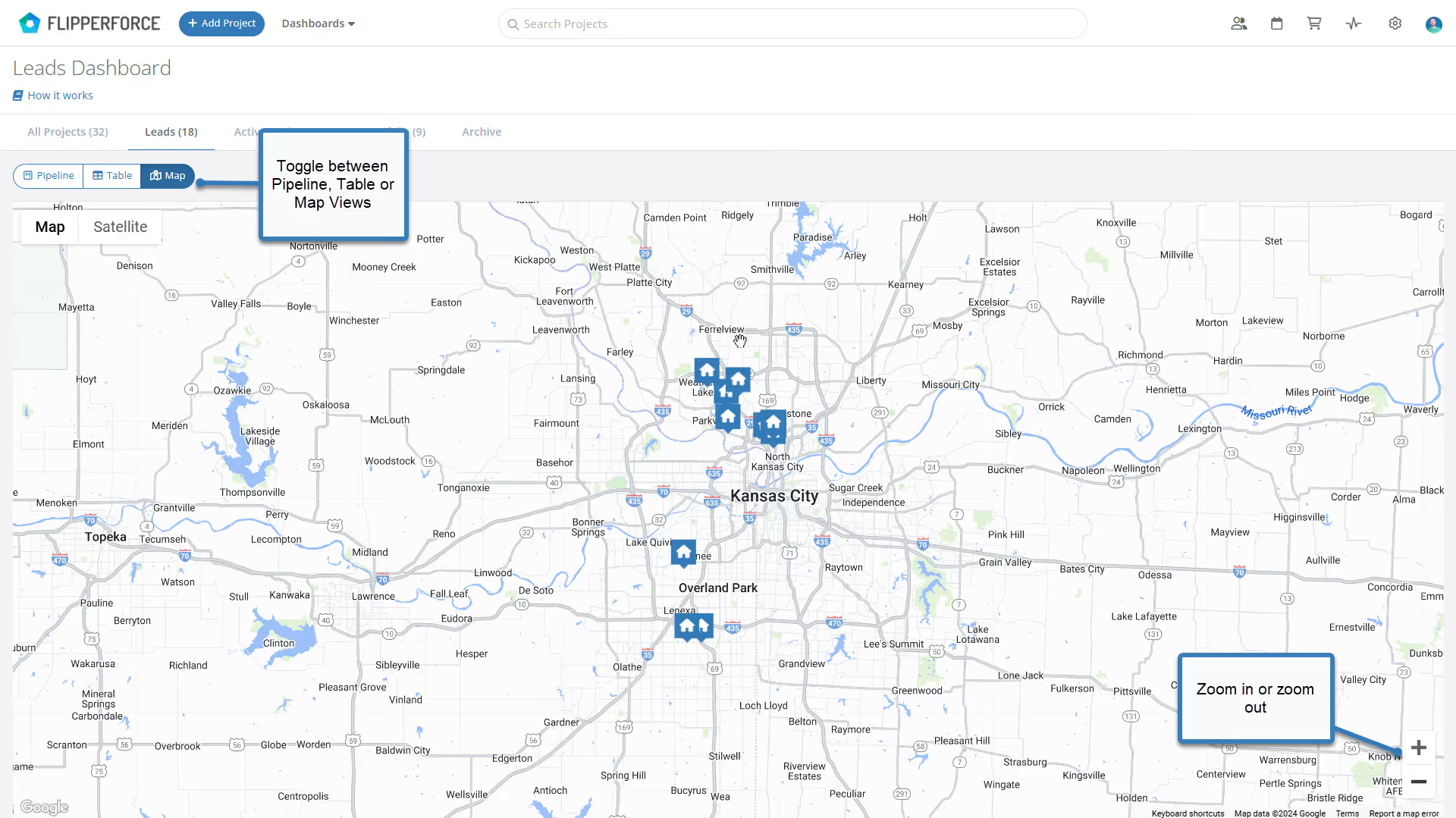
Access the Lead Dashboard from the main pipeline navigation. Add new leads as they come in from your marketing channels, referrals, or MLS. Move leads through pipeline stages as you analyze them, make offers, and negotiate. Use the Map view to visualize your lead pipeline geographically across your target markets.

Why it matters

Consistent deal flow requires consistent lead management. The Lead Dashboard replaces scattered spreadsheets and text threads with a structured acquisition pipeline that gives you clear visibility into your deal funnel — so you can follow up faster, analyze more deals, and close more properties.
Product Updates

Latest Updates

September 4, 2024
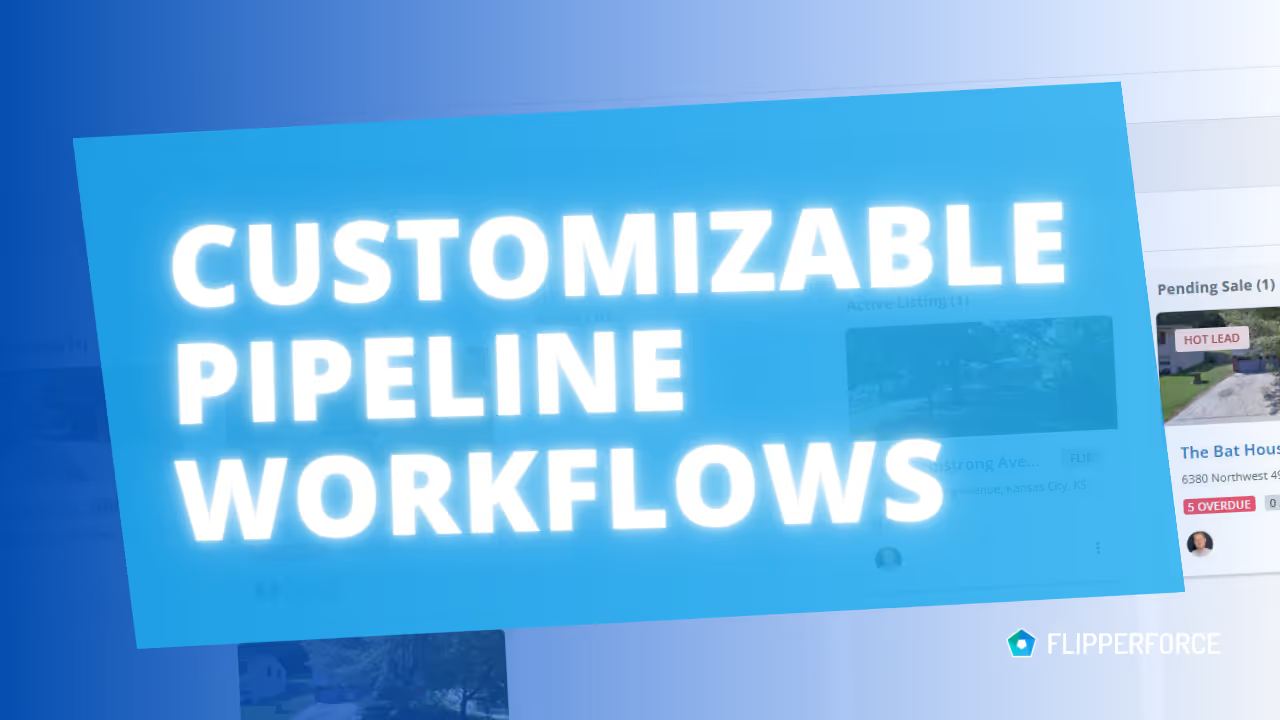
Customize your Pipeline Workflow Stages!
New Feature

Customize your Pipeline Workflow Stages!

Tailor your Pipeline workflows and Stage names to match your exact business process.
Read post
May 29, 2024
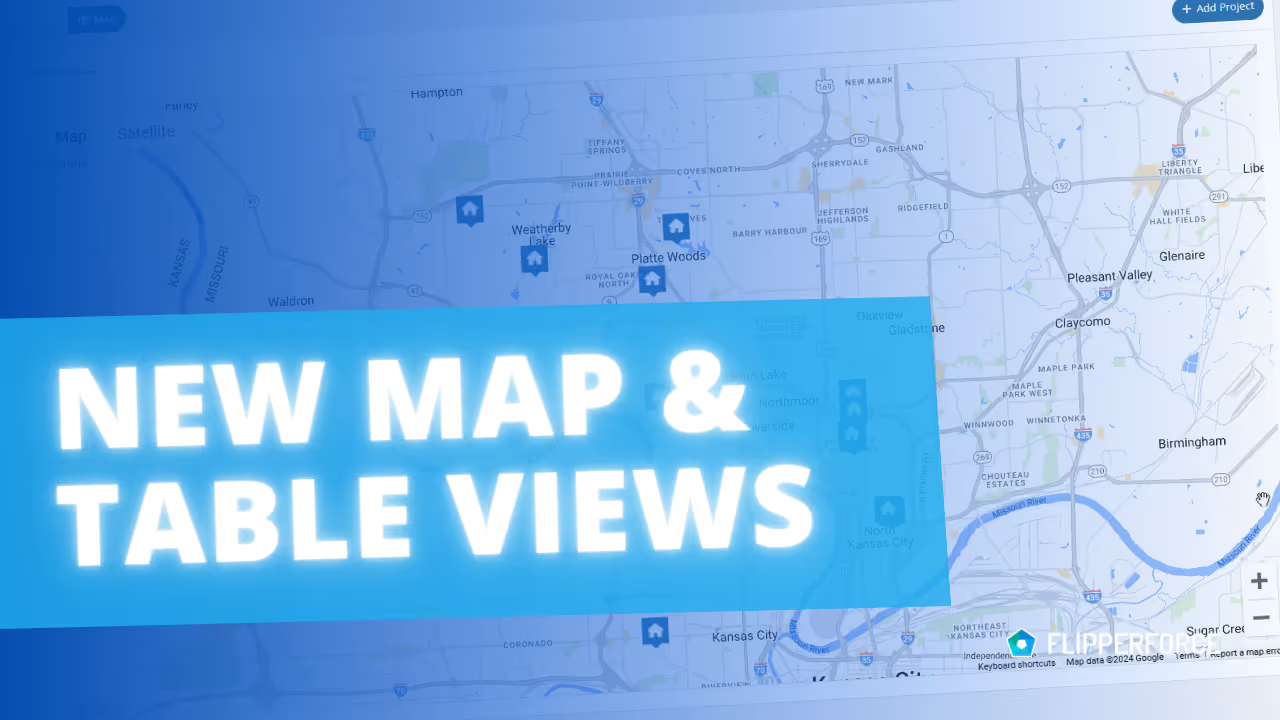
Powerful New Map & Table Views in Our Dashboards!
New Feature

Powerful New Map & Table Views in Our Dashboards!

Two powerful new features designed to streamline your workflow and empower informed decisions: Map views and Table views across all your Project Dashboards!
Read post
November 11, 2021
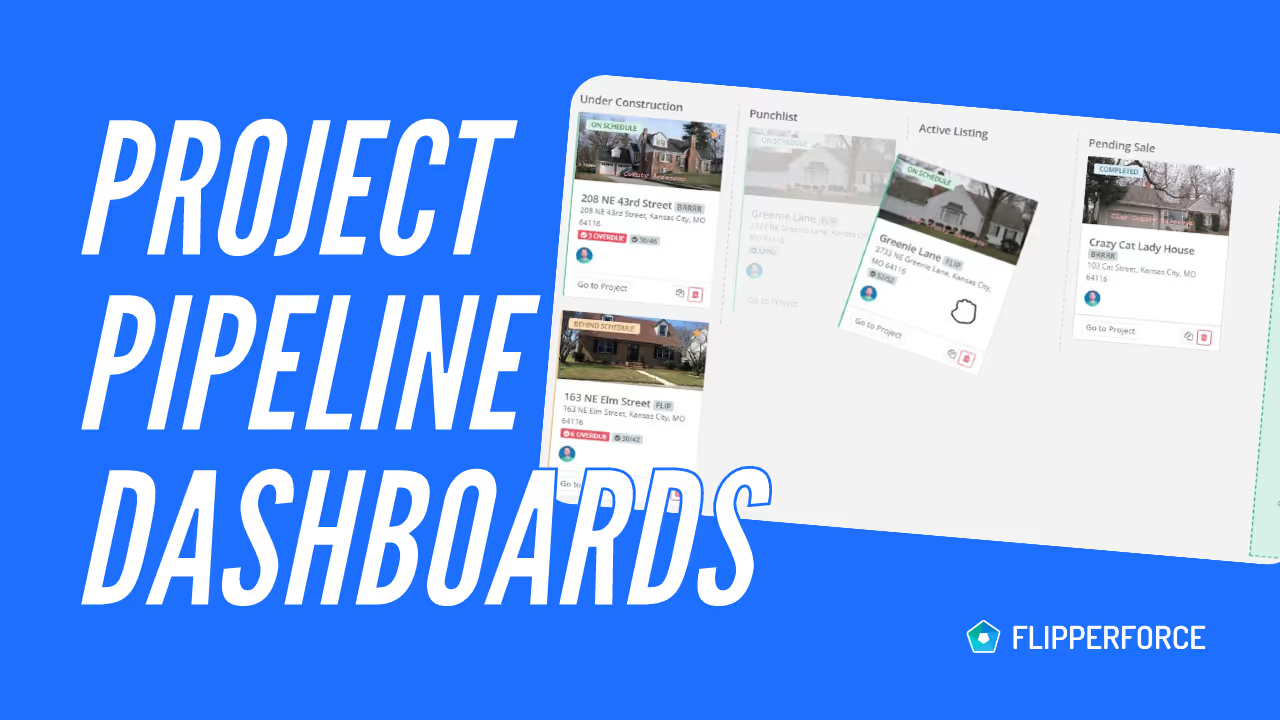
New Project Pipeline Dashboards
New Feature

New Project Pipeline Dashboards

We just launched our new Project Pipeline Dashboards which provide a visual pipeline of all of your Leads and Active Projects you and your team are currently working on in your company workspace.
Read post

Chat with DaveBot:
Your Instant FlipperForce Expert

Get immediate, feature-specific answers without digging through articles. DaveBot is here 24/7 to provide detailed explanations, troubleshooting tips, and guidance on all FlipperForce tools.
Chat with DaveBot (Be Nice, I'm in Beta)!