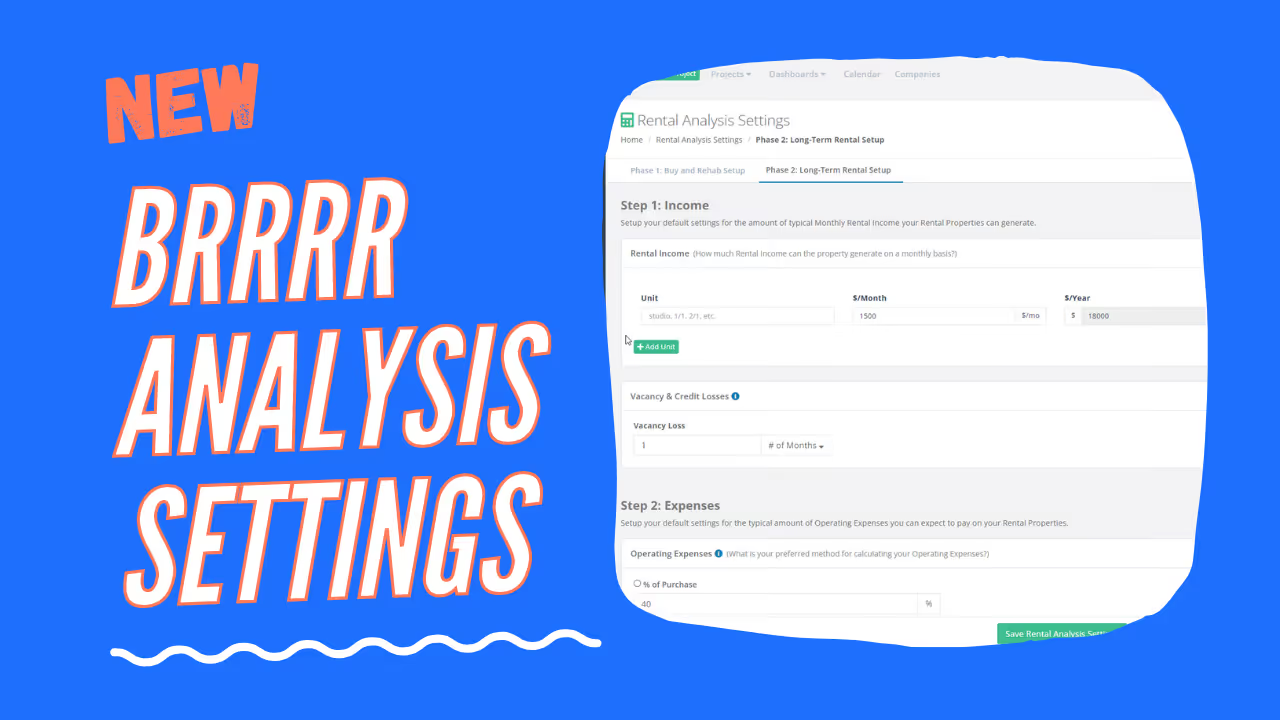
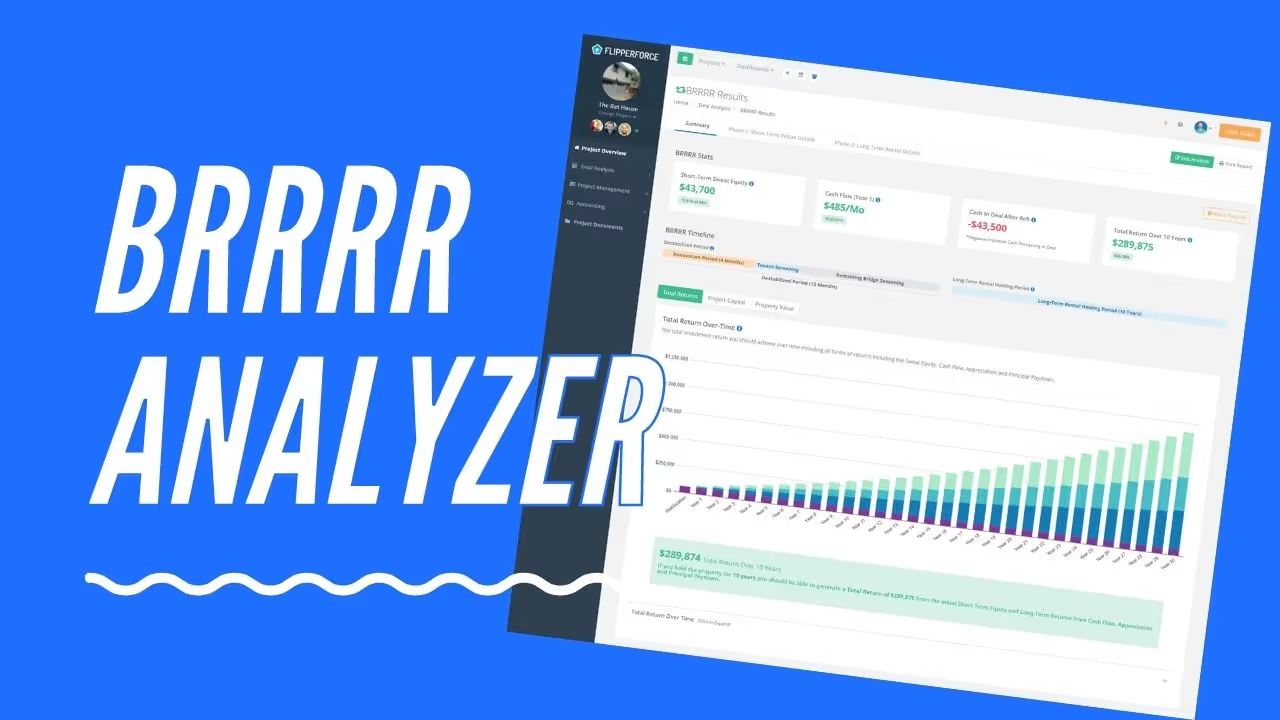
BRRRR Analyzer Default Settings let you pre-configure all of your standard BRRRR deal assumptions so every new analysis starts with your preferred financing terms, holding costs, and property management defaults already filled in.
The Default Settings panel stores your go-to BRRRR variables — including loan terms, interest rates, rental income assumptions, vacancy rates, and operating expense percentages — and automatically populates them whenever you start a new BRRRR analysis.
Navigate to your Account Settings and open the BRRRR Analyzer Defaults section. Enter your standard assumptions for financing (LTV, interest rate, term), rental income, property management fees, and monthly expenses. Save your settings, and every future BRRRR analysis will open with these values pre-filled.
If you're analyzing multiple BRRRR deals per week, re-entering the same financing and expense assumptions every time is a significant time drain. Default Settings make your analysis process faster and more consistent, so you spend less time on data entry and more time evaluating the deals that matter.