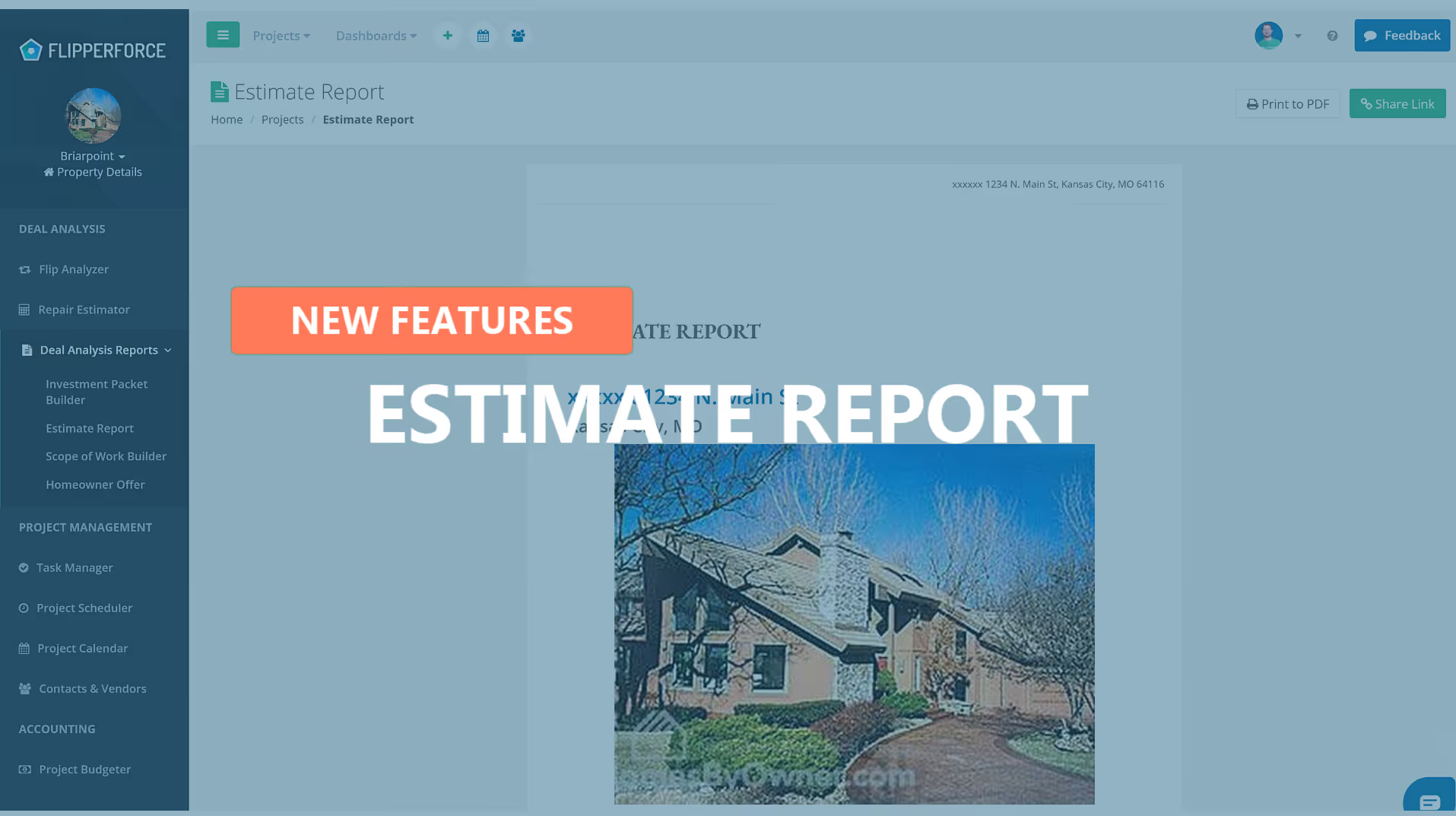
The Estimate Report transforms your Repair Estimator data into a clean, professional PDF document that summarizes your entire cost estimate in a format that's easy to share with lenders, investors, or partners.
The Estimate Report compiles all of your line-item repair estimates from the Repair Estimator into a formatted report that includes trade categories, quantities, unit costs, and total estimated amounts. It presents your rehab budget in a polished, presentation-ready layout.
After completing your repair estimate, navigate to the Reports section within the Repair Estimator and select "Estimate Report." Preview the generated report, then download it as a PDF. Share it with your hard money lender to satisfy draw inspection requirements, or use it with contractors to communicate your scope and budget expectations.
Lenders and private investors need to see that your renovation budget is credible and well-organized before they'll fund your deal. A professional Estimate Report signals that you're a serious operator — increasing your credibility, accelerating approvals, and making it easier to raise capital for every project.