With the Overall Workspace Activity Log, you no longer have to navigate through individual project Activity Logs. Instead, you can access a comprehensive overview where you can effortlessly track and monitor major activities, events, and updates across all of your projects.
This feature is especially beneficial for real estate businesses with multiple teammates collaborating on projects. The Workspace activity log provides essential visibility into every project and allows you to stay informed about the progress and tasks your teammates are working on. It's the perfect solution for keeping everyone on the same page and ensuring efficient collaboration within your business.
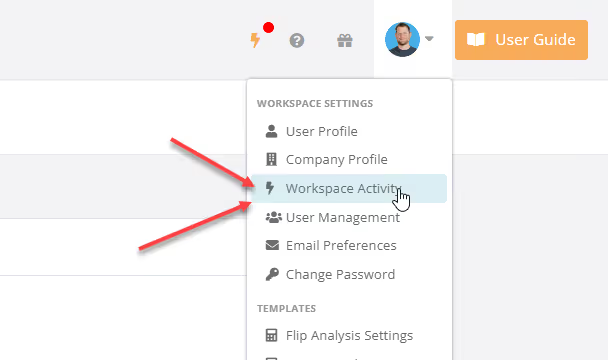
You can access the Workspace Activity Log in the Avatar dropdown menu in the top navbar.